7800 MultiFrame Manual
7812DCDA2Q-HD (-AA, –AES4) Dual Path HDTV Down-converter
Revision 1.0 Page 63
7.11. CONFIGURING THE AUDIO 5.1 DOWN-MIX CONTROLS
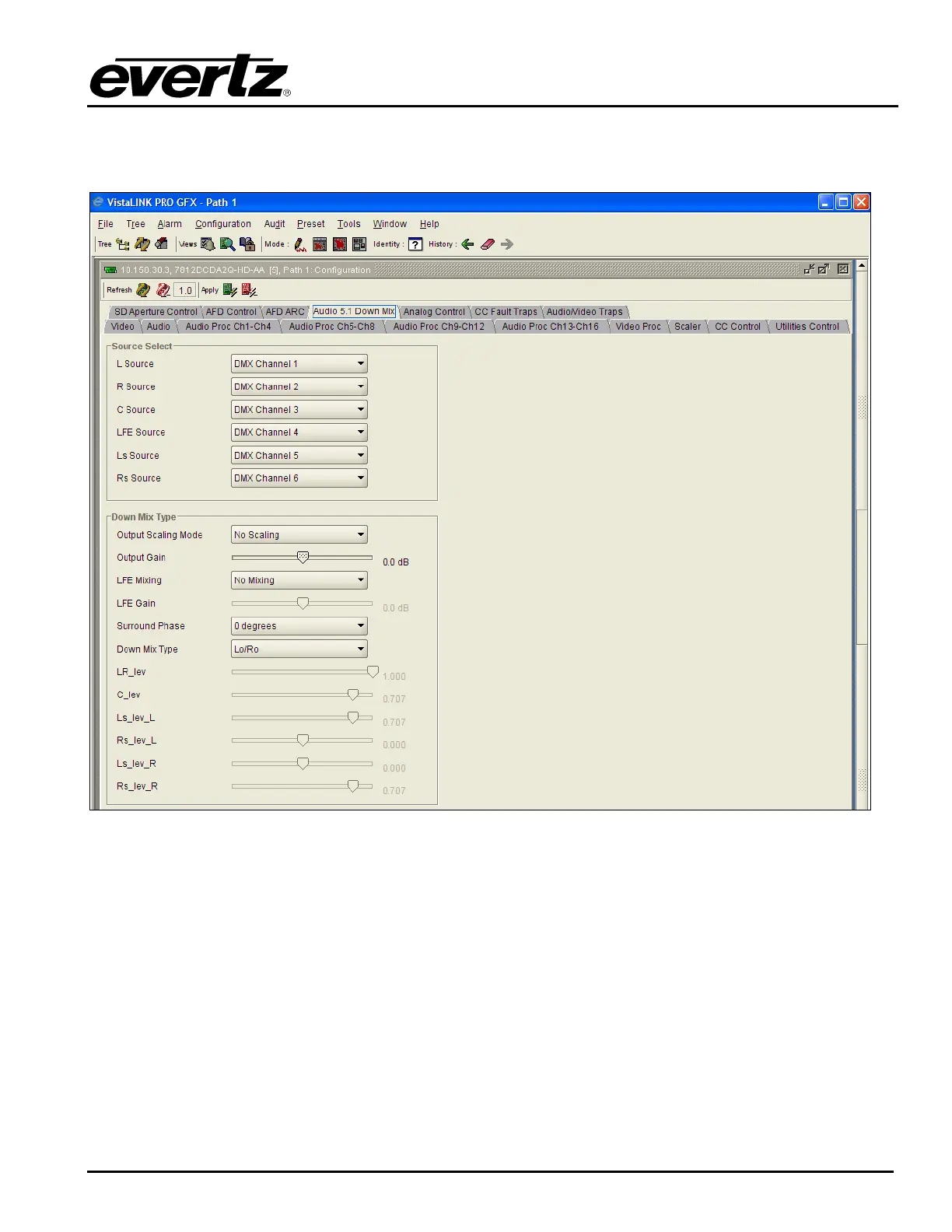
The 7812DCDA2Q series modules can perform 5.1 PCM to stereo (LtRt or LoRo) down mixing.
Figure 7-44: Audio 5.1 Down Mix
7.11.1. Setting the Source Select Controls
The Source Select section enables the user to assign a particular channel to be used as a particular audio
source in the down mix. The following sources are available in the source select section: L Source, R
Source, C Source, LFE Source, Ls Source, and Rs Source. Each of these sources can be assigned a
channel using the appropriate drop down menu. For sake of brevity, only the L Source selection process is
shown. To assign a channel to L Source, navigate to the source and select a channel from the adjacent
drop down menu.



 To Next Page