7800 MultiFrame Manual
7812DCDA2Q-HD (-AA, –AES4) Dual Path HDTV Down-converter
Page 40 Revision 1.0
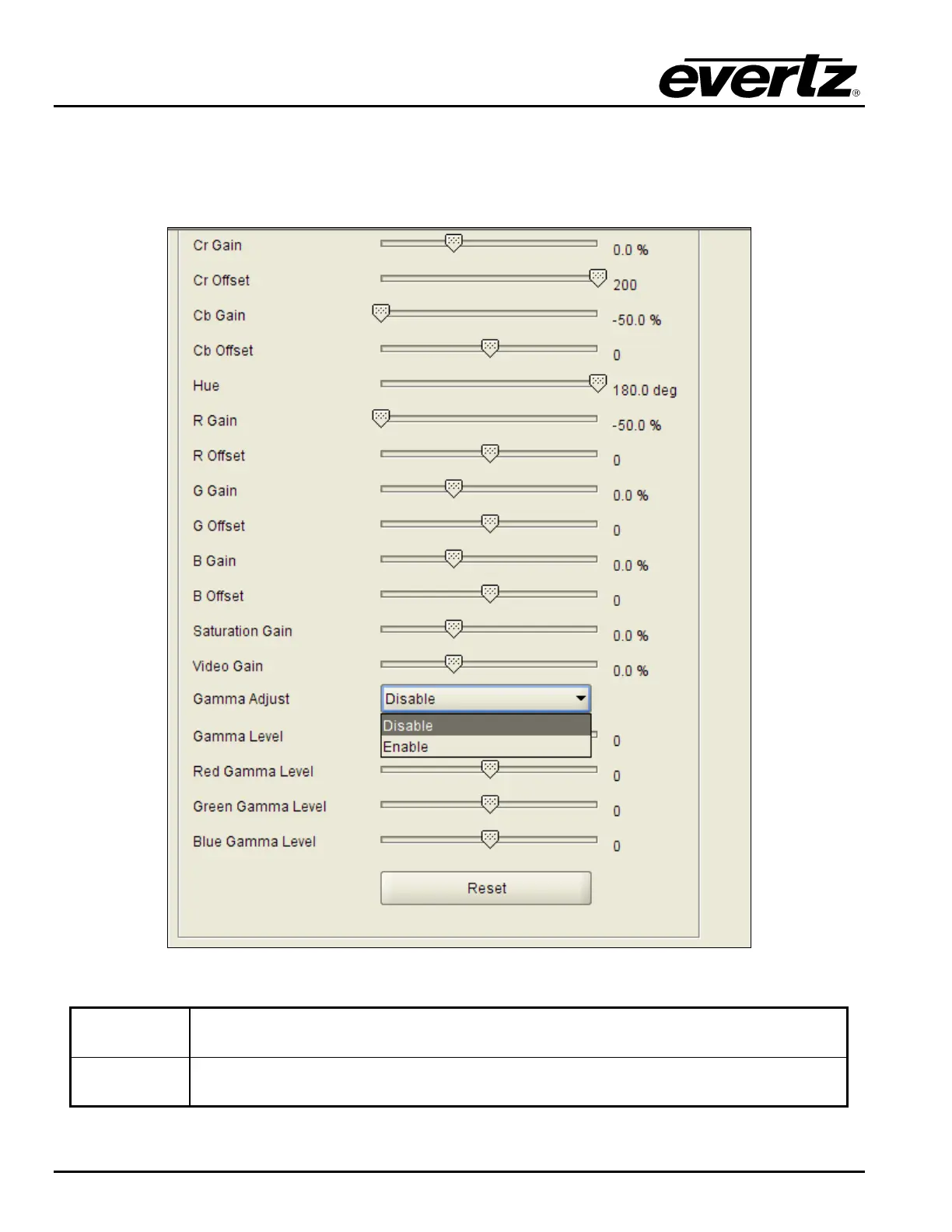
7.4.5. Enabling the Gamma Adjust
The Gamma Adjust control enables and disables the gamma adjustment functionality of the 7812DCDA2Q
series. When enabled, the module will allow the user to adjust the gamma level. If disabled, then the
gamma level is set to 0. The VLPRO interface for the Gamma Adjust control is shown in Figure 7-27.
Figure 7-27: Gamma Adjust Drop Down Menu
Enable
The ability to adjust the gamma of the video signal is enabled. Gamma Level, Red
Gamma Level, Green Gamma Level, Blue Gamma Level controls are enabled.
Disable
The ability to adjust the gamma of the video signal is disabled. Gamma Level, Red
Gamma Level, Green Gamma Level, Blue Gamma Level controls are disabled.



 To Next Page