7800 MultiFrame Manual
7812DCDA2Q-HD (-AA, –AES4) Dual Path HDTV Down-converter
Revision 1.0 Page 51
The full set of available options for the Recall Preset control is as follows:
Default
Recall the module’s factory default configuration
Preset 1
Recall User Preset 1
Preset 2
Recall User Preset 2
Preset 3
Recall User Preset 3
Preset 4
Recall User Preset 4
Preset 5
Recall User Preset 5
Preset 6
Recall User Preset 6
Preset 7
Recall User Preset 7
Preset 8
Recall User Preset 8
Preset 9
Recall User Preset 9
Preset 10
Recall User Preset 10
7.7.2. Storing Configurations to User Presets
The Store User Preset control is used to initiate a store of the current card configuration into one of the
specific user presets. To store a card configuration to a specific preset, select the preset to which you
wish to store the card settings and press the APPLY button. There are 10 presets to which you can store.
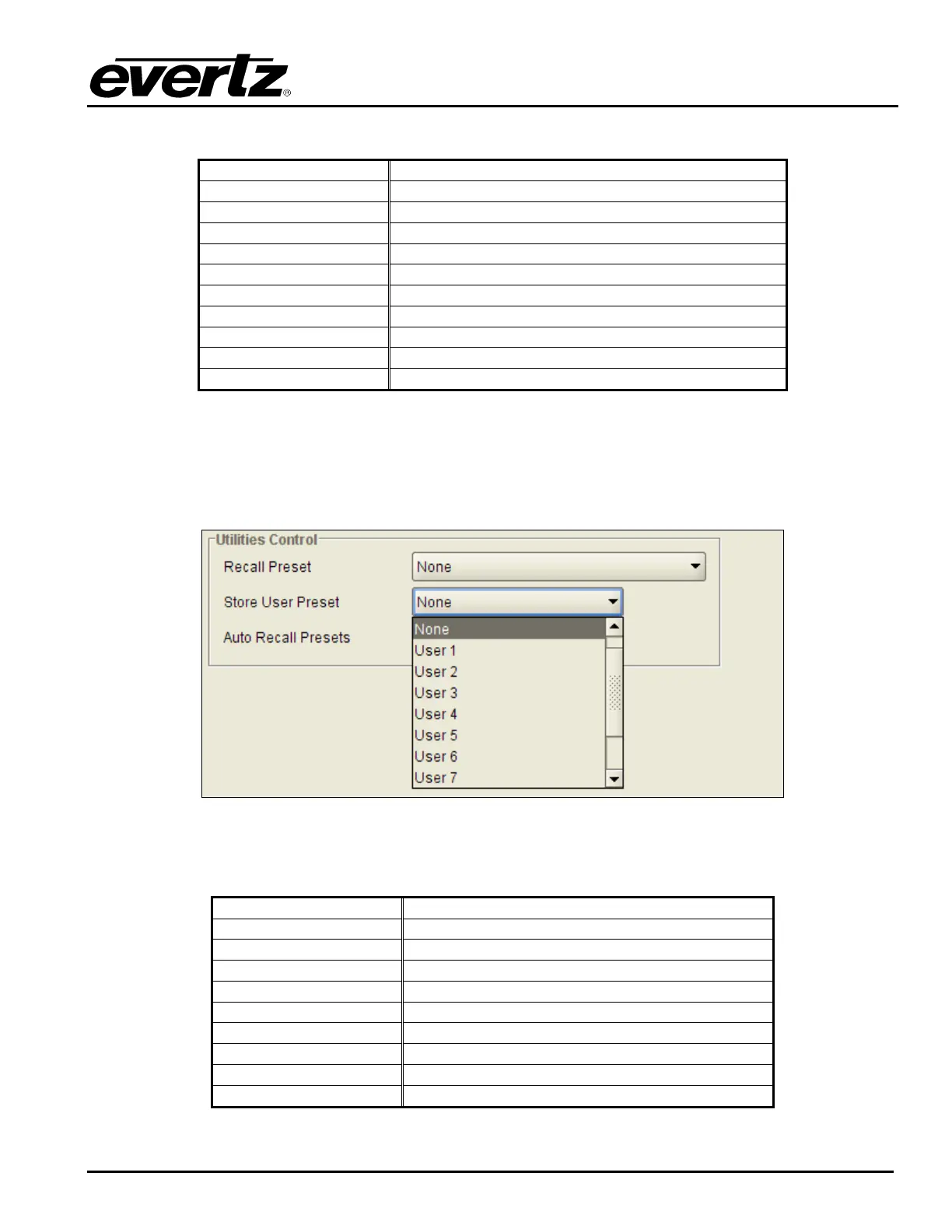
The VLPRO interface for the Store User Preset control is shown in Figure 7-35.
Figure 7-35: Store User Preset Drop Down Menu
The full set of options available for the Store User Preset control is shown below.
Preset 1
Store to User Preset 1
Preset 2
Store to User Preset 2
Preset 3
Store to User Preset 3
Preset 4
Store to User Preset 4
Preset 5
Store to User Preset 5
Preset 6
Store to User Preset 6
Preset 7
Store to User Preset 7
Preset 8
Store to User Preset 8
Preset 9
Store to User Preset 9
Preset 10
Store to User Preset 10



 To Next Page