7800 MultiFrame Manual
7812DCDA2Q-HD (-AA, –AES4) Dual Path HDTV Down-converter
Page 38 Revision 1.0
7.4.1. Enabling the RGB Clipper
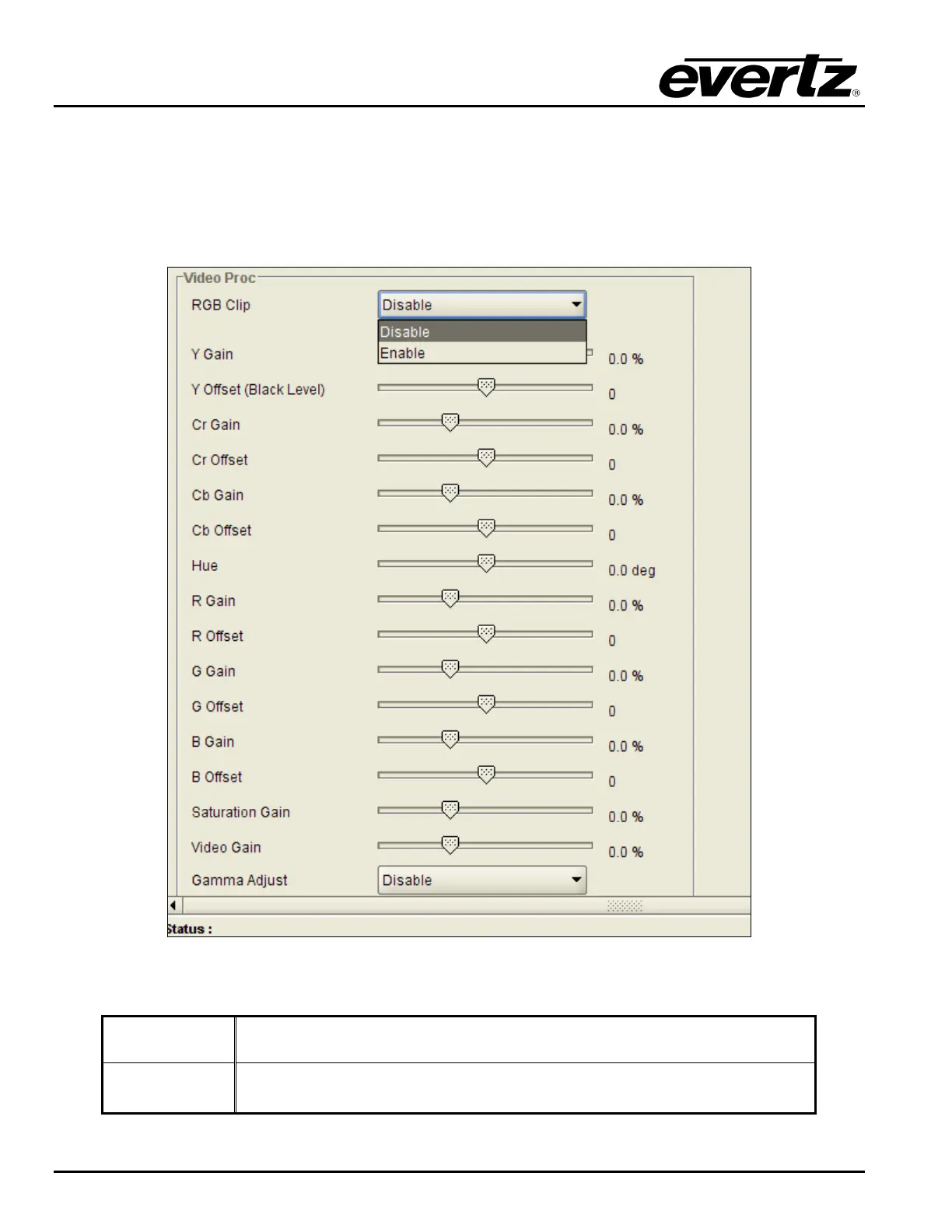
The RGB Clip controls the RGB clipping/colour legalization process. When set to enable, the module will
clip any illegal levels of R, G, and B (individually) to their respective Black and White Levels. If disabled,
then the illegal values are passed unmodified. This control is normally set to Disable in order to allow for
Super Black or other test patterns to pass through the module. The VLPRO interface for the RGB Clip
control is shown in Figure 7-26.
Figure 7-26: RGB Clip Control
Enable
The module will clip any illegal levels of R, G, and B (individually) to their
respective Black and White Levels.
Disable
Video will pass through this processing block un-modified and illegal RGB
values will pass.



 To Next Page