7800 MultiFrame Manual
7812DCDA2Q-HD (-AA, –AES4) Dual Path HDTV Down-converter
Page 30 Revision 1.0
Disable
Audio embedding for group 1 will be disabled.
Enable
Audio embedding for group 1 will be enabled.
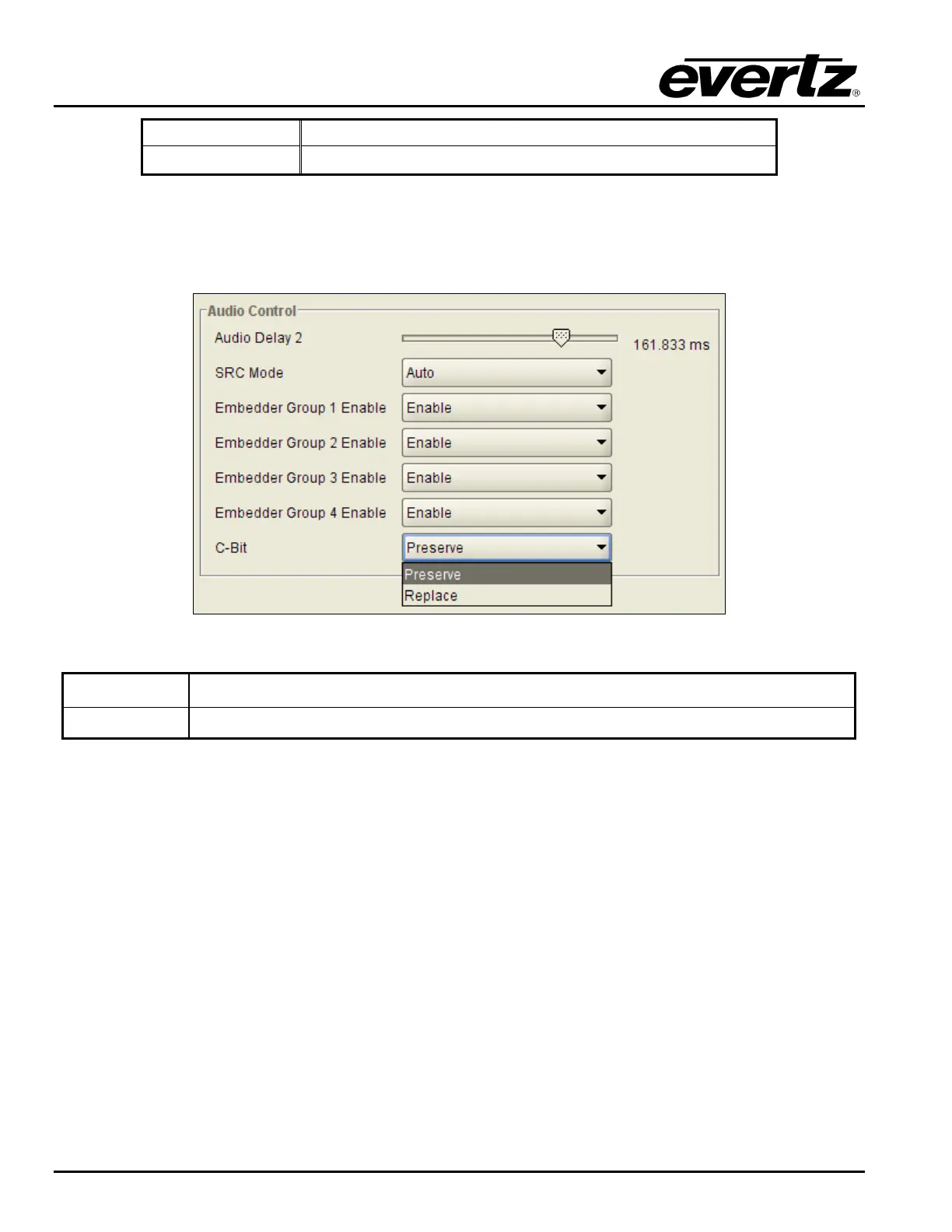
7.2.4. Configuring the C-Bit Control
This control enables the user to set the C-Bit Control. The VLPRO interface for the C Bit control is shown
in Figure 7-16.
Figure 7-16: C-Bit Audio Control
Preserve
This option preserves/passes the C-Bit settings from audio inputs to audio outputs.
Replace:
This option replaces the C-Bit settings.
7.2.5. Audio Monitor Settings
The Audio Monitor section enables the user to monitor the status of several key video and audio
parameters. The VLPRO interface for the Audio Monitoring section of the Audio control tab is shown in
Figure 7-17.



 To Next Page