7800 MultiFrame Manual
7812DCDA2Q-HD (-AA, –AES4) Dual Path HDTV Down-converter
Page 44 Revision 1.0
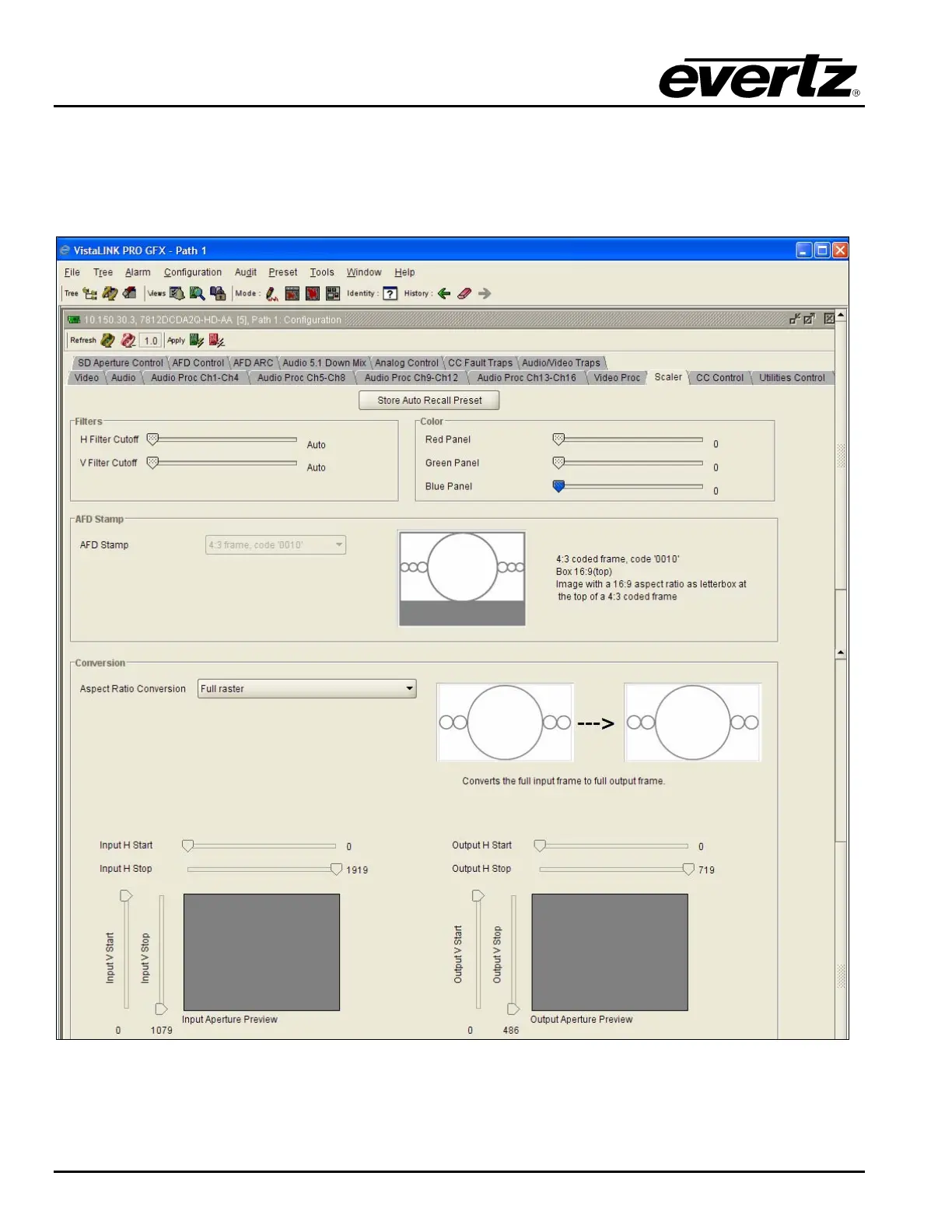
the AFD Stamp Source control (within the AFD Control Tab) is set to ‘Use Scaler’, the AFD Stamp control
within the Scaler control tab is disabled. There are 16 different possible AFD values to select from. The
VLPRO interface for the AFD Stamp control is shown below. Note that a pictorial representation of what
each individual code actually means will be presented to the right of the AFD Stamp control drop down
menu.
Figure 7-29: Scaler Screen



 To Next Page