7800 MultiFrame Manual
7812DCDA2Q-HD (-AA, –AES4) Dual Path HDTV Down-converter
Page 68 Revision 1.0
7.12.1. Configuring the Analog Video Output Display Mode
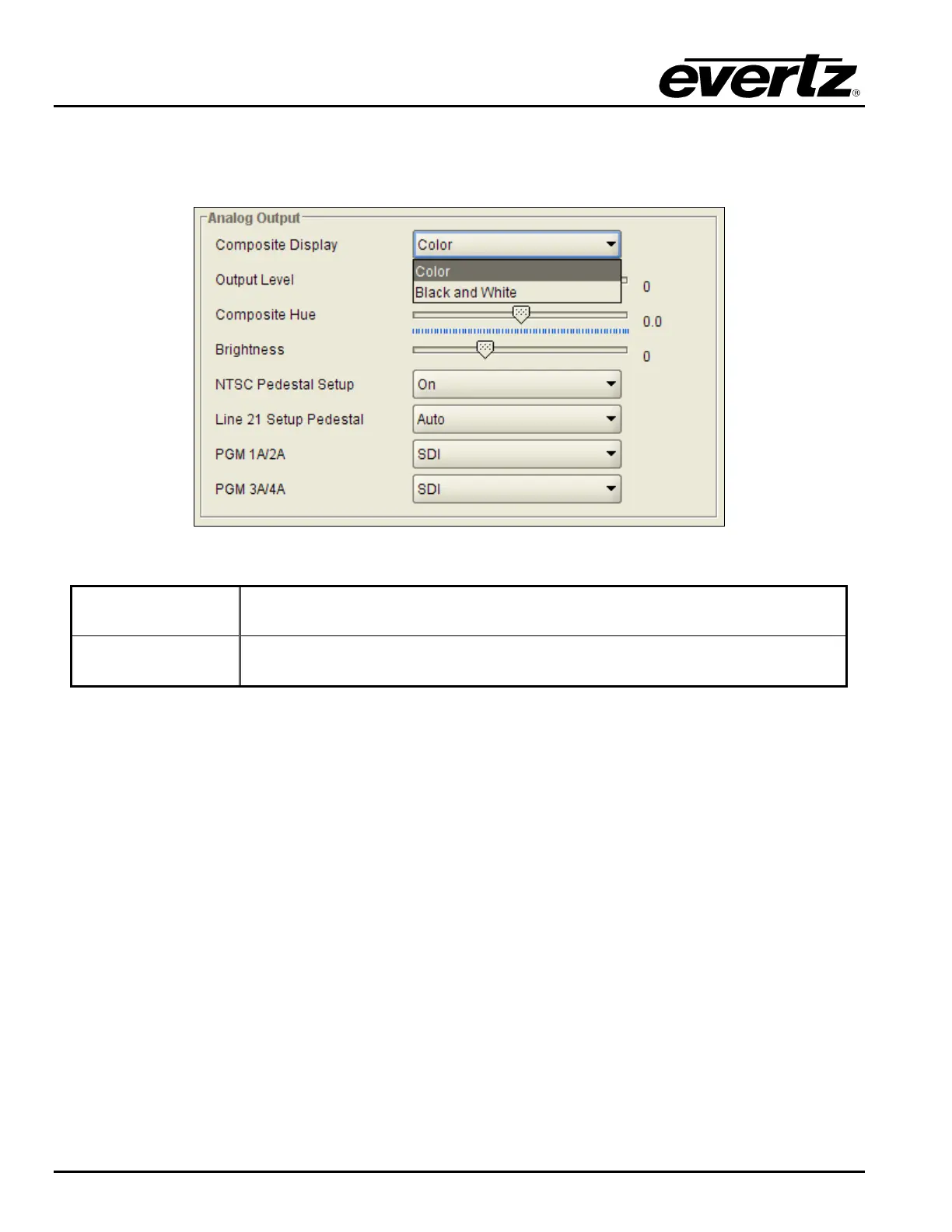
The Composite Display control allows the user to define if the composite analog video signal will be
generated to support only Black and White displays or if it will be configured to support color displays.
Figure 7-48: Composite Display
Colour
Composite video signal will have color information modulated onto the
outgoing video signal.
Black and White
Composite video signal will NOT have color information modulated onto the
outgoing video signal.
7.12.2. Configuring the Analog Video Output Level
The Output Level control allows the user to set gain levels for the composite analog video output. The
range for this control is –100 to +100. Slide the control bar left to decrease applied gain and slide the bar
right to increase the applied gain.
7.12.3. Configuring the Analog Video HUE
The HUE control allows the user to set the Hue for the composite analog video outputs. The range for this
control is –17.5 to +17.5 degrees. Slide the control bar left to decrease applied gain and slide the bar right
to increase the applied gain.
7.12.4. Configuring the Analog Video Brightness
The BRIGHTNESS control allows the user to set the Brightness for the composite analog video outputs.
Slide the control bar left to decrease applied gain and slide the bar right to increase the applied gain.



 To Next Page