7800 MultiFrame Manual
7812DCDA2Q-HD (-AA, –AES4) Dual Path HDTV Down-converter
Page 74 Revision 1.0
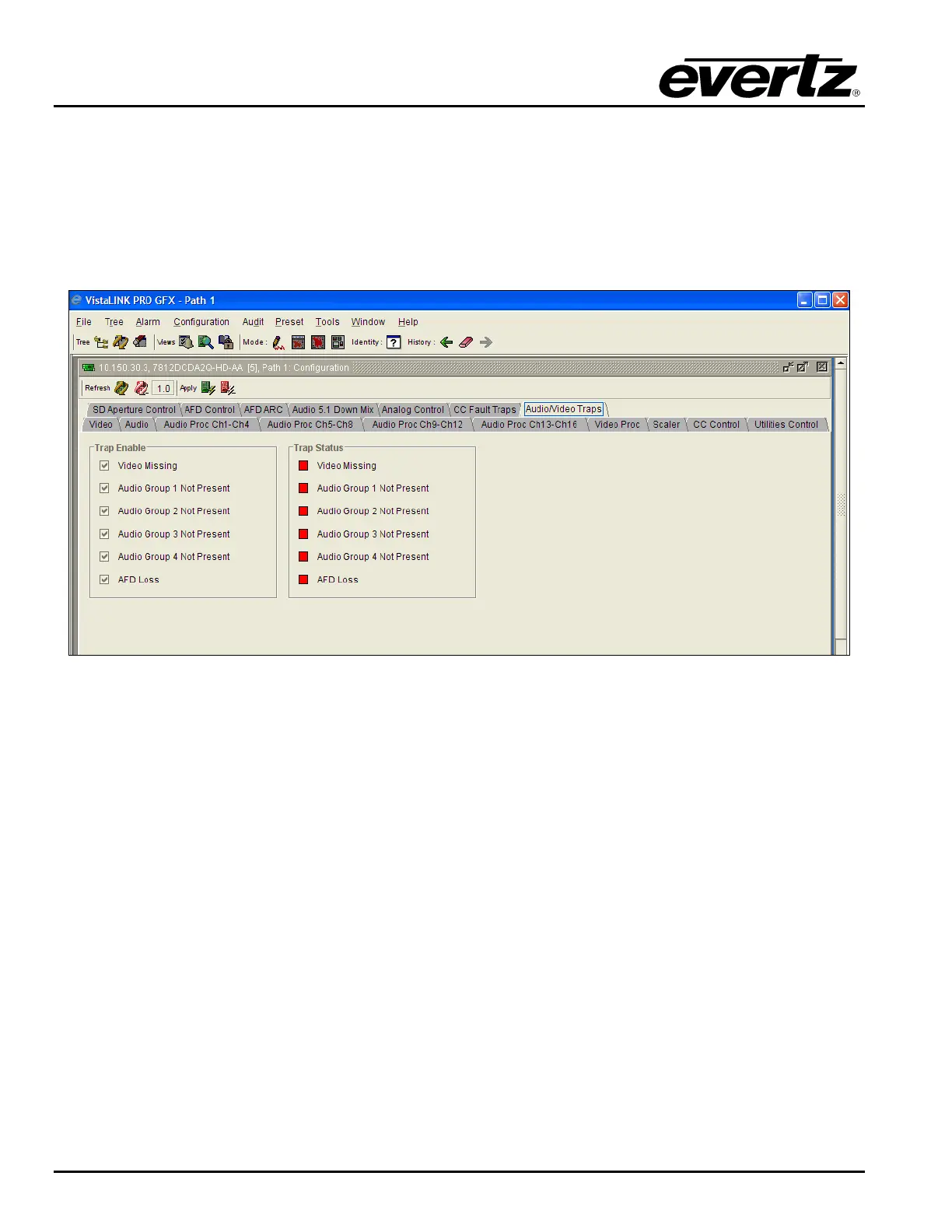
7.15. SETTING THE AUDIO/VIDEO TRAPS
This control allows the user to enable Audio and Video traps and monitor the trap status. To enable a
particular trap, simply click the box located beside each trap so that a check-mark appears. When a
check-mark is present, the trap is enabled. When a check-mark is not present, the trap is disabled.
The Trap Status section defines whether a trap is present or missing. If the box is green, then the
corresponding trap is present. If the box is red, then the corresponding trap is missing.
Figure 7-53: Audio/Video Traps



 To Next Page