Eyecon 9420 & 9430 Instruction Manual 87
4.3 Validation mode operation
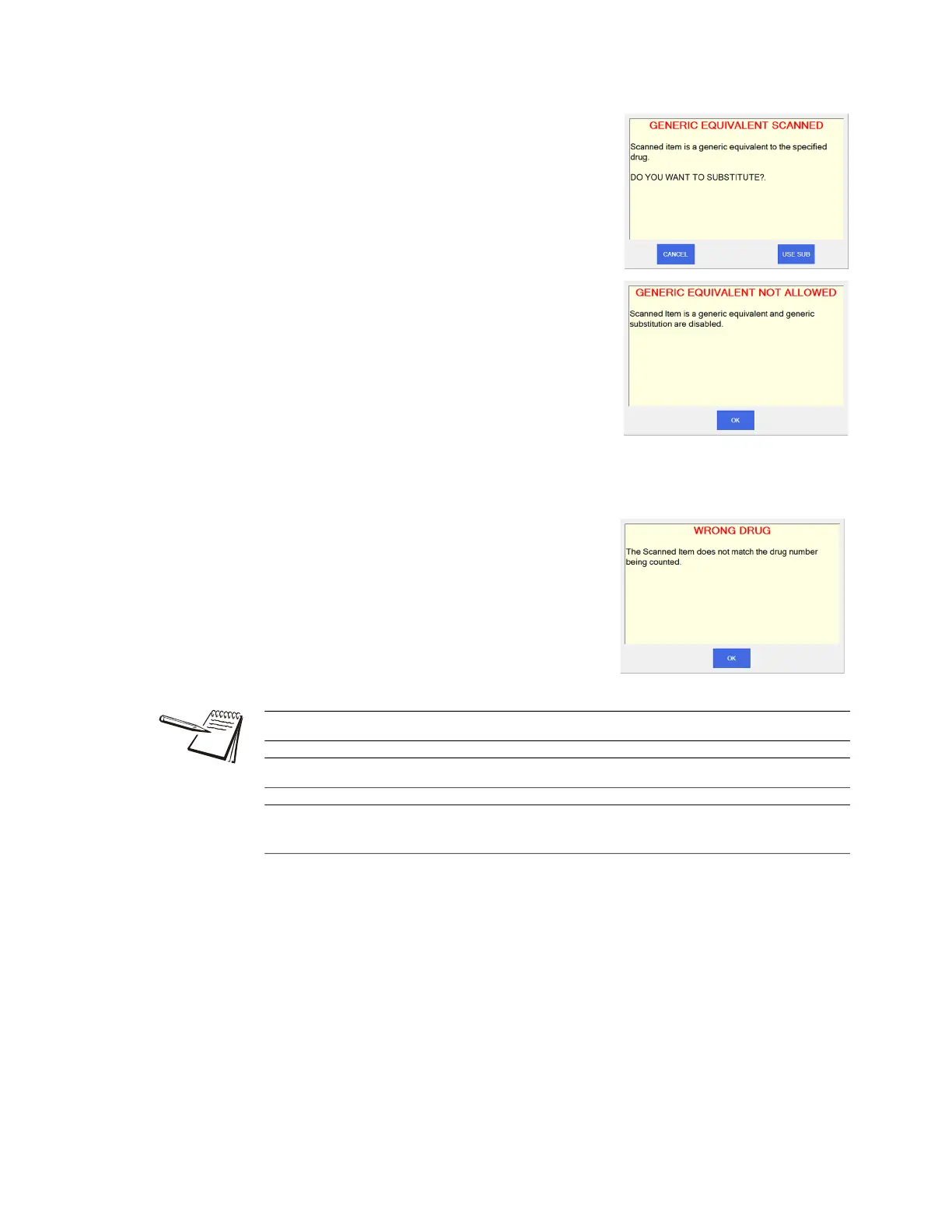
Generic Substitution
This is allowed only if enabled in the General menu.
See Drug Substitution on page 27.
If Equiv Drug is selected, you will be prompted to
approve the substitution if the selected drug is a
generic equivalent. See the top screen at right.
If Equiv Drug is not selected, you will see the
warning at right, bottom, telling you that it can’t be
substituted.
Wrong Drug
The warning at right, will be displayed if the
scanned stock item is not the correct one
specified for this prescription and it is also not a
generic equivalent drug.
See Unit of Use for pill counting on page 100 for details.
See Dispensing large quantities on page 104 for more information.
If any details on the right side of the COUNT screen are incorrect, press the Edit
Drug button. See Edit drug database on page 98.



 To Next Page