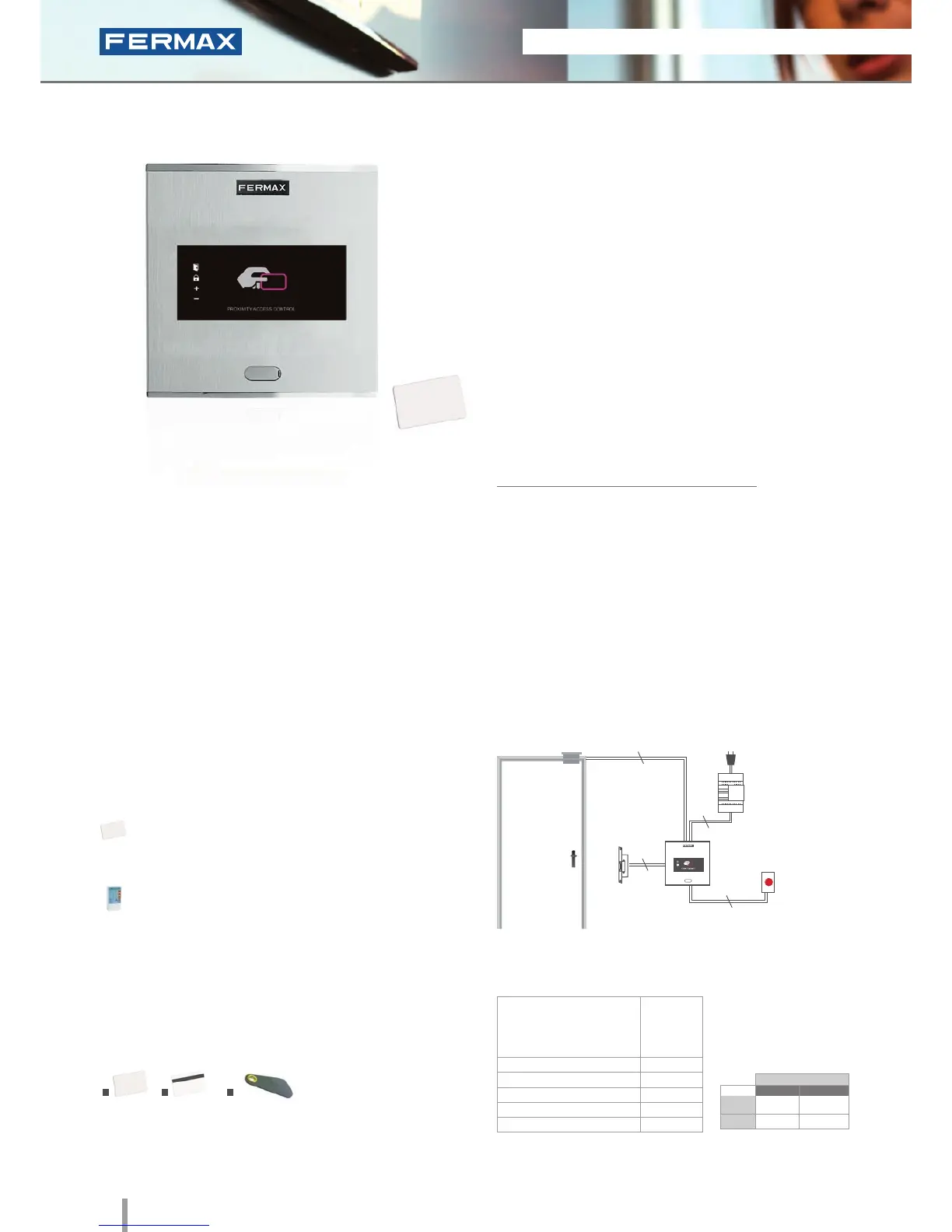
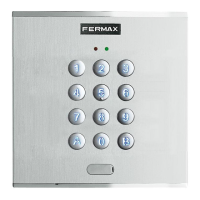
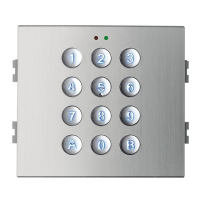
Cityline Private
Ref.6992
Proximity
• Access control reader which allows the door to be opened
by swiping the proximity card or keyring. Only authorised
cards or keyrings activate the device. Physical contact is not
necessary.
• Integrated within the Cityline aluminum panel.
• Flush mounted (ref.8948, including box) or surface
installation (ref.7061, optional).
• Recommended for interior and exterior use.
• Reader and controller integrated within the same module.
• Can operate as a stand-alone or centralised system.
Congurable between dipswitches (SW2).
Configuration as a STAND-ALONE system:
• Capacity: up to 400 user cards or keyrings.
• Acoustic and visual confirmation using LEDs which
advise if the card swiped has been accepted/rejected.
Dimensions: (horizontal)x(vertical)x(depth) mm
INSTALLATION
SPECIFICATIONS
• Dimensions:
* Reader
* Flush Mounted Box
* Surface Box
• Environmental Protection (IP)
• Anti-Shock Protection (IK)
• Power Supply (V)
• Consumption (mA) S/lock-release
• Operating Temperature
130x128
115x114x45
130x128x33
54
07
12V (ac/dc)
90
-15º to 55ºC
TECHNICAL FEATURES
• Does not require physical contact.
5cm (card) or 1.5cm (keyring) reading distance.
• Acoustic and visual status data.
• Status LEDs (help in programming and determining
status).
• Manual programming (using master card or keyring)
or via PC software (card activation/deactivation).
• Door sensor and exit button control.
• Relay output.
• Relay lock-release activation with programmable
time. Programmable from 1 to 99 seconds.
IDENTIFIERS
1. Card without magnetic strip (ref.23361); 2. Card with magnetic strip
(ref.2336); 3. Proximity keyring (ref.44501).
The reader is located in the exterior area. The rest of the
devices are connected to this module and they are installed in
the building's interior: power supply and lock-release. An exit
button can be used optionally.
Lock-Releases
Exit Button
Power Supply
Ref.6992
230Vac
2
2
2
2
PROGRAMMING
This can be done in 3 ways:
Master card: The first time the power supply is
connected, the system waits for a proximity card to be
swiped. This is then considered the "master card".
Keypad: Recommended if we want to deactivate
faulty cards.
PC Software: For managing user activation/
deactivations.
The WINPROX software can be downloaded from
www.fermax.com
1 2
3
STAND-ALONE
12Vdc
12Vac
30708
3071
2888
2880
* Door lock recommended.
Normal
References
Reinforced







 To Next Page