Dimensions: (horizontal)x(vertical)x(depth) mm
• Dimensions:
* Reader
* Flush Mounted Box (included)
* Surface Box (optional)
• Environmental Protection (IP)
• Anti-Shock Protection (IK)
• Power Supply (V)
• Consumption (ma) S/lock-release
* Fingerprint
* Keypad
• Operating Temperature
130x246
115x233x45
130x246x33
43
07
12Vdc
118
40/110
-10º to 55ºC
See “ Double
Technology Reader
Installation Diagram".
Fingerprint
Cityline Keypad +
Wiegand26-Data/Clock
Fingerprint
Ref.6996
TECHNICAL FEATURES
PROGRAMMING
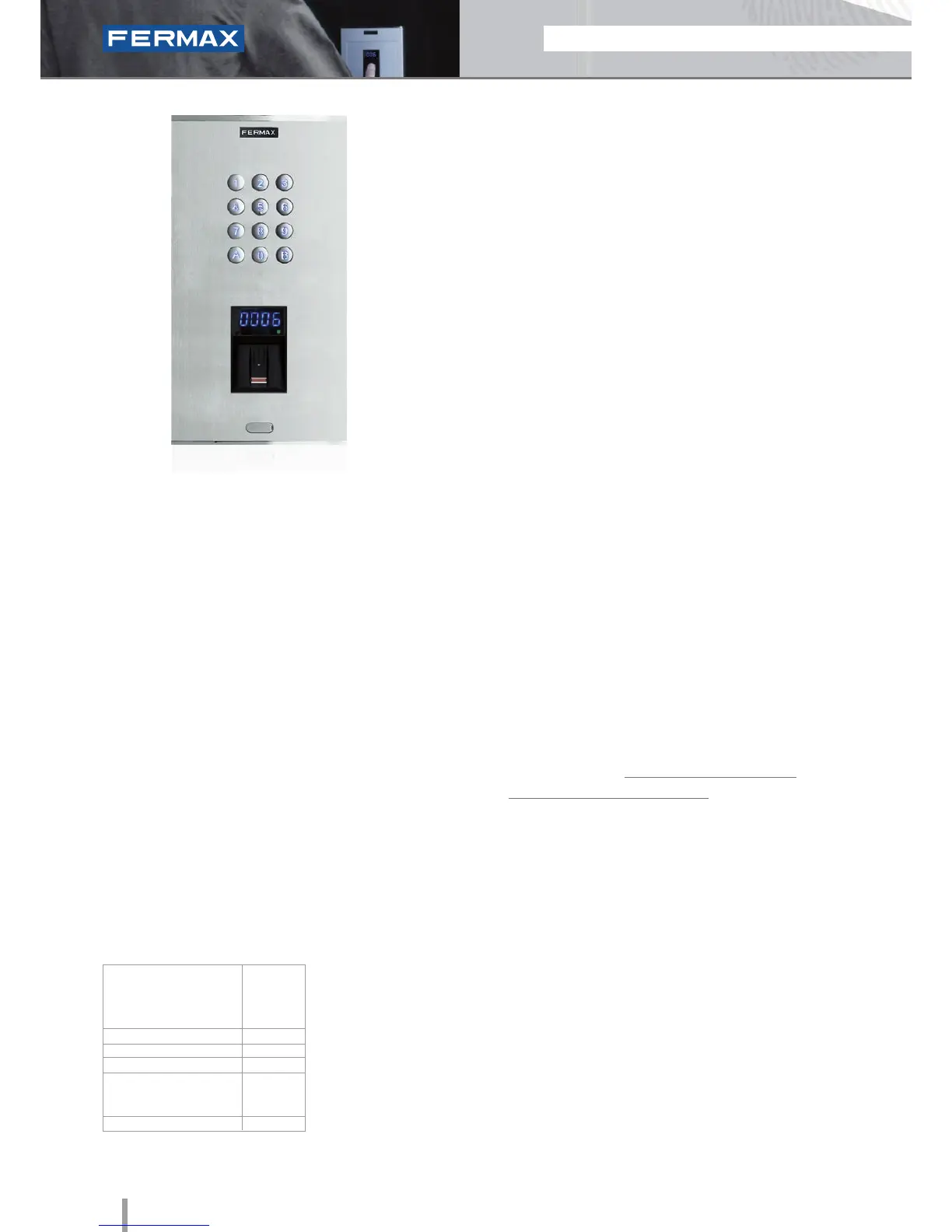
• Biometric ngerprint access reader with capacitive
sensor. Identifies the user by way of their fingerprint (unique,
unrepeatable characteristic for each individual).
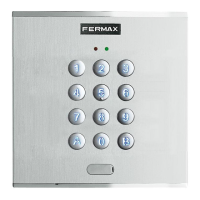
Built-in proximity reader. Reader also includes a keypad.
Functions as follows:
- For cases where ngerprints cannot be authorized, use
integrated Proximity or Keypad.
- Security mode: The reader includes a keypad for dual
security function: Fingerprint+Code, for the same User.
• Integrated within the Cityline aluminum panel.
• Flush mounted (ref.8855) or surface installation
(ref.7065, optional).
• Recommended for interior and exterior use.
• Requires a door controller (ref.4420) for its connection
and operation.
• Can run as stand-alone or centralized system (dipswitch
configurable).
Configuration as a CENTRALISED system with
Wiegand26-Data Clock protocol:
• Capacity (number of users):
- 1.020 users with MDS Central Unit (ref.2405).
- 2.048 users with CAC Central Unit (ref.4410).
Note: prints are authorized in the reader and then sent on
to the Central Unit.
• Acoustic and visual confirmation using status LEDs which
indicate if a fingerprint has been accepted or rejected.
• Reading Method. To ensure the fingerprint is read correctly, the
user should run their finger downwards along the reader (from
top to bottom), at a constant speed and exerting light pressure.
• Includes a software CD and infrared remote keypad.
KEYPAD
The identifier is not material since it is memorized by the user.
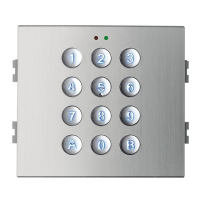
The user code is entered via the keypad. Access control
keypad lets you open the door by entering a previously
programmed 4 or 6 digit code.
There are a number of people whose fingerprints do not not
have the necessary information to be set up on a biometric
system. This applies to 1% of the population. In these cases,
the use of an alternative technology such as Fingerprint and
Keypad combined is recommended.
Programming is done thanks to the software package
which can be downloaded from www.fermax.com.
The ngerprint codes are provided by the PC application
and should by set up on the control system (central unit).
• The Wiegand Readers (WG)/Data-Clock allow greater
anti-vandalism security given that the reader is not
connected to the lock-release mechanism or the exit
button. All devices are connected to the door controller
and therefore are outside the range for interference.
The door controller is installed in the interior area
(secure area) and the reader on the exterior.
• The reader can be used with other door controllers
which use Wiegand 26 (WG) or Data/Clock protocols.
• Wiring: 7 wires to the door controller.
• For more information see the door controller's Technical
Features section.
SPECIFICATIONS
INSTALLATION
CENTRALISED
Built-in Proximity reader







 To Next Page