FIMER_PVS-175-TL A.1 Version_Product manual_EN_RevC-
F
107
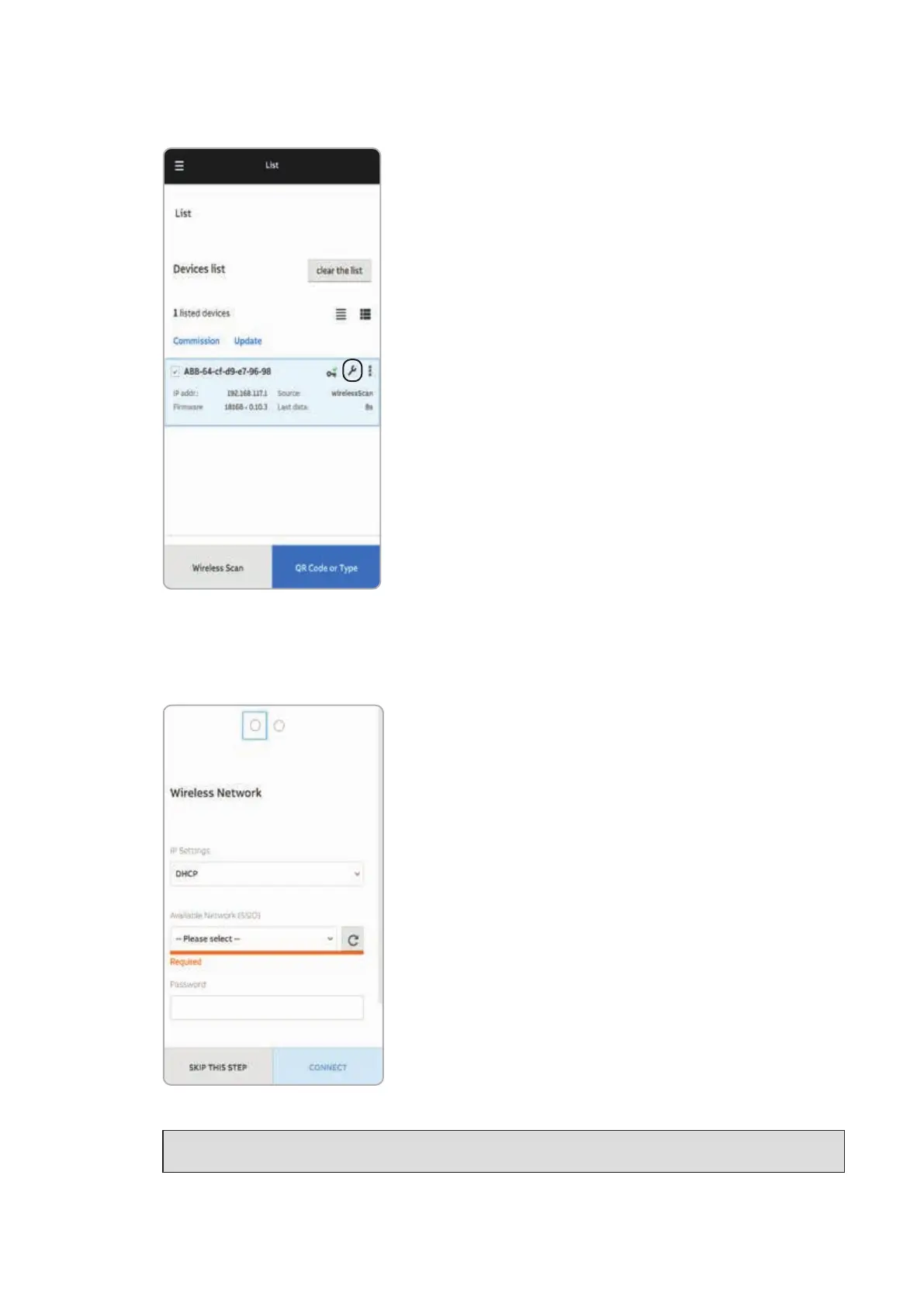
• Tap the “Commissioning” button.
• Enter the IP Settings (DHCP or Static), Network SSID and password.
Tap on “Connect” button to connect the inverter to the local wireless network.
NOTE – D If the inverter should not be connected to a Local wireless network tap on “Skip
this step” button (the inverter connection remains point-to-point).



 To Next Page