108 PF7/PF7+ Peristaltic Filler with QC14 Pumphead User Manual
Table 20 - Access restrictions - Reports
Reports tab item Description Default
Print Active/hidden Active
View Active/hidden Active
Delete Active/hidden Hidden
Export
Active/hidden/current batch
only
Active
Table 21 - Access restrictions - Settings
Settings tab item Description Default
Filling method Active/hidden Hidden
Units Active/hidden Hidden
Language Active/hidden Hidden
Change password Active/hidden Hidden
25.7 Supervisor access restrictions
Customise the usable options for all supervisor level users. The features and
capabilities are the same as the operator restrictions.
Refer to "Operator access restrictions" on page 105.
25.8 Printer and balance
Supported devices are automatically recognised when connected via USB.
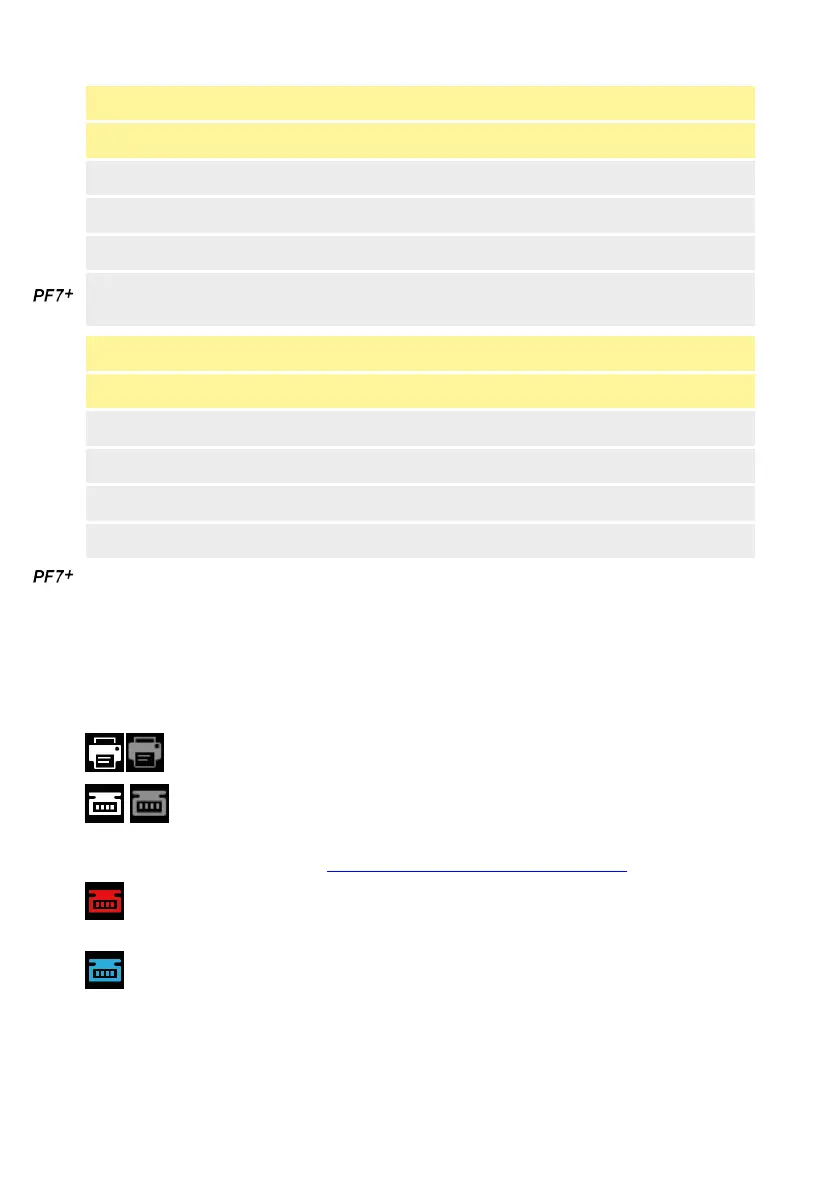
On the Screen info bar—supported printer is connected.
On the Screen info bar — supported balance is connected. To use a
connected balance, set the calibration units to weight.
For list of compatible devices: www.wmftg.com/softwareanddevices
On the Screen info bar —balance cannot be used. The calibration units are
set to volume. Refer to "Units" on page 105.
On the Screen info bar—auto-recalibration tolerance is set. Refer to "Auto-
recalibration tolerance" on page 65.
25.9 Default recipe
Sets the default values for when a new recipe is created.



 To Next Page