56 PF7/PF7+ Peristaltic Filler with QC14 Pumphead User Manual
19 Menu navigation
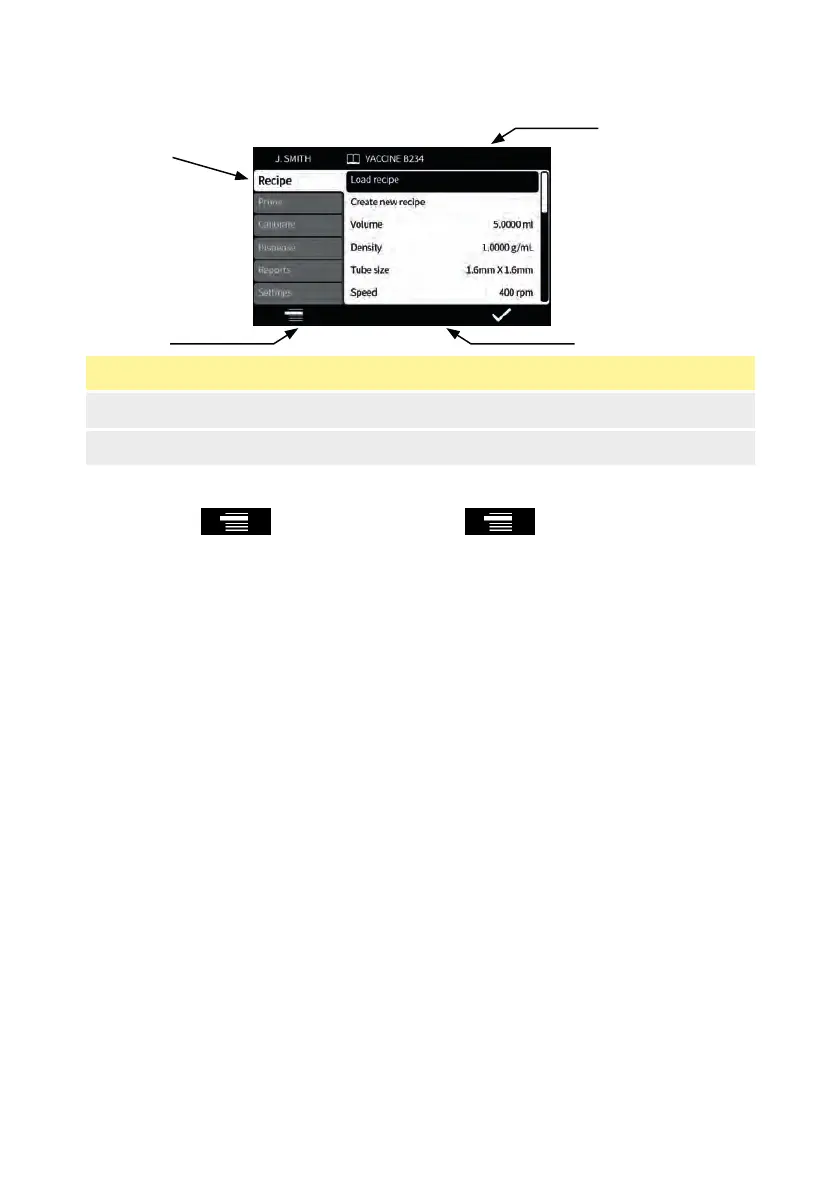
Figure 19 - Menu navigation
1. MODE tabs 2. Screen info bar
3. Smart key icon bar ("Glossary of icons" on page 42) 4. MODE icon
Smart key functions are indicated by the smart key icon bar.
Whenever the icon is displayed, press to scroll through the MODE
tabs. The active MODE tab is highlighted.
Keyboard operation—Refer to "USB keyboard operation" on page 40.



 To Next Page