42 PF7/PF7+ Peristaltic Filler with QC14 Pumphead User Manual
15.3.2 USB device troubleshooting
Issue Solution
USB device does not work or is
not recognised.
1. Turn the pump off using the power switch
on the rear of the pump.
2. Make sure the device is connected to the
USB port.
3. Turn the pump on using the power switch
on the rear of the pump.
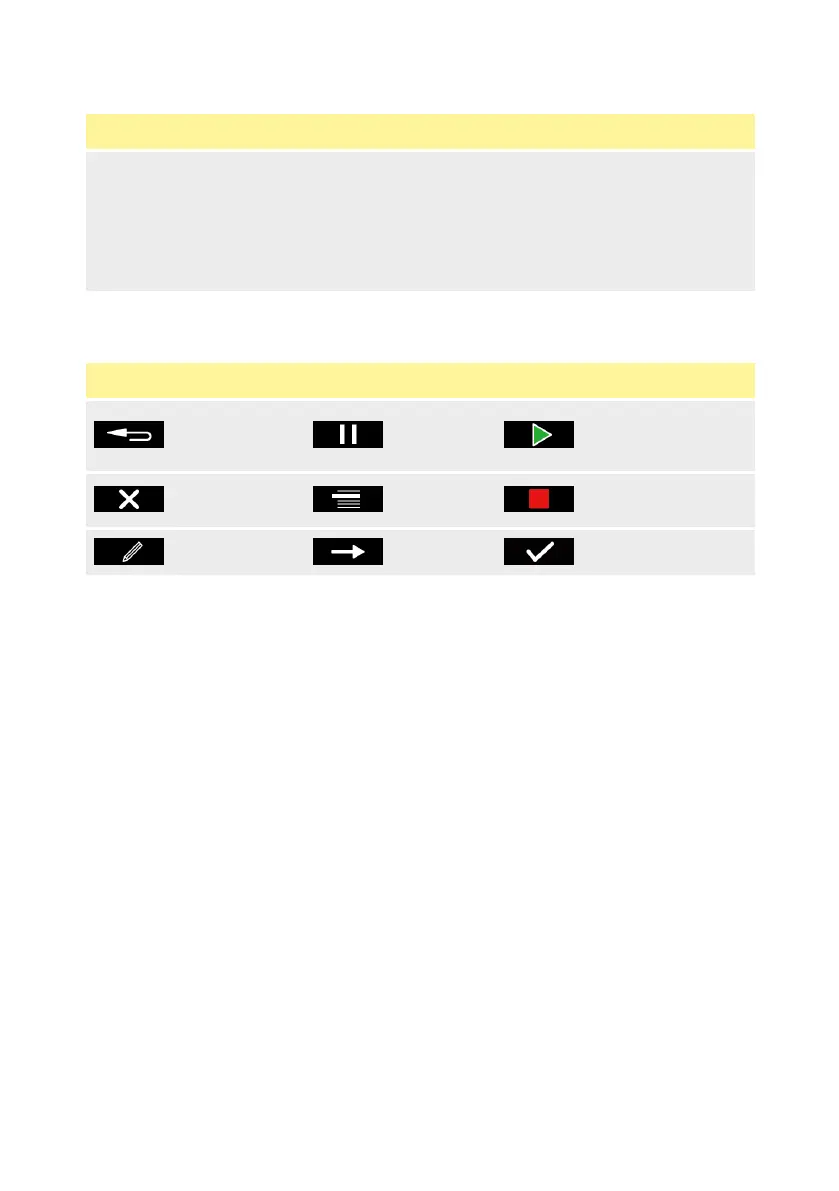
15.4 Glossary of icons
Table 7 - Smart key icons
BACK TO
PREVIOUS
SCREEN
PAUSE RUN
NO /
CANCEL
MODE STOP
EDIT NEXT YES/CONTINUE



 To Next Page