18 Log in
If you are logged in as a user and would like to switch to a different user first refer to
"Log out" on page 104.
If FDA 21CFR Part 11 compliance is enabled refer to "Enter the username if FDA
21CFR Part 11 compliance is enabled" on the next page.
i
Log in will return the user to recipe mode. In event of
power failure if a batch was in progress the user is
returned to complete the batch.
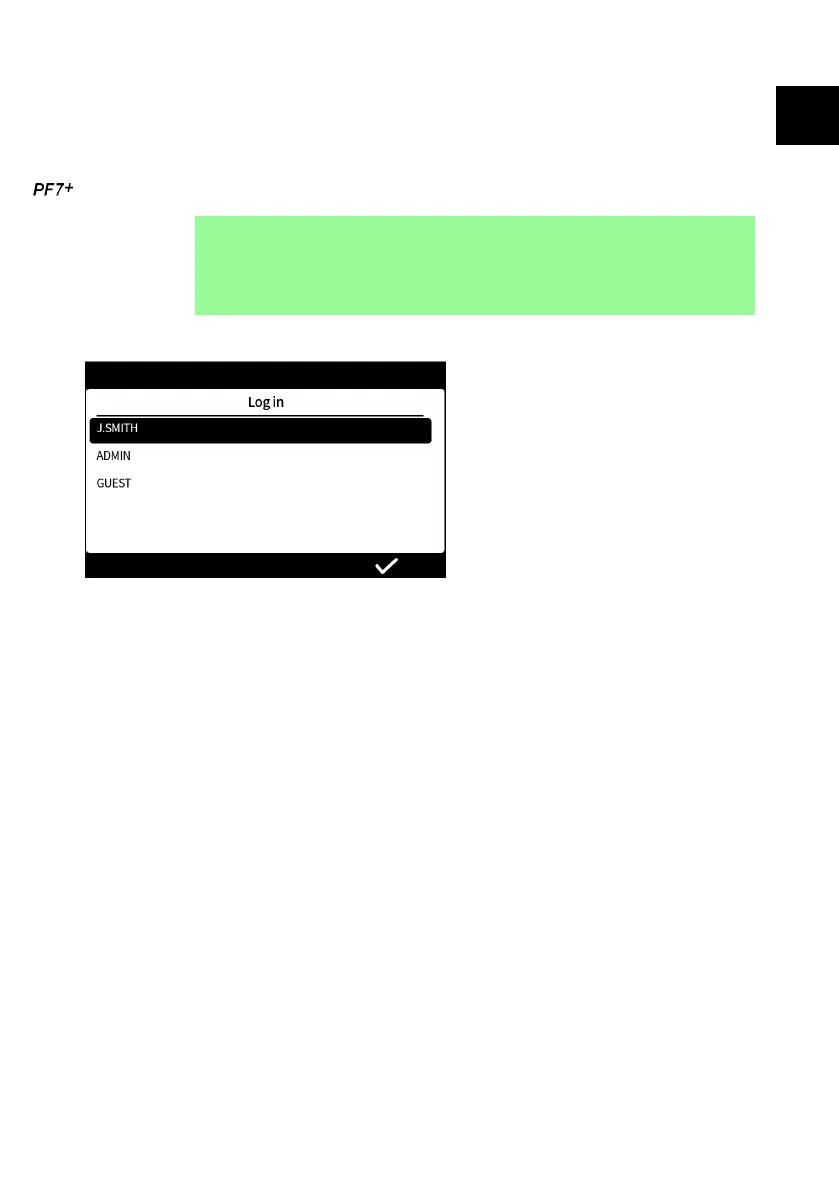
18.1 Select a user
Select the desired username.
The icon by the username indicates the type of user. Refer to "Glossary of icons" on
page 42.
PF7/PF7+ Peristaltic Filler with QC14 Pumphead User Manual 53
EN EN EN EN EN EN EN EN EN EN EN EN EN EN EN EN EN



 To Next Page