27.6 Saving a report
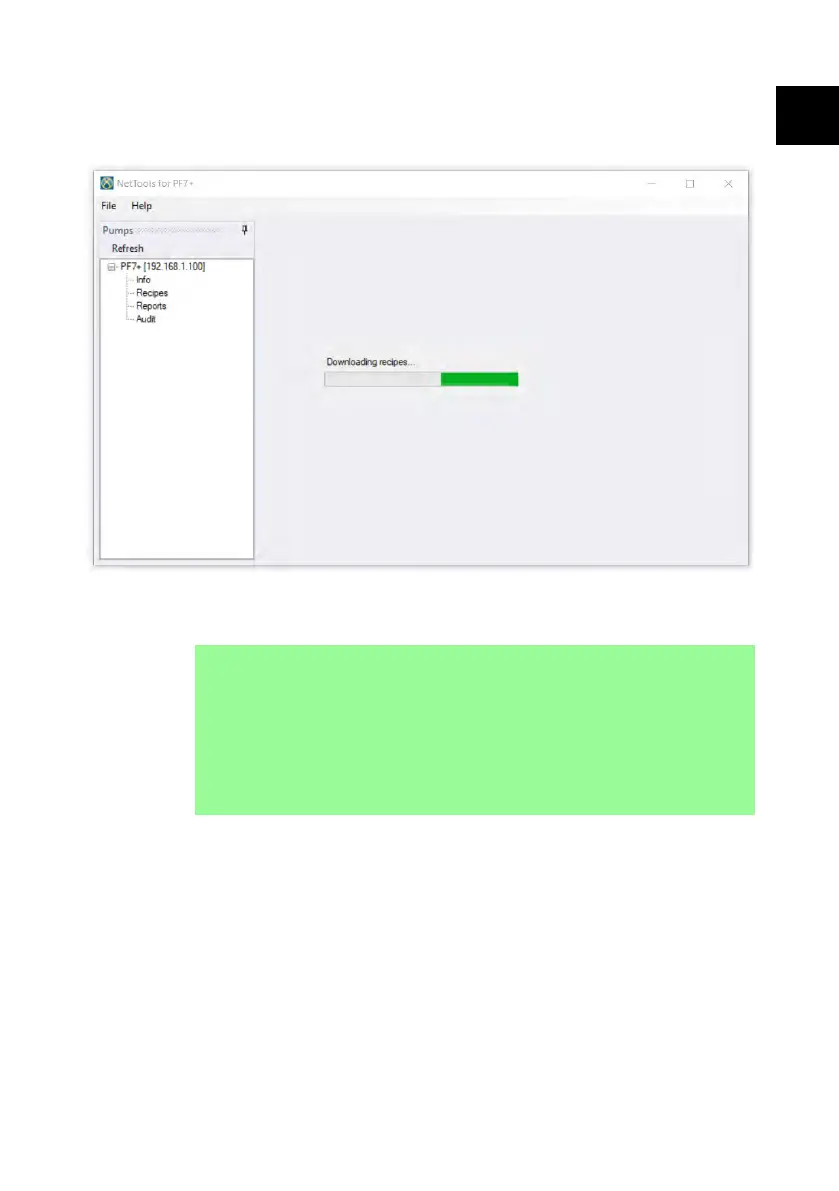
1. Double click on the reports section to download the saved reports data from
the pump. This may take several minutes.
2. The downloaded reports are then displayed. Double click on a report to view.
3. Click save as PDF.
i
If the pump has FDA 21CFR Part 11 compliance activated,
a second user approval is required before the report can
be saved. The username and password need to be a valid
user profile that is used to log into the pump, (refer to
"Users" on page 110) rather than the username and
password used to log into NetTools. The second approver
of a batch report must be a different user than the one
who approved the batch when it was created.
PF7/PF7+ Peristaltic Filler with QC14 Pumphead User Manual 151
EN EN EN EN EN EN EN EN EN EN EN EN EN EN EN EN EN



 To Next Page