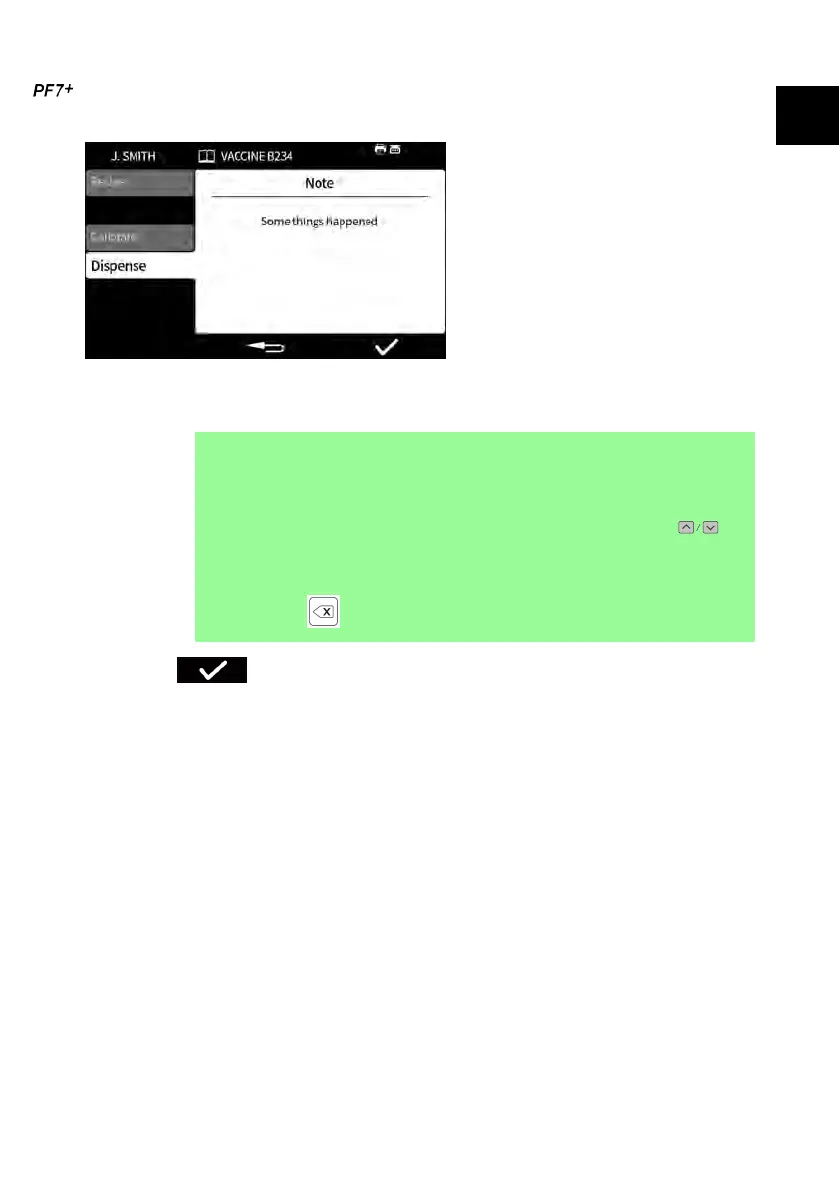
23.3.5 Add note to report
1. Pause the batch.
2. Select Add note to report.
3. Type the text. Maximum 63 characters.
i
Keyboard operation is recommended for PF7+. Refer to
"USB devices" on page 41.
Keypad operation:
• Scroll characters using keypad up/down keys ( ).
Wait 1 second to enter next character.
• Use numeric keypad to enter numbers.
• Press to delete.
4. Press to confirm.
The note is saved in the batch report with the time and date it was created.
For information on viewing reports refer to "Reports mode" on page 100.
Repeat to add further notes. Adding a new note will not overwrite previous notes.
PF7/PF7+ Peristaltic Filler with QC14 Pumphead User Manual 89
EN EN EN EN EN EN EN EN EN EN EN EN EN EN EN EN EN



 To Next Page