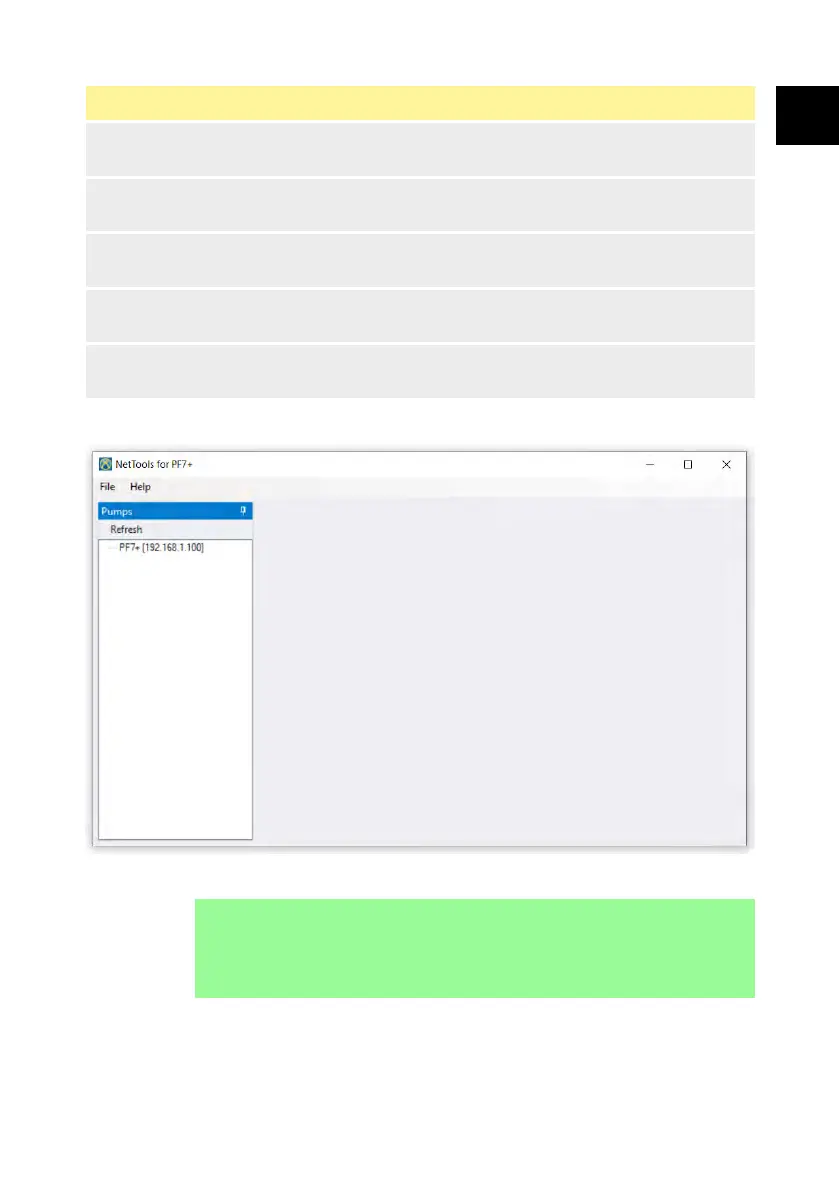
Figure 52 - NetTools User Interface
5
Selected tab—The selected tab is displayed in blue and the selected
report or audit is displayed in the window.
6
Open files—An extended list of open tabs that will not fit on the
screen.
7
Pin—Pin to keep the panel open. Unpin to reduce the panel to save
screen space.
8
Pump info—Displays if the info header is doucle clicked in the pumps
panel (2).
9
Edit—Opens the edit pump info box where the Host name can be
edited.
27.3 Logging in to the pump
1. Click refresh to find PF7+ pumps connected to the network.
i
The pump IP address identifies it on the network. Refer to
"Network" on page 116 to view the IP address.
PF7/PF7+ Peristaltic Filler with QC14 Pumphead User Manual 145
EN EN EN EN EN EN EN EN EN EN EN EN EN EN EN EN EN



 To Next Page