90 PF7/PF7+ Peristaltic Filler with QC14 Pumphead User Manual
23.3.6 Fluid sample
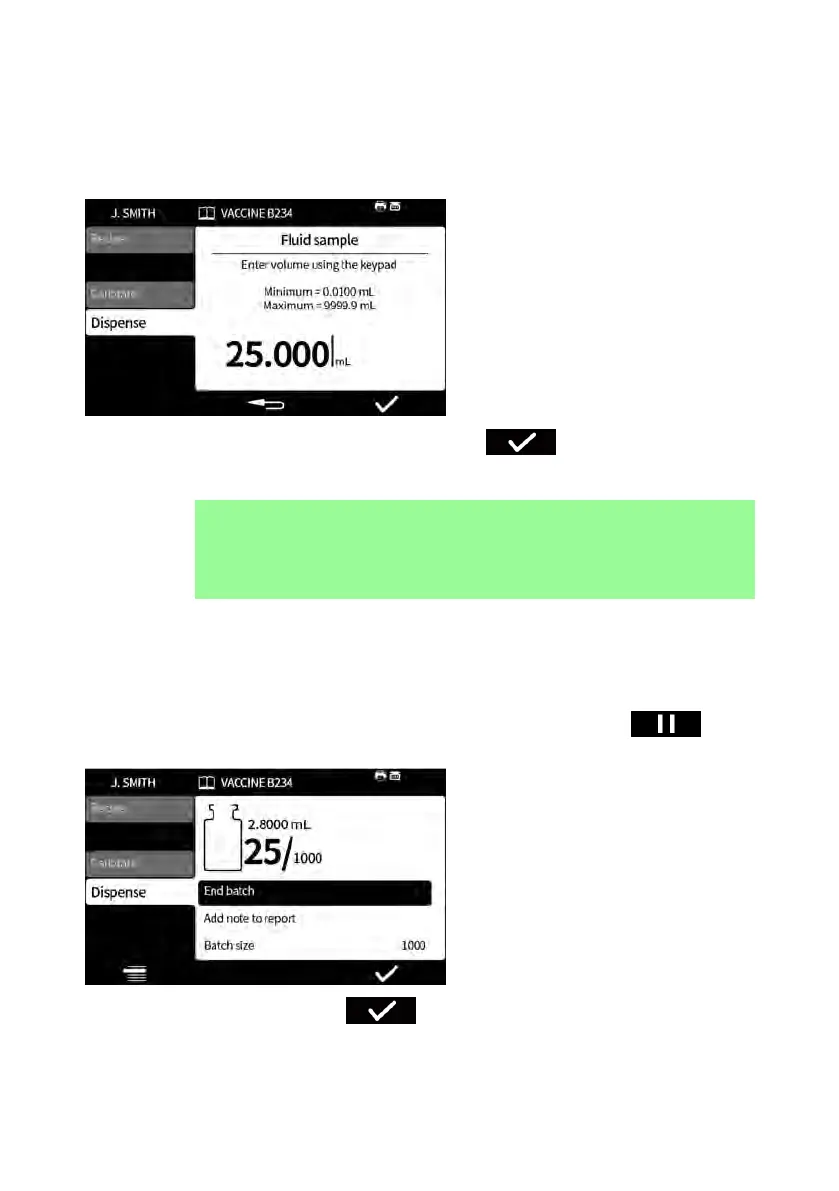
To take a fluid sample:
1. Pause the batch
2. Select Fluid sample
3. Enter the required sample volume and press .
4. The fluid sample is dispensed.
i
Use the add note feature to add sample information to the
batch report. Refer to "Add note to report" on the previous
page.
23.3.7 End batch
1. Pause the batch
i. If a Batch size has been entered, the batch will pause automatically when
the number of fills completed equals the batch size.
ii.
If a Batch size is unlimited or to end a batch early, press . Once
the current fill has been completed, the batch will pause.
2.
Select End batch and press .
If reporting is On, the batch report will be completed.



 To Next Page