27.4 Changing the pump name
If there are multiple PF7+ pumps on the network, changing the pump name can
help identify individual pumps.
1. Log in to the pump
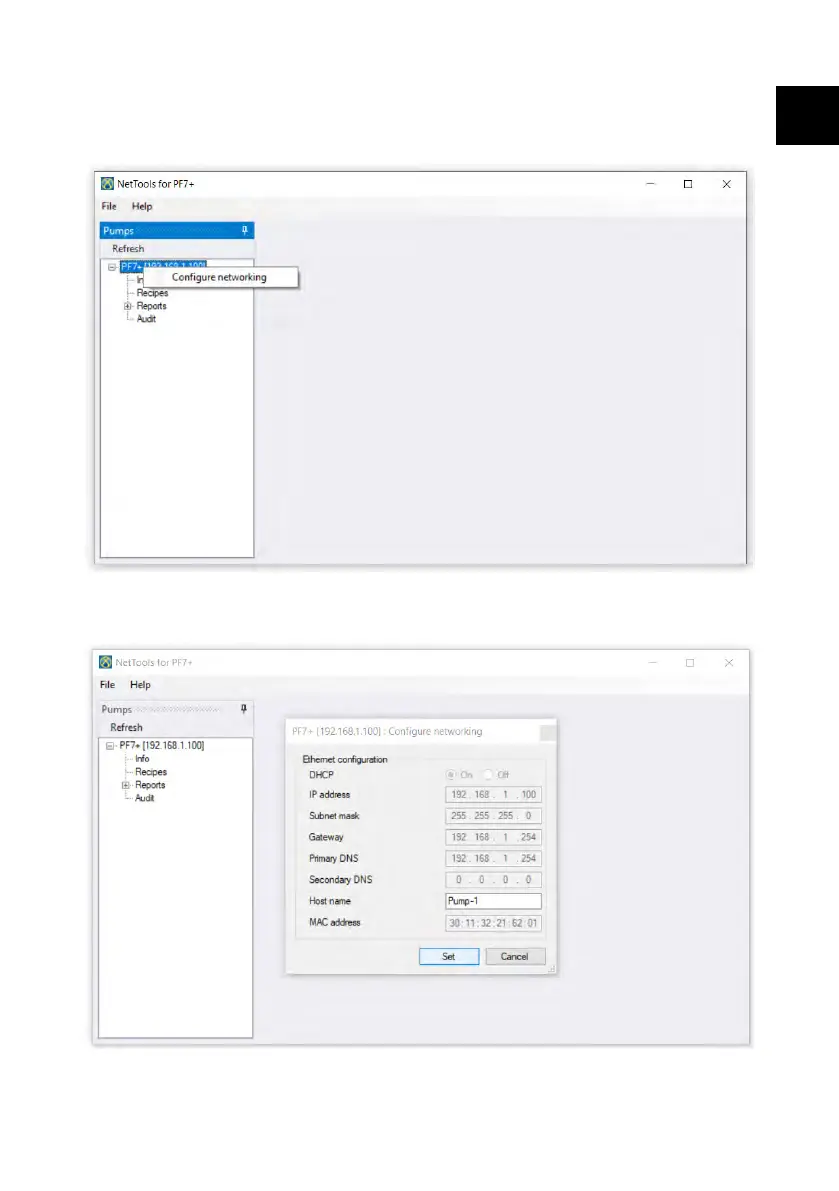
2. Right click on the pump name and selecting configure networking.
3. Enter pump name in the box Host name. Spaces are not allowed.
PF7/PF7+ Peristaltic Filler with QC14 Pumphead User Manual 147
EN EN EN EN EN EN EN EN EN EN EN EN EN EN EN EN EN



 To Next Page