20 Recipe mode
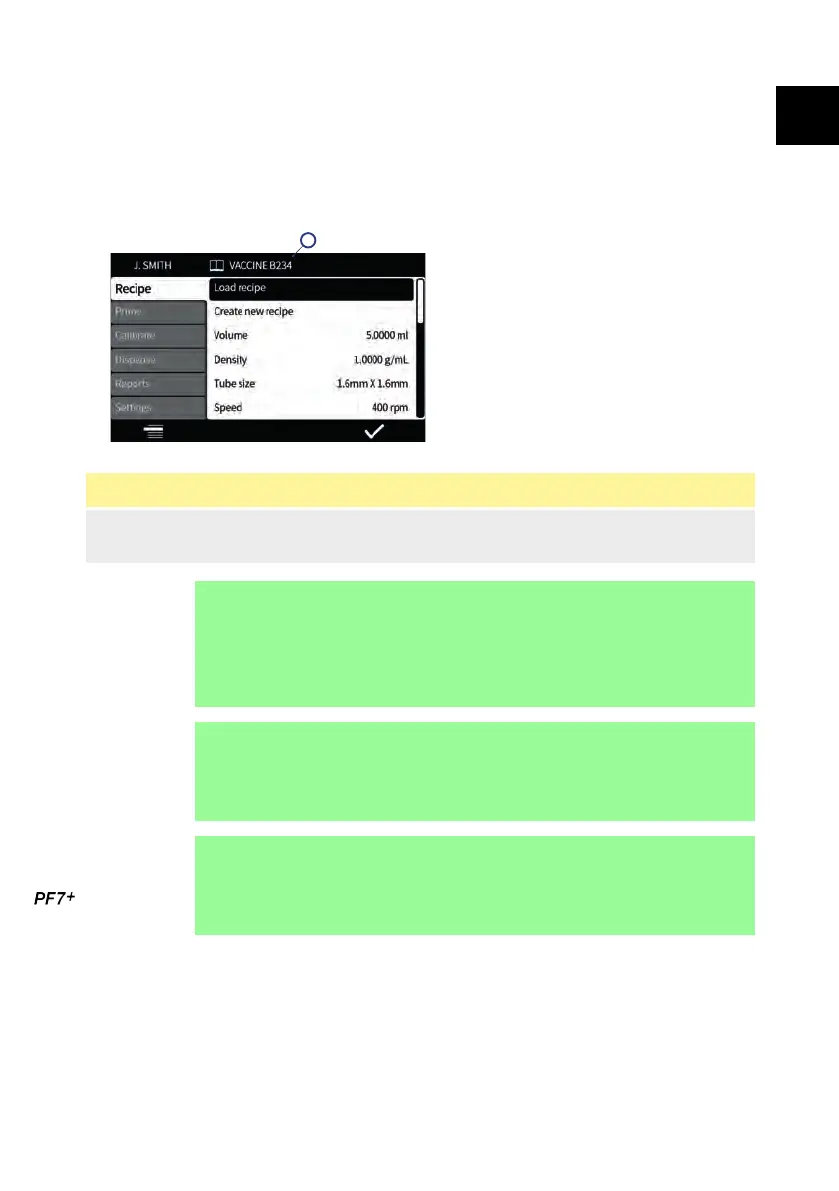
A 'recipe' contains all the parameters for the required fill. The active recipe name is
displayed on the Screen info bar.
Select the Recipe MODE tab to create or edit recipes. Each recipe item has clear on
screen instructions.
Figure 20 - Recipe screen
A - Recipe name (Whilst recipe is being modified name is displayed in red. Saved
recipe name is displayed in white.)
i
Modified, unsaved recipes can be used to fill a batch
unless user restrictions have been set to 'protected
recipes only'.
If a modified recipe is used the recipe name is denoted
with an asterisk in the batch report.
i
To improve usability hide items that are not required from
this menu. Refer to "Operator access restrictions" on
page 105.
i
Refer to "Import all data " on page 116 and "Export all
data" on page 119 to import/export saved recipes to other
PF7+.
20.1 Load recipe
Load a recipe from a list of stored recipes. Recipe is restored to the parameters that
were saved in that recipe. Recipe name displays in white.
PF7/PF7+ Peristaltic Filler with QC14 Pumphead User Manual 57
EN EN EN EN EN EN EN EN EN EN EN EN EN EN EN EN EN



 To Next Page