122 PF7/PF7+ Peristaltic Filler with QC14 Pumphead User Manual
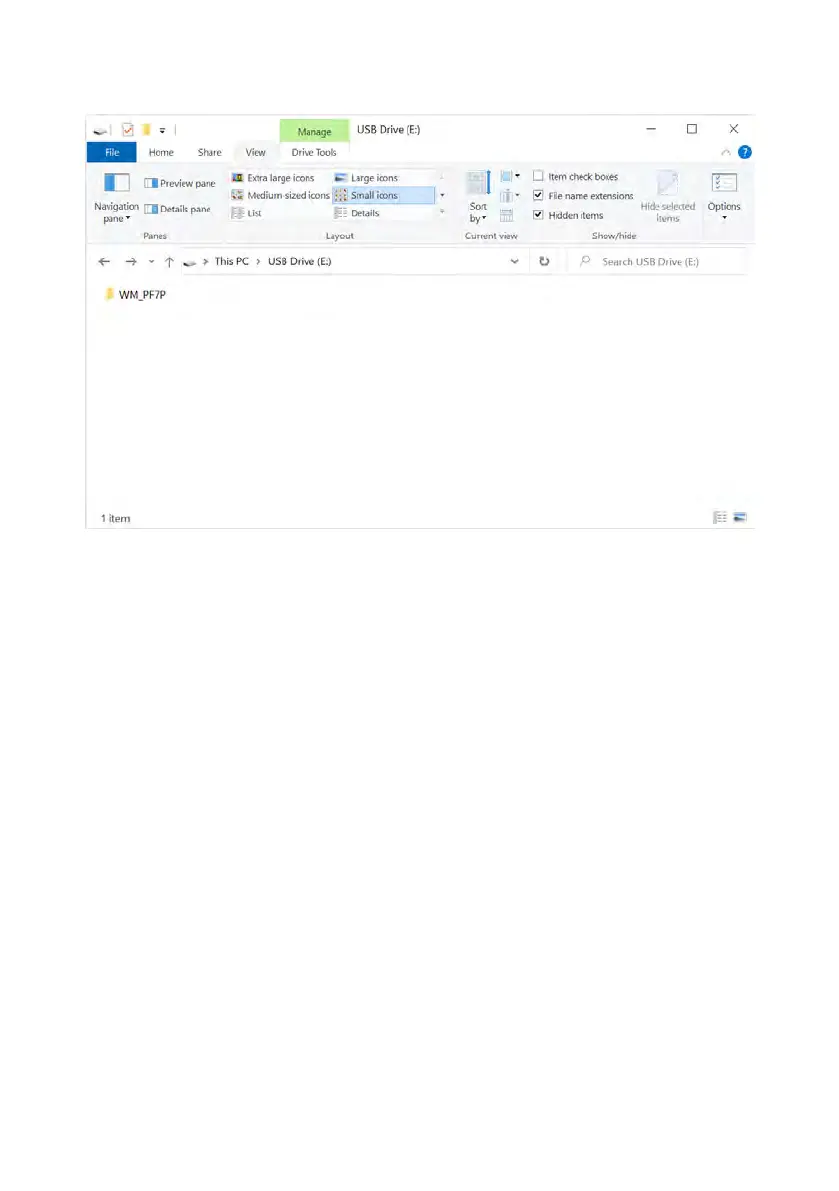
1. Put the update folder in top level folder of USB flash drive.
Figure 32 - Top level folder of USB flash drive
2. Insert the USB flash drive into the USB port on the rear of the pump.
3. Select Start USB firmware update.
4. Follow the on screen instructions.



 To Next Page