134 PF7/PF7+ Peristaltic Filler with QC14 Pumphead User Manual
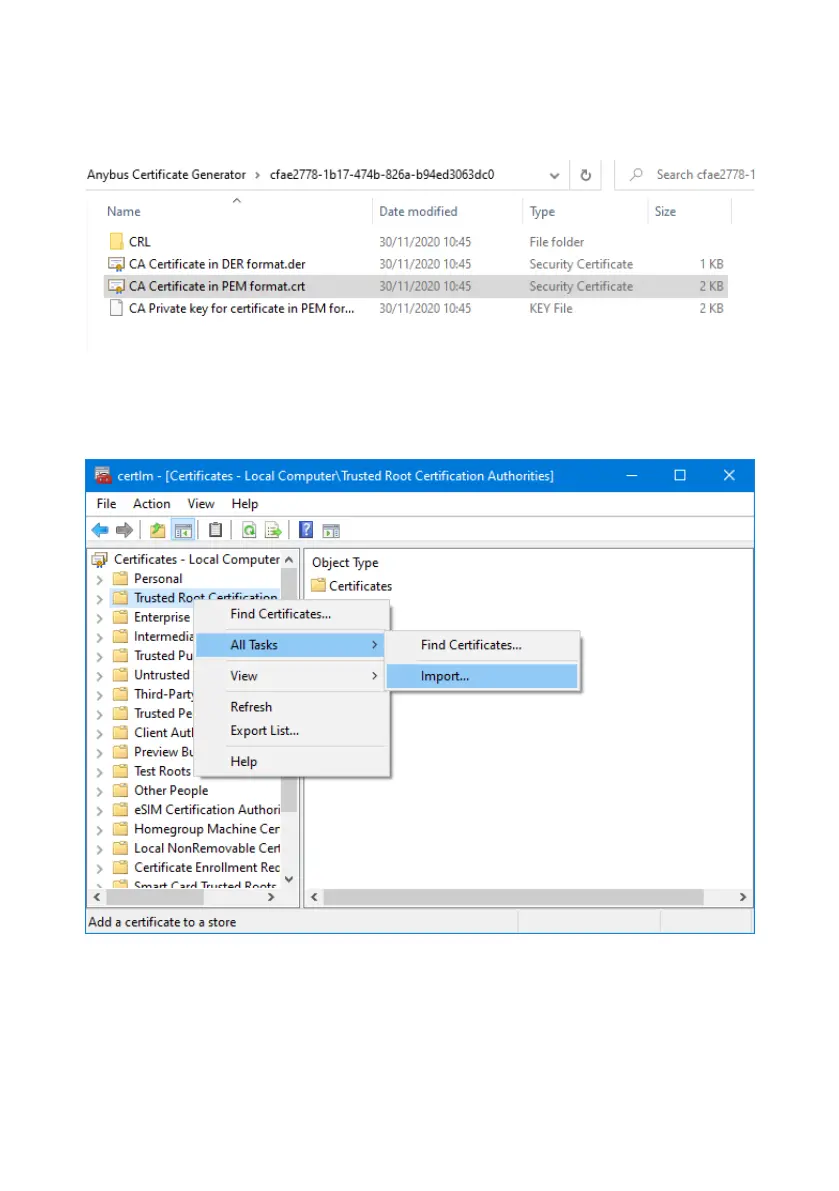
2. Click Show in folder to open the folder where the CA certificate files are
saved.
3. Copy the file path to the clipboard.
Figure 36 - Show in folder
4. Type 'Manage computer certificates' into the start menu to run the Windows
Certificate Manager.
5. Right click on Trusted Root Certification and click All Tasks > Import...
Figure 37 - Windows Certificate Manager



 To Next Page