l
(2) Tapping opens the home screen.
l (3) Tap any miniature to view the image in full scale.
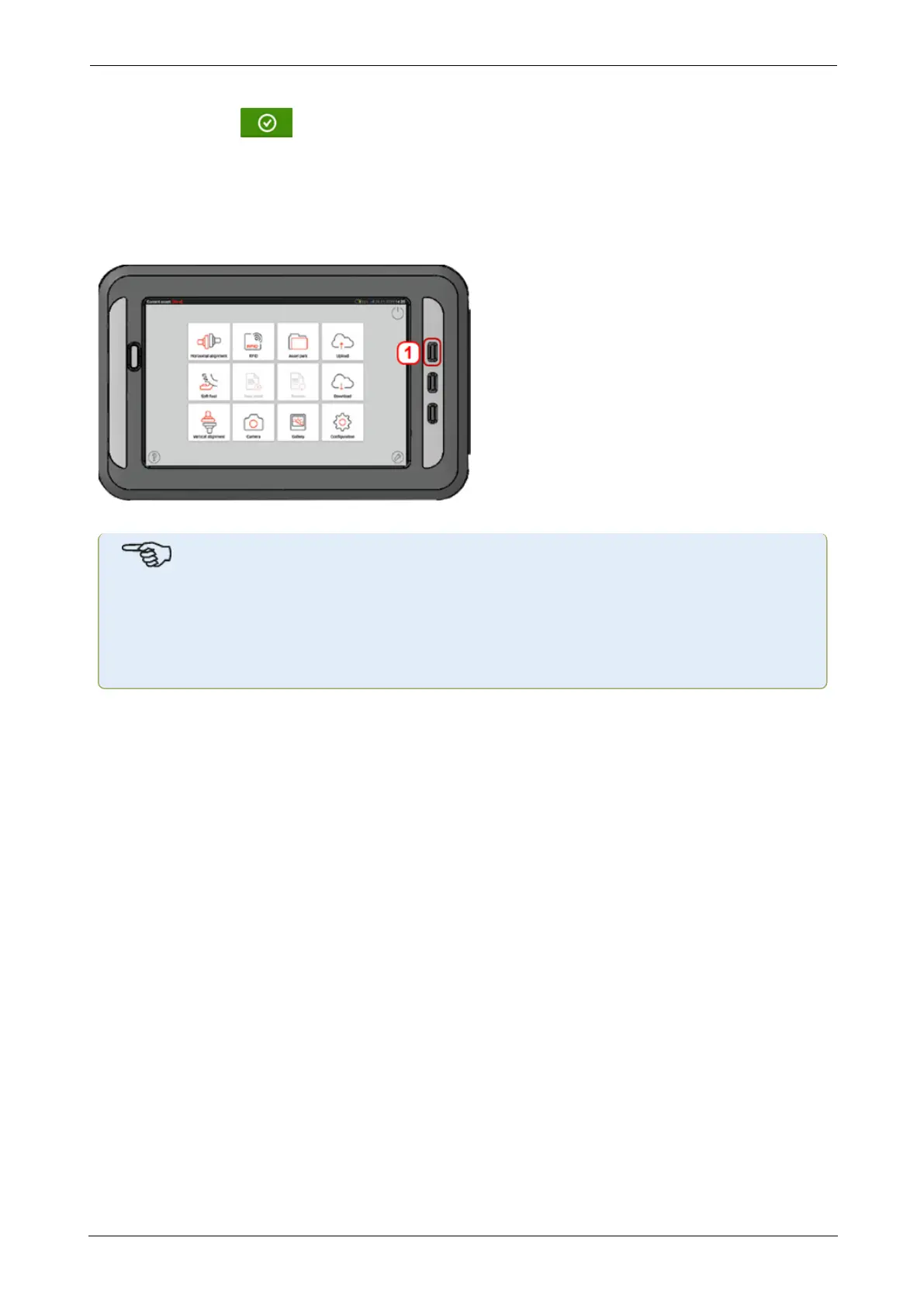
How to capture a screen shot on the touch device
Select the desired screen then press the Back hard key (1) long enough. The message 'Screen-
shot saved' appears on the display.
The captured image may be viewed in the gallery.
Note
Images saved to the gallery may only be transferred to a PC if assigned to an asset.
Before taking the desired photo or screenshot the corresponding new or existing asset
must be opened. The captured image may then be transferred to the PCsoftware ARC
4.0.
ROTALIGNtouch EX 101
On-board help



 To Next Page