Generating reports
Generating measurement reports
Asset measurement reports may be saved directly on the touch tablet device as a PDF. Meas-
urement reports are generated from the results screen.
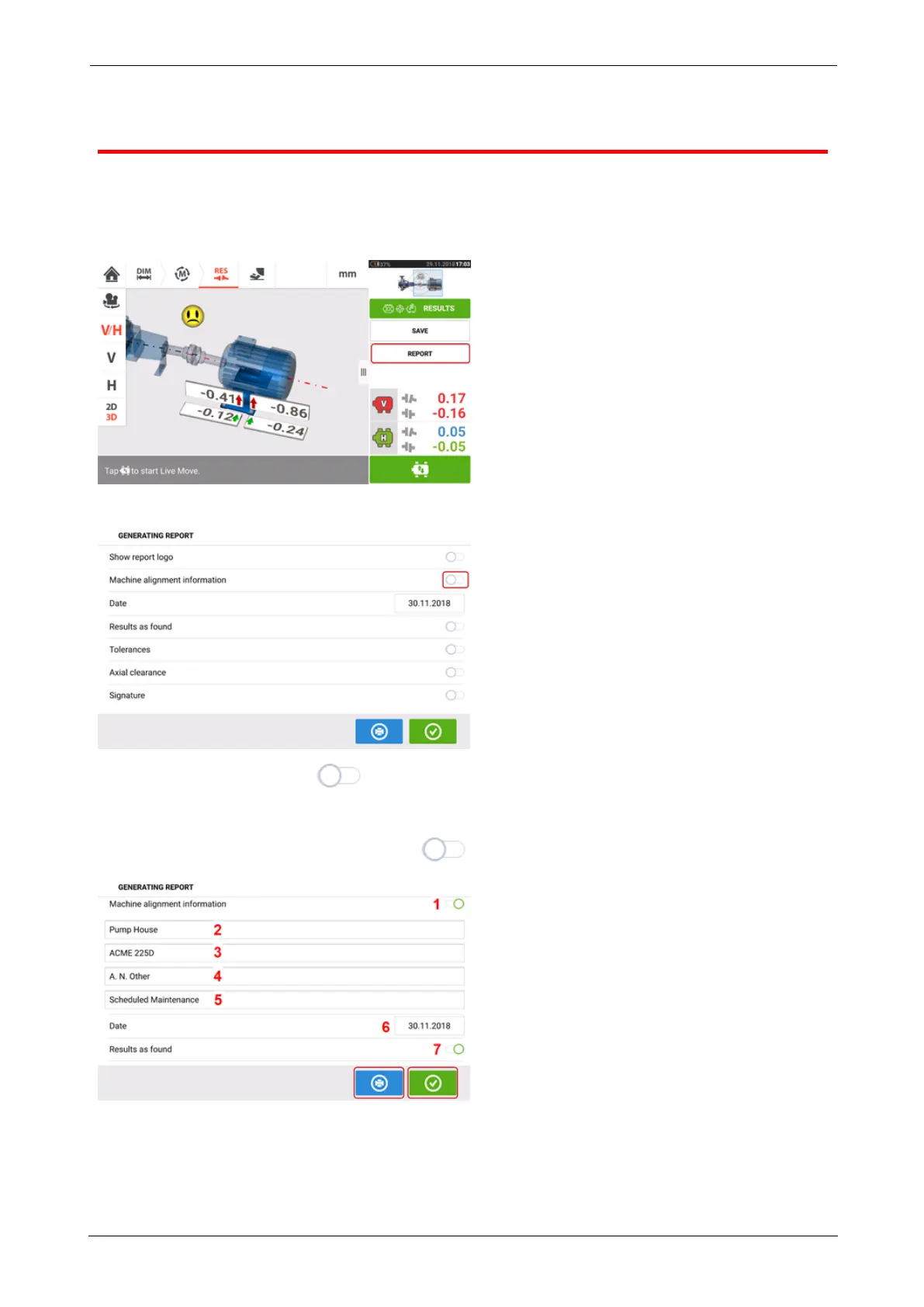
Tap the menu item "Report". The "Generating report" screen opens.
If not yet done, tap the icon to activate "Machine alignment information". Once activ-
ated, enter the necessary information using the onscreen keyboard. If desired, the items
"Show report logo", "Results as found", "Tolerances", "Axial clearance" and "Signature" is
activated by tapping their respective icon .
l (1) "Machine alignment information" activated
l (2) Location where asset is positioned
l (3) Asset (Machine)ID
ROTALIGNtouch EX 87
On-board help



 To Next Page