l Press and hold down the power key briefly. "Power off" and "Restart" icons appear on
the display.
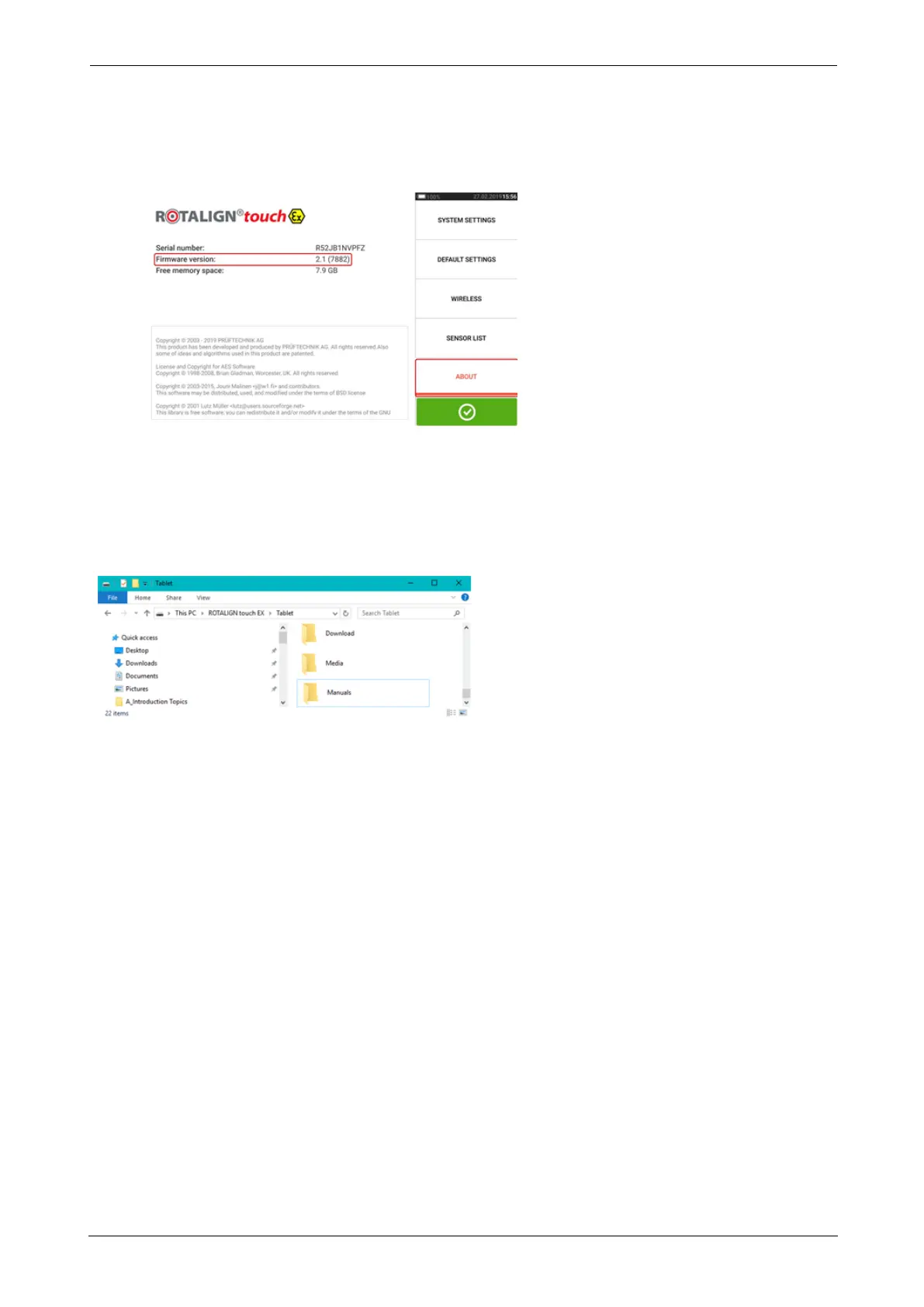
l Tap "Restart". The update is now completed and may be checked and confirmed in the
"about" menu item in configuration after the restart.
Documentation
This on-board help and other relevant and related customer documents are saved as PDF files
in the folder "Manuals" within the ruggedized tablet. To access this folder, the ruggedized tab-
let is connected to a Windows PC. Allow the Windows PC to access the ruggedized tablet and
then double-click "Tablet" to access the required folder.
ROTALIGNtouch EX 159
On-board help



 To Next Page