Laser beam adjustment (sensALIGN 5 EX)
Using sensALIGN 5 laser and sensor
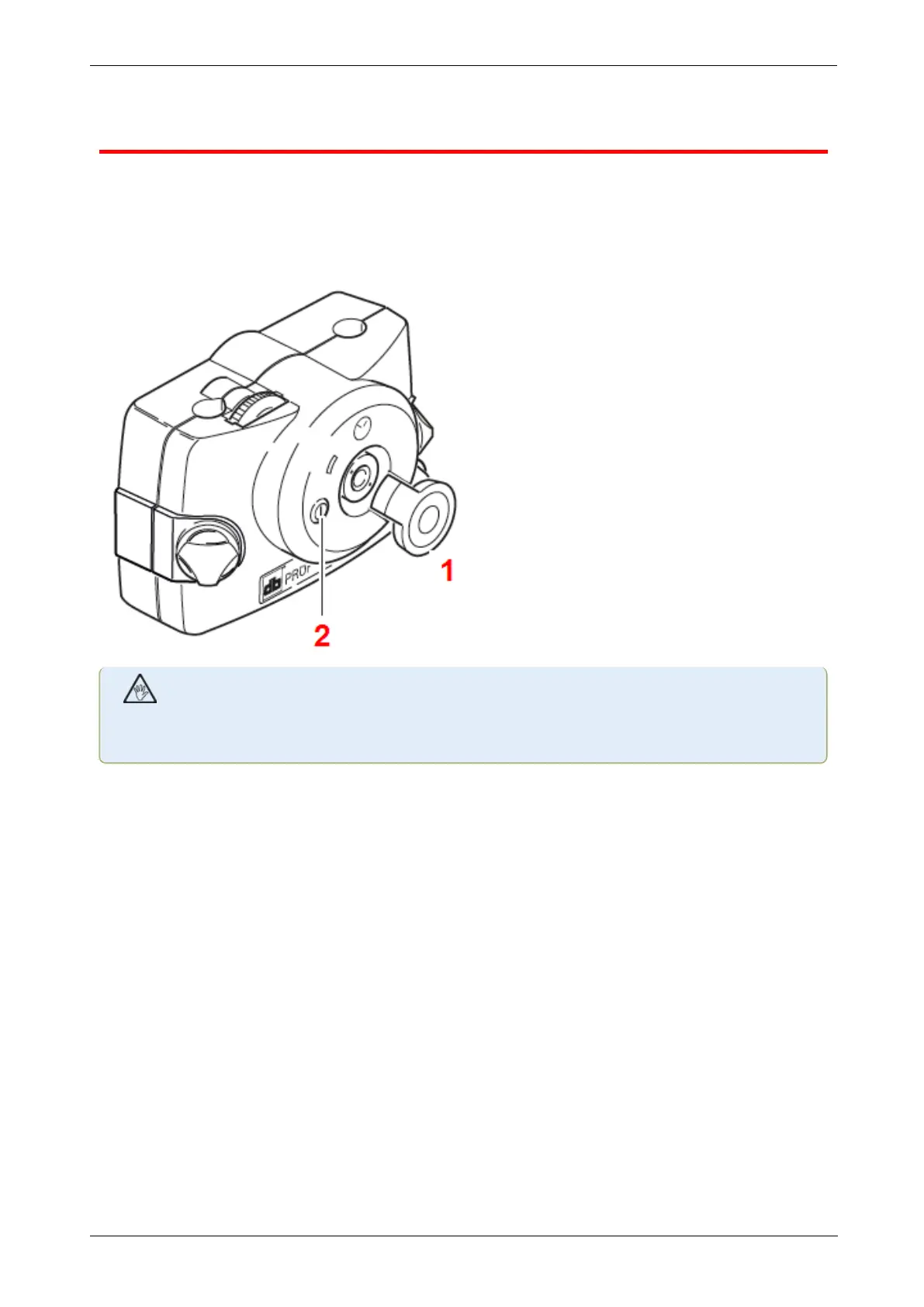
1. Open the laser aperture by lifting and the rotating the dust cap until it rests in its “open” pos-
ition (1). Switch the laser on by pressing its On/Off push button switch (2). Leave the sensor
dust cap on its “close” position.
WARNING
Do not stare into the laser beam!
2. If the laser and sensor have been roughly positioned to each other during mounting, the
laser beam should strike the sensor dust cap. If the beam be so far off target that it misses
the sensor completely, hold a sheet of paper in front of the sensor to locate the beam and read-
just it onto the sensor as follows:
3. Reposition the components until the laser beam strikes the sensor cap:
l vertically: loosen the locking knobs and adjust the height.
l horizontally: loosen the bracket and turn the laser and/or sensor brackets into line with
one another.
36 Version:2.3
On-board help



 To Next Page