Note
The distance sleeves (black) influence the offset by positioning the laser beam on the
same axis as the rotational axis of the laser holder assembly.
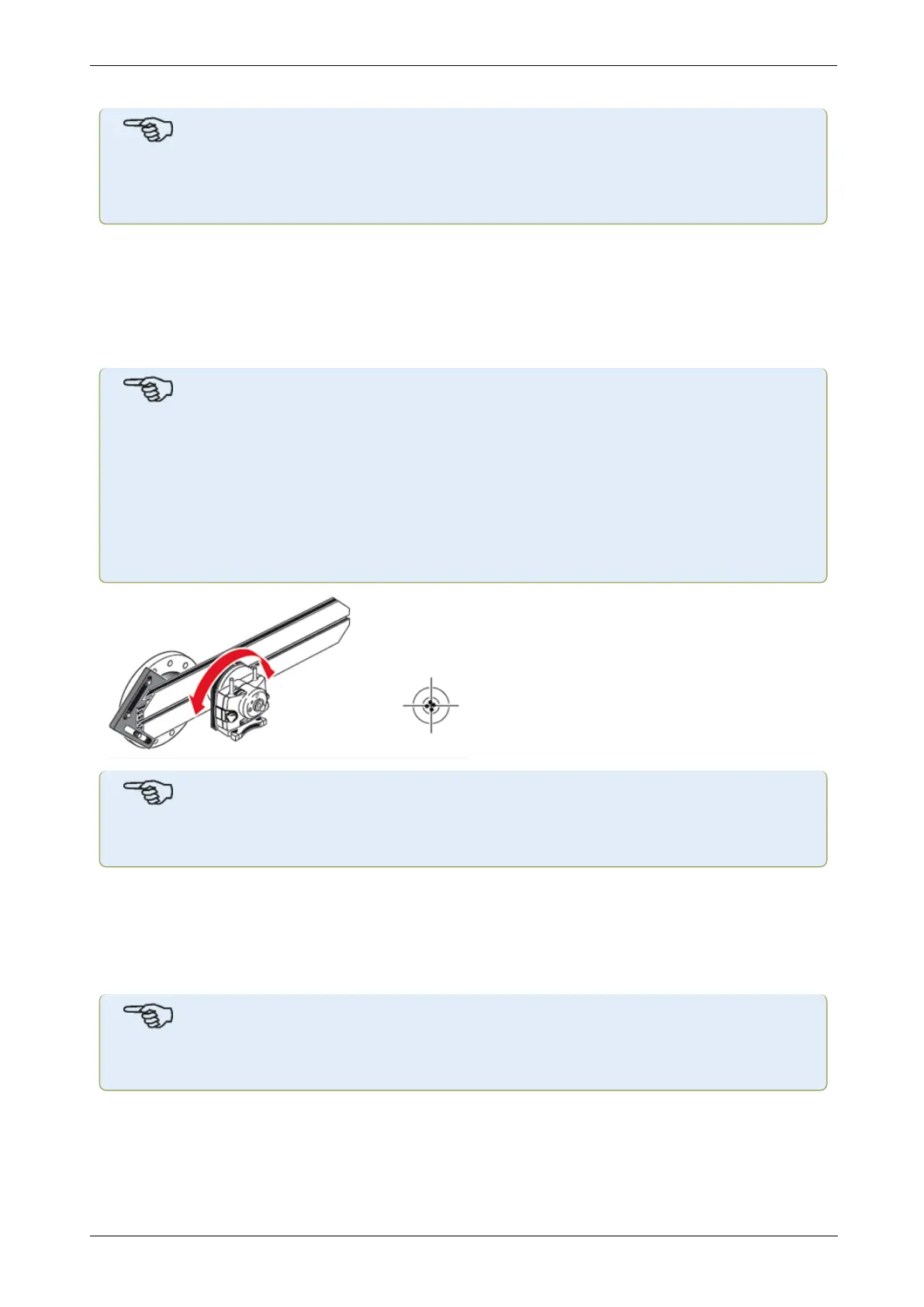
l The two yellow beam position thumbwheels are used to adjust the angular position of
the laser beam. By rotating the laser assembly holder, the laser beam traces an ‘approx-
imate’ circle. If the ‘approximate’ circle is a single dot at the center of the target, then
the laser beam has been adjusted correctly. If that is not the case, repeat the laser
beam adjustment process until the ‘approximate’ circle corresponds to a ‘single dot’ pos-
ition.
Note
sensALIGN 5 laser adjustment tip:
If the beam describes a circle rather than a dot at the target when rotating the laser
holder assembly, then note how big the circle is and use the yellow adjustment thumb-
wheels to move the laser beam back by half the distance it has moved when rotating the
laser holder assembly 180° from its start position. Do this both vertically and hori-
zontally. When correctly adjusted, you should be able to rotate the laser holder
assembly a full 360° without the laser dot moving from the target center.
Note
As soon as a single dot position has been achieved, do not touch the laser thumbwheels.
Adjusting the sensALIGN 5 laser beam to machine’s rotational axis
In this step, the laser holder assembly is adjusted on the bracket such that the laser holder
rotational axis is colinear with the rotational axis of machine to be aligned (which could be a
motor or a gearbox).
Note
During this procedure, DO NOT touch the yellow laser beam position thumbwheels.
1. Carry out the vertical and horizontal adjustment of the laser holder assembly by sliding it
horizontally through the bracket rails and positioning it vertically by rotating the bracket.
144 Version:2.3
On-board help



 To Next Page