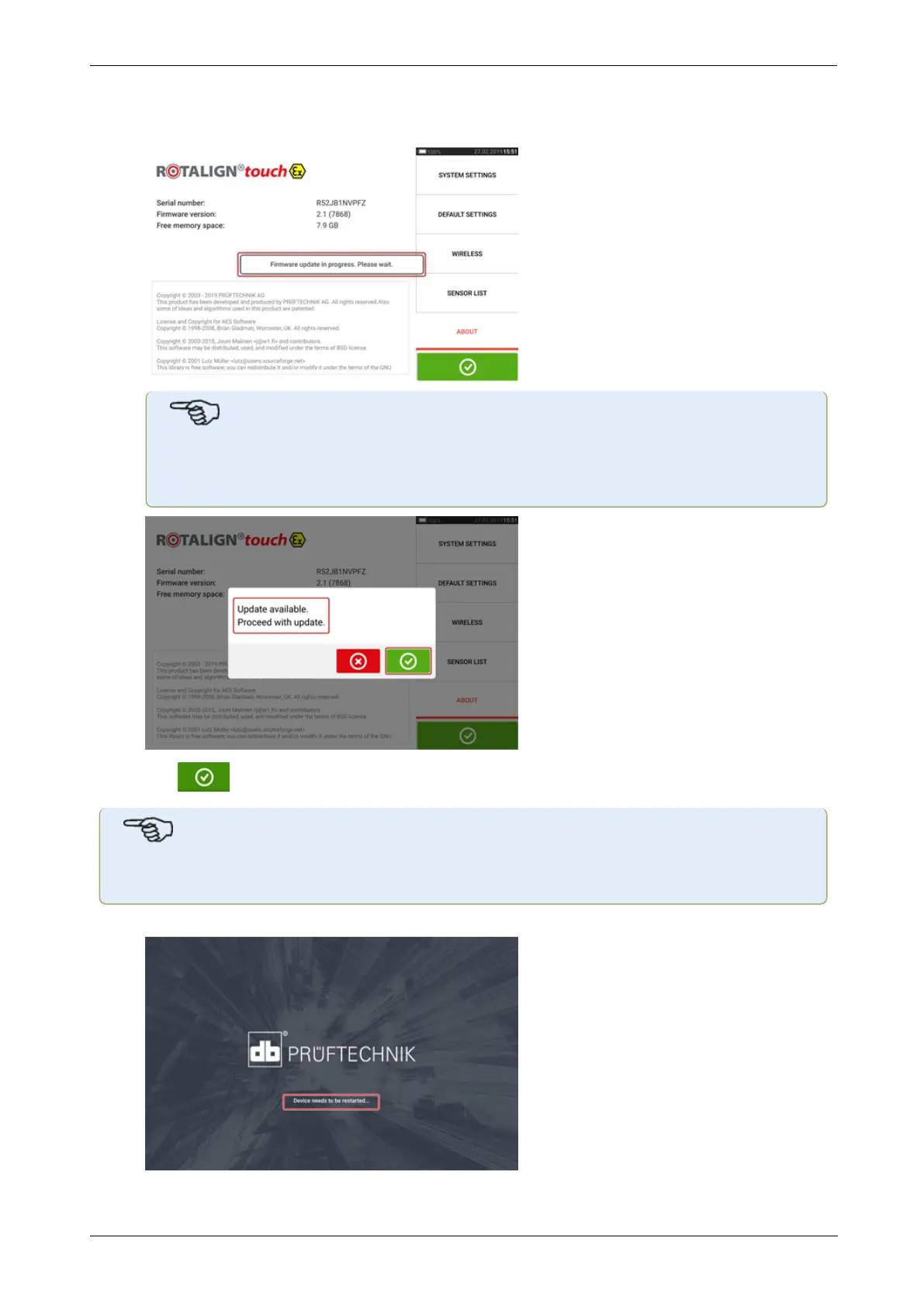
l After the update file has been copied to the "FirmwareUpadte" folder, disconnect the tab-
let device from the PC. The following hint appears.
l
Note
DONOTtap the device or press any of the hard keys. Wait for the next hint to
appear.
l
Tap to proceed with the firmware update
Note
Follow all the update instructions carefully, and confirm all requested installations.
l Once the update is completed, a hint to restart the tablet device appears.
158 Version:2.3
On-board help



 To Next Page