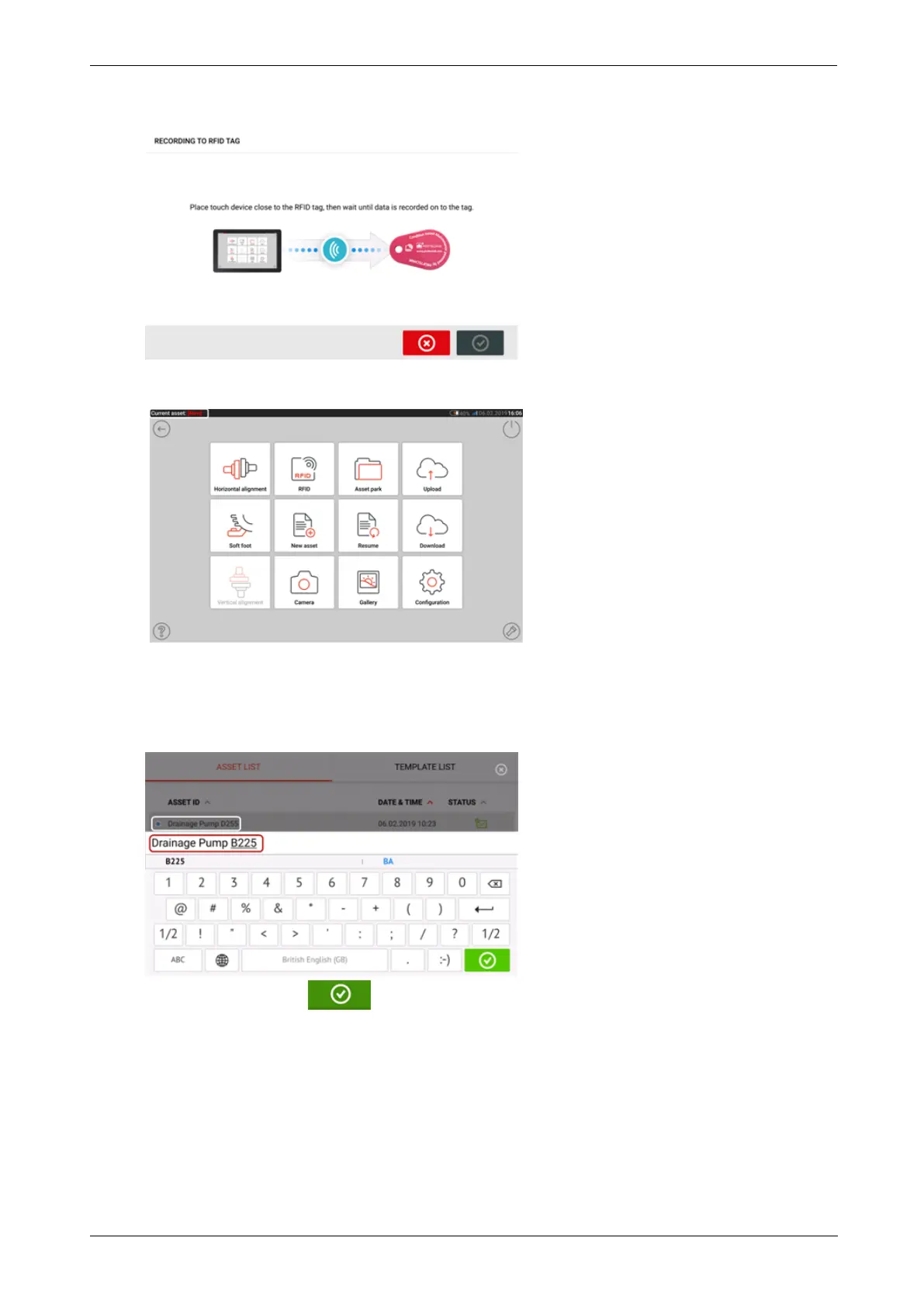
l (2) Assigns selected asset to an RFID tag.
l (3) Opens the selected asset a new asset. The new asset will be a copy of the selected
asset without the sensor-to-coupling center dimension and any asset measurements.
Start desired application by tapping the appropriate icon on the home screen. The new
asset opens and may be edited as required.
Assets opened in this manner are used as templates.
This asset is then saved with a new asset name.
l (4) Used to edit directly the name of the selected asset.
Once completed, tap . The asset will now appear in the asset list with the new
name.
l (5) Used to create a template.
A template is a file that serves as a pattern for alignment set-ups that are repeated fre-
quently. Their main purpose is to save time by not having to reconfigure the same set-
up many times. It can contain all known dimensions (except sensor-to-coupling center),
target specifications, thermal growth values, tolerances, preferred measure mode, pre-
ferred machine icons and coupling types.
> After an asset has been created and saved, it appears on the asset list.
82 Version:2.3
On-board help



 To Next Page