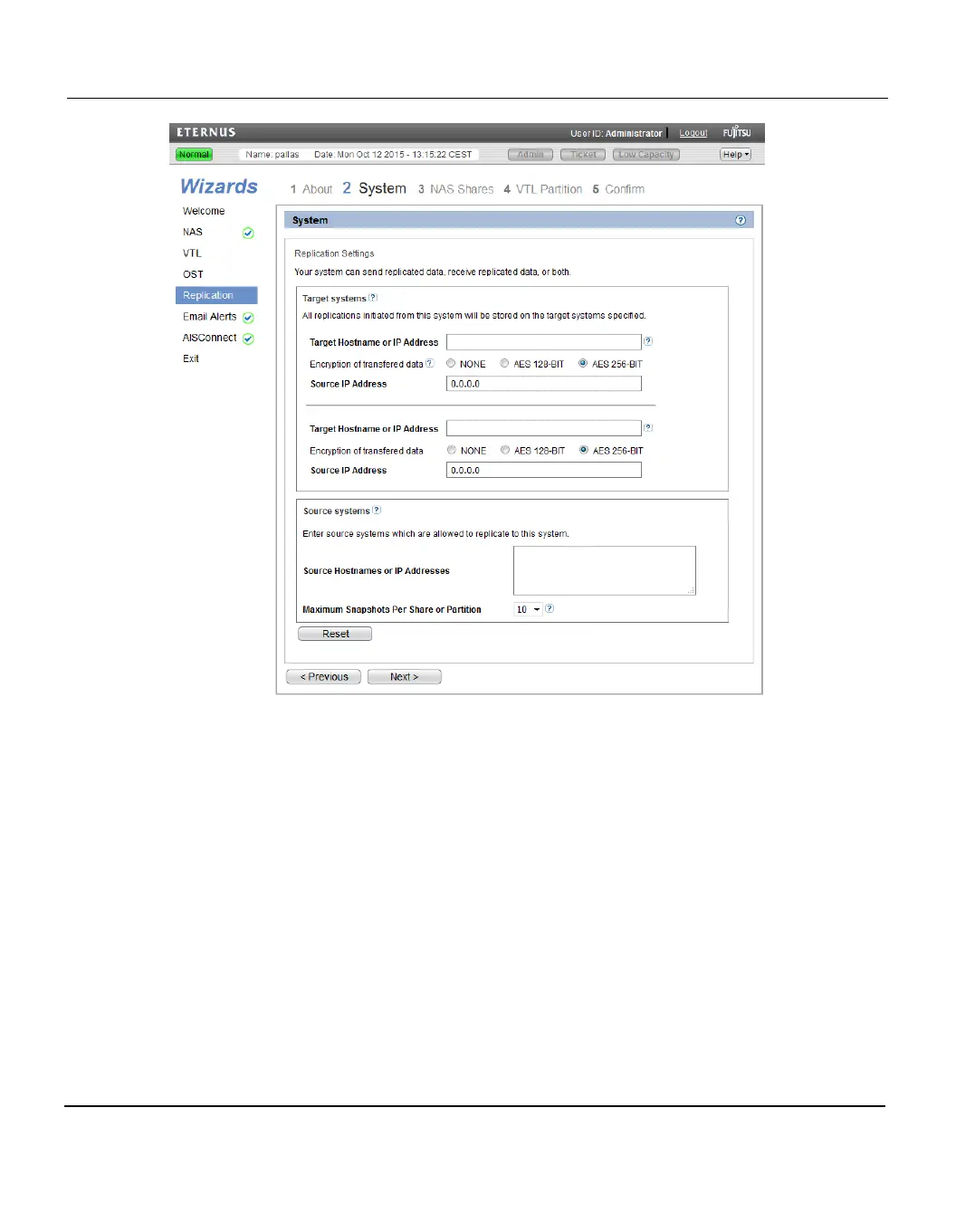
8.5 Replication Wizard
Figure 118: Replication Wizard: System
Step 3: NAS Share
1. Select a NAS share in the Replication Settings for NAS Shares section to manage its
replication settings (see "Replication Wizard: NAS Shares" on page 174).
For help adding NAS shares to the system, use the NAS Configuration Wizard (see
"NAS Wizard" on page 147).
2. To configure the share to replicate its data to another ETERNUS CS800 system, enter
the following information under Send:
a. Select the Enable replication for selected share check box to enable replication
for the share.
b. (Optional) Select the Enable Directory/File based replication to target check box
to enable Directory/File Based Replication for the share, and then enter a Sync ID in
the box.
172 ETERNUS CS800













 To Next Page