148 iRMC S2/S3
System Information - Information on the server
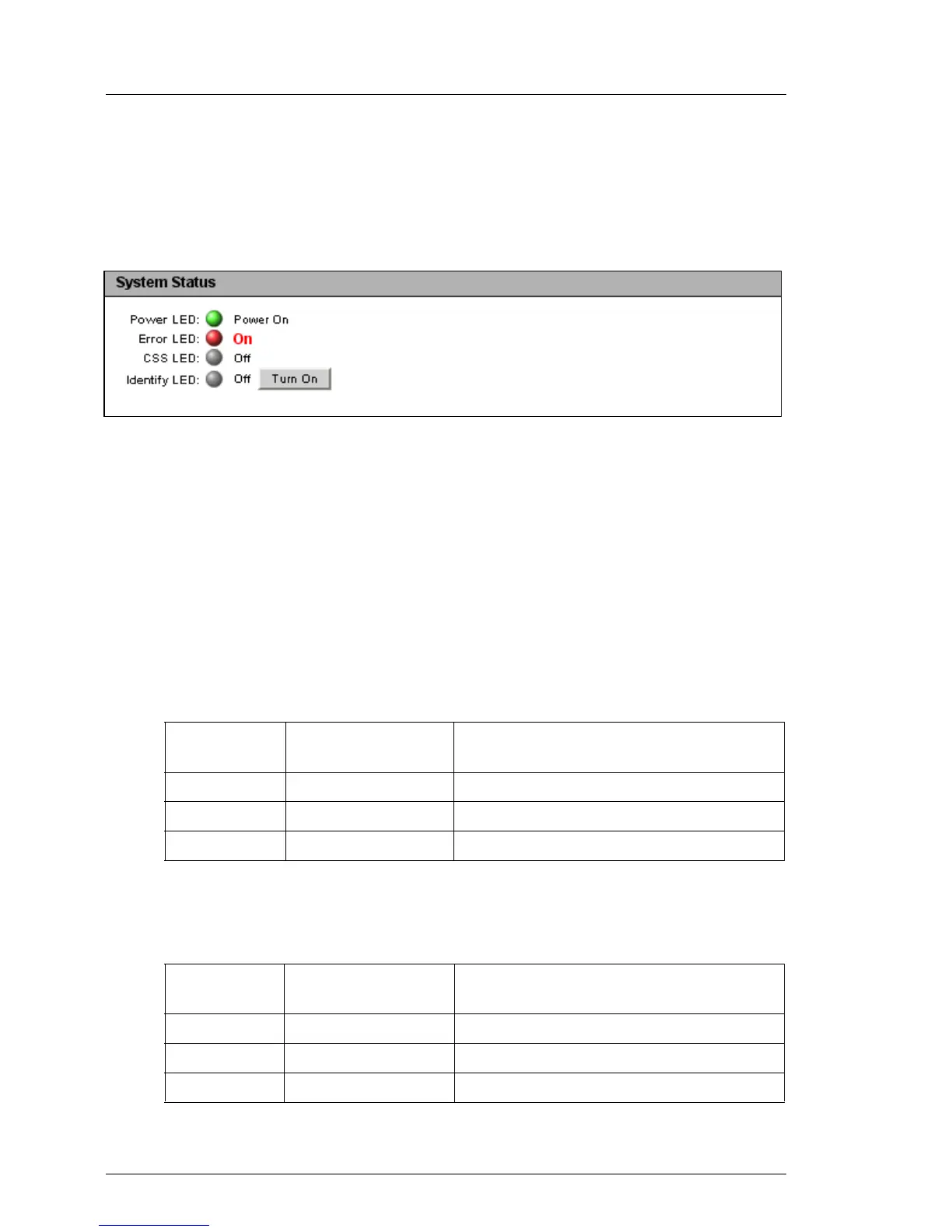
System Status
The status of the global error LED, the CSS LED and the identification LED are
shown under System Status. You can also switch the PRIMERGY identification
LED on and off.
Figure 67: System Overview page - System Status
Power LED
Power status of the server.
The following statuses are possible:
– On: “Power ON” (green)
– On: “Standby mode (green) with text “Suspend to RAM (Standby)”.
– Off: “Power OFF” (orange)
Error LED
Informs about the server‘s Global Error LED:
CSS LED
Informs about the server’s CSS (Customer Self Service) LED:
Status Info
(iRMC S2/S3)
Global Error LED
on the Server
Status of the servers
off does not light up. No critical event.
on lights red. Prefailure event for a non CSS component.
blinking flashes red. Critical event.
Status Info
(iRMC S2/S3)
CSS LED on the
Server
Status of the server
off does not light up. The server is operational.
on lights orange. Prefailure event for a CSS component.
blinking flashes orange. Defective CSS component.



 To Next Page