iRMC S2/S3 149
System Information - Information on the server
Identify LED
Server identifier.
The following statuses are possible:
– On (blue)
– Off (grey)
Turn On/Turn Off
Click Turn On / Turn Off to toggle the PRIMERGY identification
LED on and off.
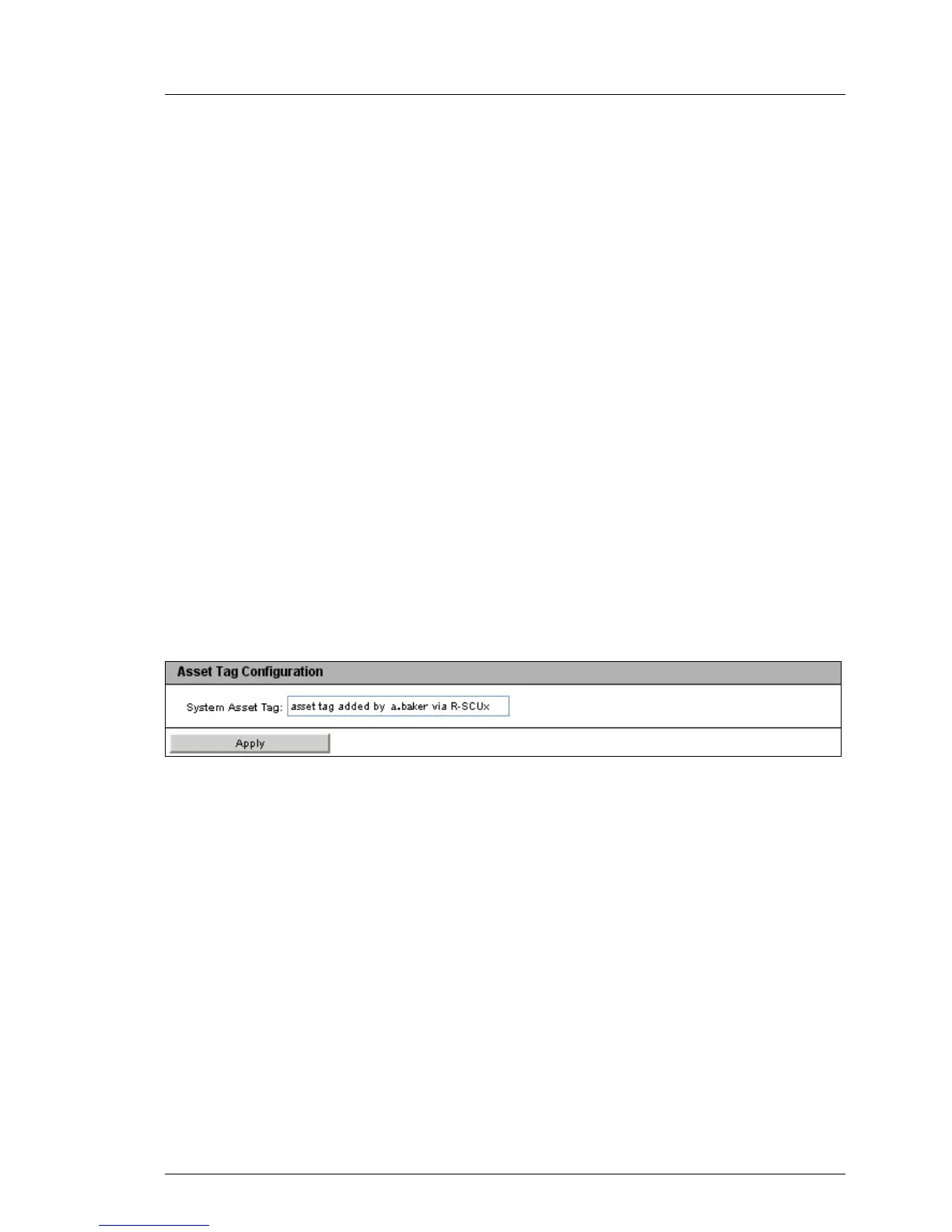
Asset Tag Configuration
Under Asset Tag Configuration, you can enter a customer-specific asset tag for
the managed server.
I The customer-specific asset tag allows you to assign the server an
inventory number or other identifier of your choice.
With Windows-based systems, this customer-specific asset tag is
provided automatically by the WMI (Windows Management
Instrumentation). It can then be evaluated by in-house tools or used for
integration in enterprise management systems (such as CA Unicenter).
Figure 68: The System Overview - System Status page
System Asset Tag
You can enter the asset tag here.
Ê Click Apply to accept the asset tag.



 To Next Page