318 iRMC S2/S3
Operating iRMC S2/S3 via Telnet / SSH (Remote Manager)
– Logging into the Remote Manager over a Telnet connection
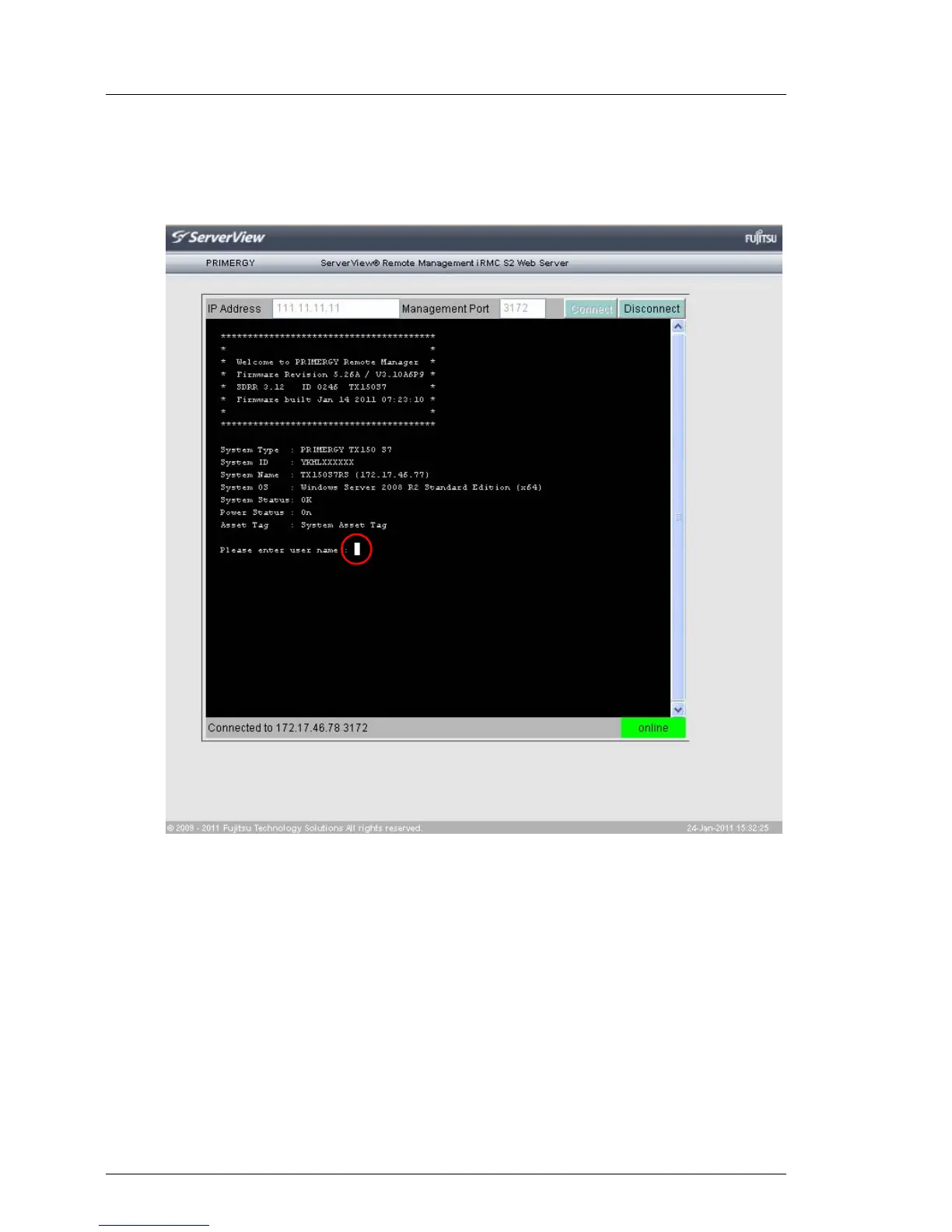
The Remote Manager login window is displayed:
Figure 197: Telnet connection: Logging in to the Remote Manager
I Depending on whether ServerView agents have already been
started at some point on the system, the login window is shown
with or without system information (see page 326).
Ê Enter your user name and password and confirm your entries by
pressing [Enter].
The main menu of the Remote Manager is then displayed (see
figure 198 on page 319).



 To Next Page