iRMC S2/S3 319
Operating iRMC S2/S3 via Telnet / SSH (Remote Manager)
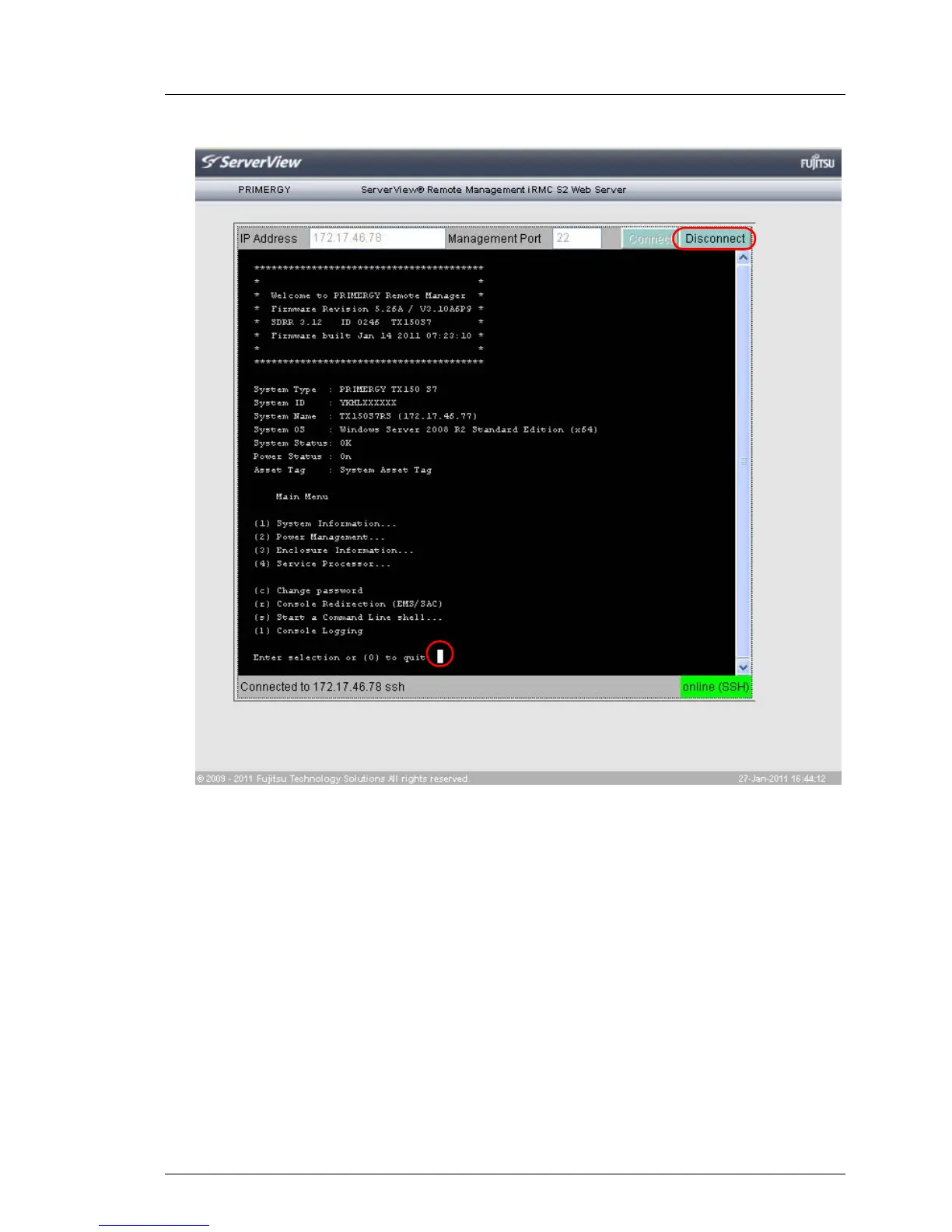
Figure 198: Main menu of the Remote Manager
Closing a Telnet / SSH connection
Ê Close the connection to the Remote Manager by clicking the Disconnect
button in the connection bar of the Remote Manager window or by pressing
the [0] key in the main menu of the Remote Manager (see figure 198).



 To Next Page