358 iRMC S2/S3
Setting up the USB memory stick
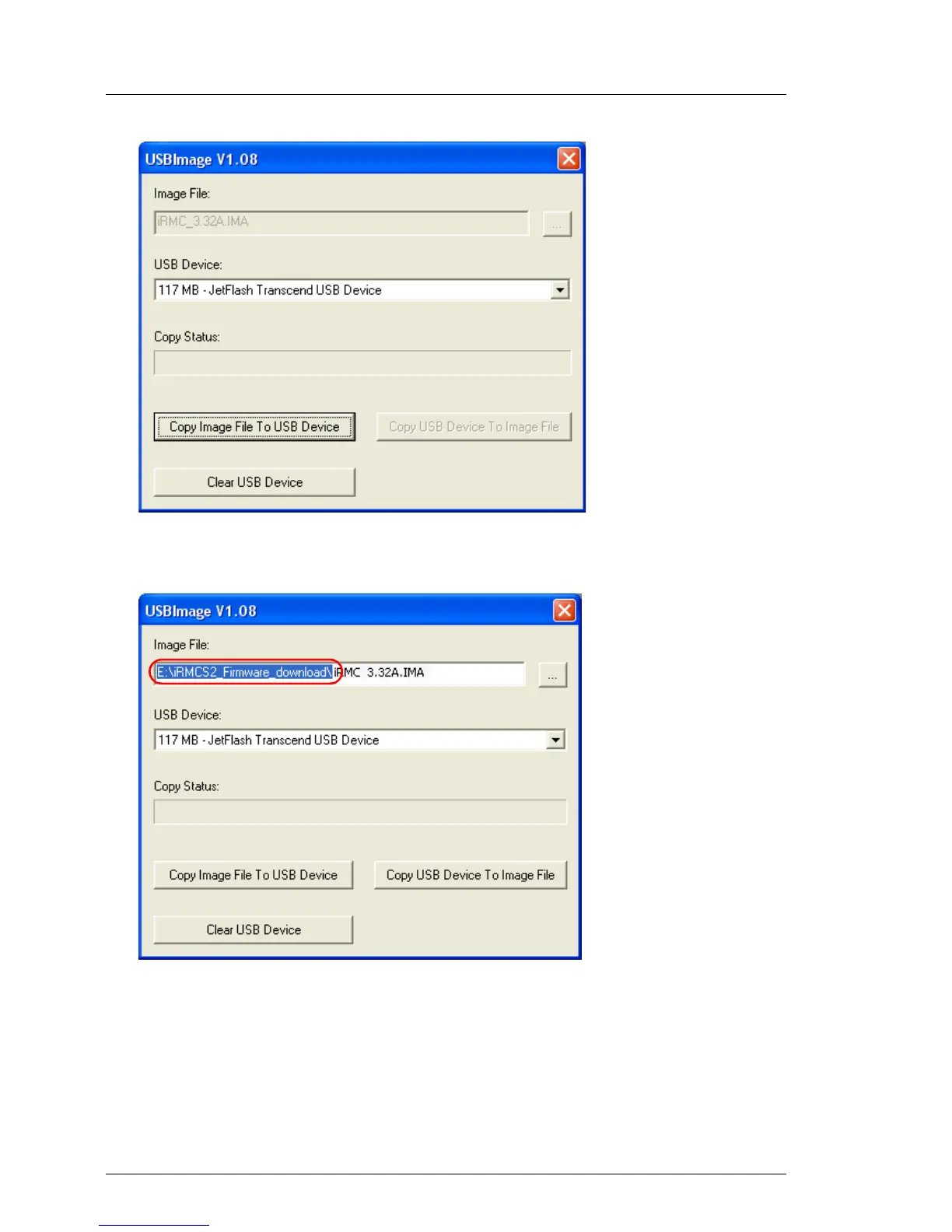
Figure 218: Copying the image file to the USB memory stick
(with iRMC_<Firmware version.exe))
Figure 219: Copying the image file to the USB memory stick (with USBImage.exe)
I If you have called USBImag.exe, then under Image File:, you must
explicitly specify the file iRMC_<Firmware-Version>.IMA.
Ê Click Clear USB Device to delete the data from the USB memory stick.



 To Next Page