Ê Click Copy Image File to USB Device to copy the file
BMC_<Firmware-Version>.IMA to the USB memory stick and extract it.
V CAUTION!
This action overwrites the content of the USB memory stick.
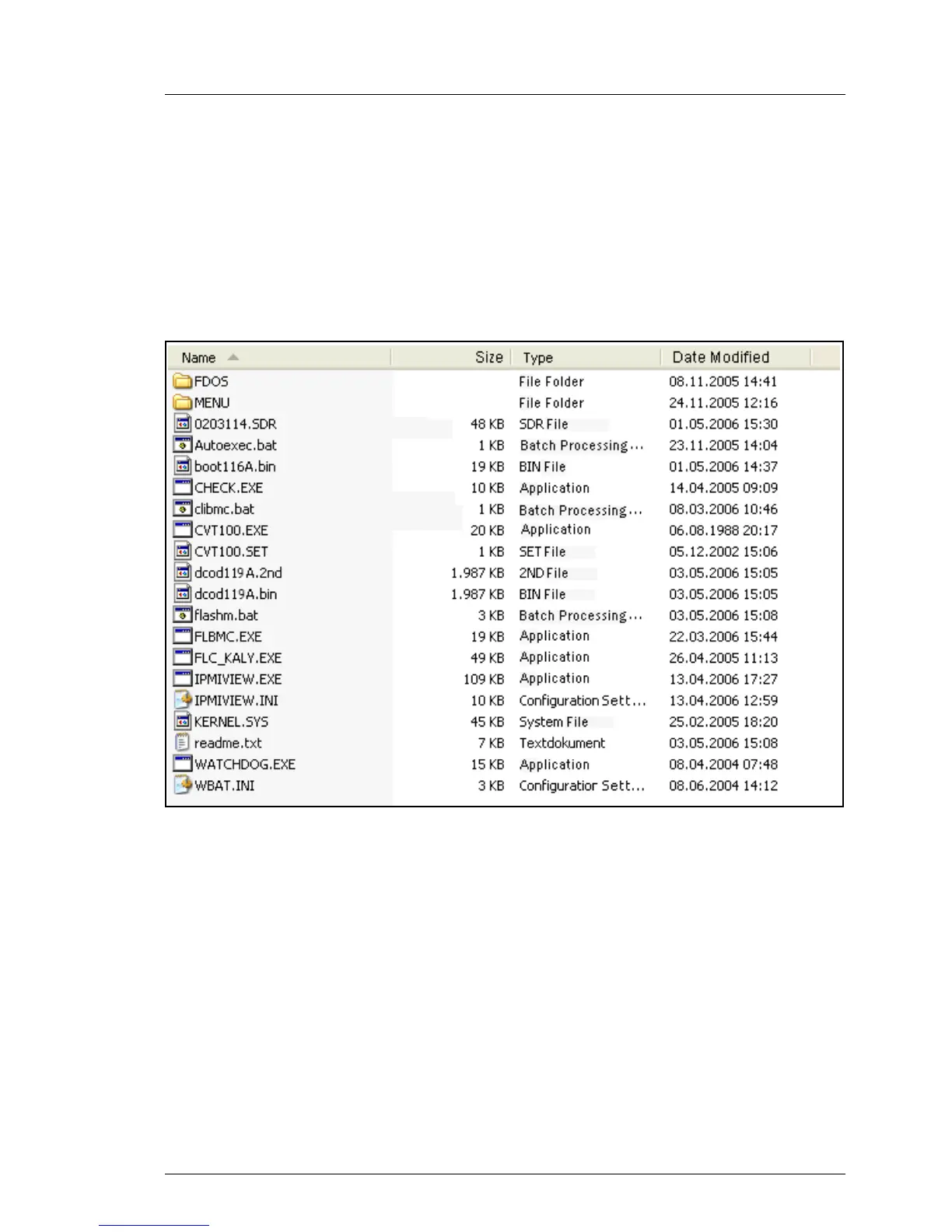
When the copy operation is complete, the flash tools and image files are present
on the USB memory stick.
Figure 220: Image files and flash tool on the USB memory stick.



 To Next Page