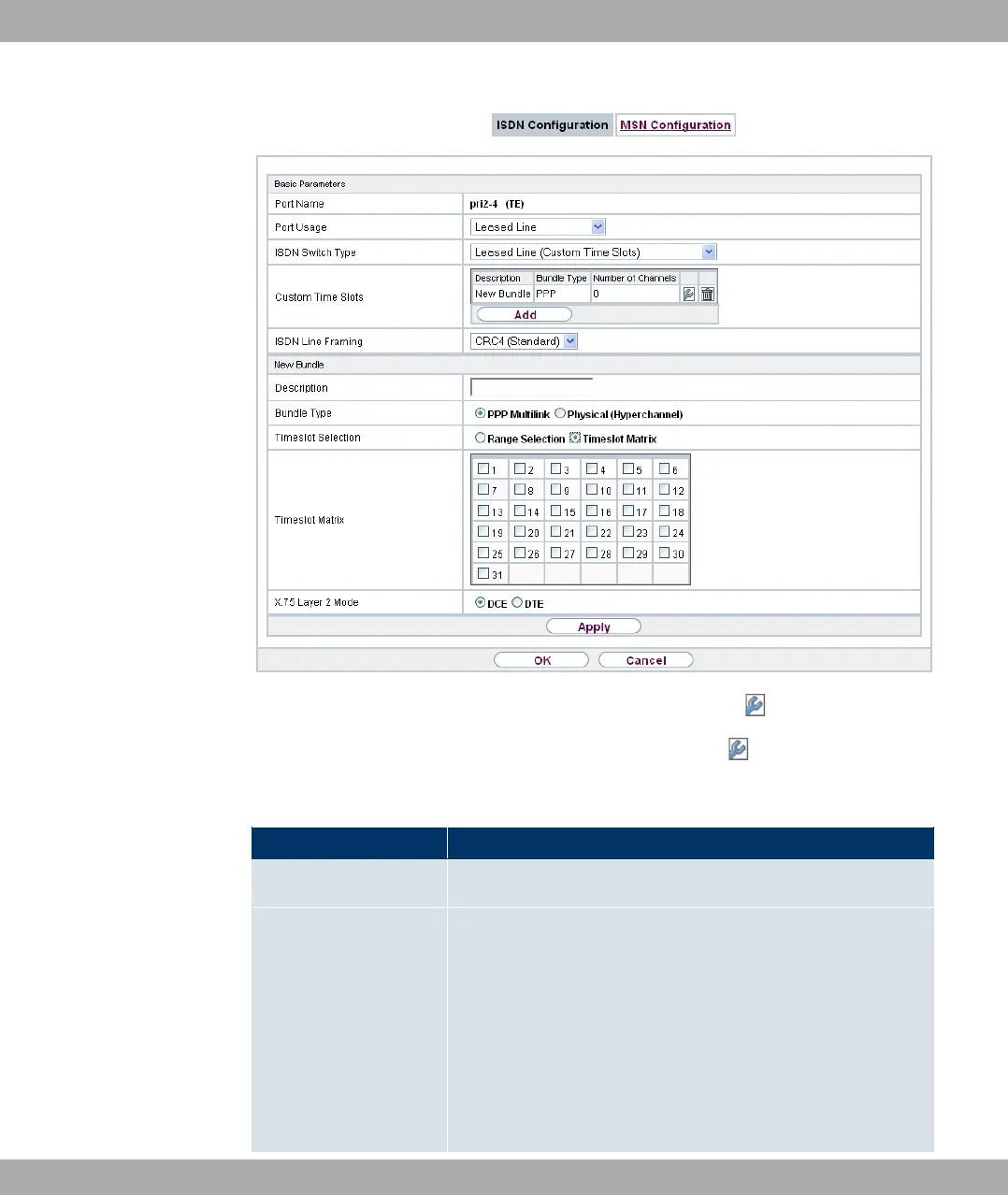
Fig. 51: Physical Interfaces->ISDN Ports->ISDN Configuration->
The Physical Interfaces->ISDN Ports->ISDN Configuration-> menu consists of the
following fields:
Fields in the Basic Parameters menu
Field Description
Port Name Shows the name of the ISDN port.
Port Usage
Select whether the ISDN switch type (D channel detection for
switched line) is to be automatically identified.
Possible values:
• * (default value): ISDN connection is not used.
• 3;? -1* -( +": EURO ISDN S2M User Profile
• 3;? -1* -( *+": EURO ISDN S2M Network Profile
• >% >% /,": Two S2M connections are dir-
11 Physical Interfaces Funkwerk Enterprise Communications GmbH
132 bintec Rxxx2/RTxxx2



 To Next Page