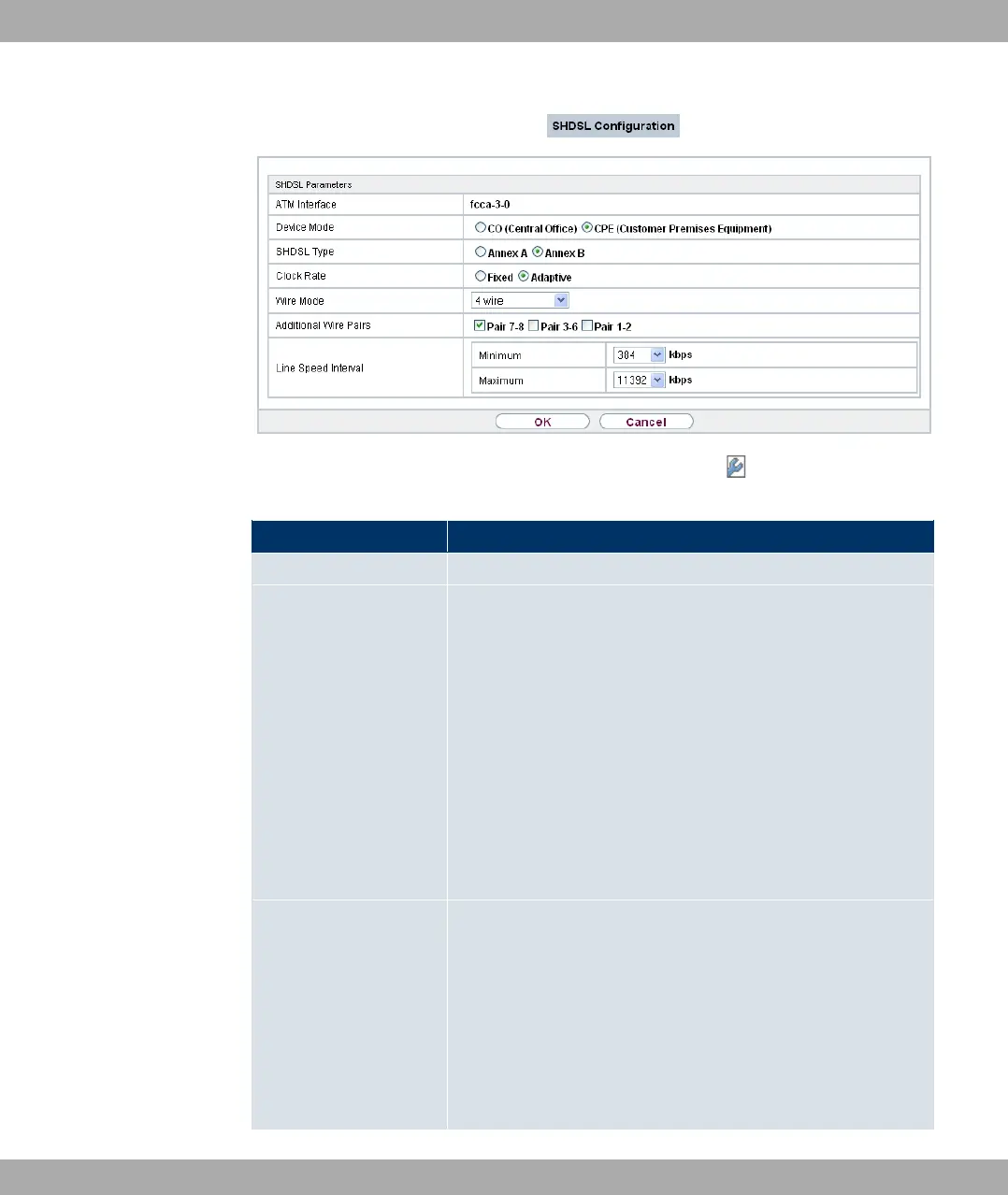
Fig. 54: Physical Interfaces+SHDSL->SHDSL Configuration->
Fields in the SHDSL Parameters menu
Field Description
ATM Interface Displays the name of the ATM interface.
Device Mode Define the role within the connection.
Possible values:
• 4 4& && F," (default value):
Mode for the user page of the SHDSL connection.
• 4? 4/ ?%": Mode for the provider page of the
SHDSL connection.
Note: CPE on the one hand and CO on the other hand must al-
ways be set for each SHDSL connection. All the pairs of wires
should also be set to the same mode - no mixed mode is pos-
sible.
SHDSL Type Define which Annex of ITU-T Recommendation G.991.2 is used
for the connection.
Possible values:
• 0= 0: For applications in North America
(provider-dependent).
• 0= > (default value): For applications in Europe
(provider-dependent) for example.
Funkwerk Enterprise Communications GmbH
11 Physical Interfaces
bintec Rxxx2/RTxxx2 143



 To Next Page