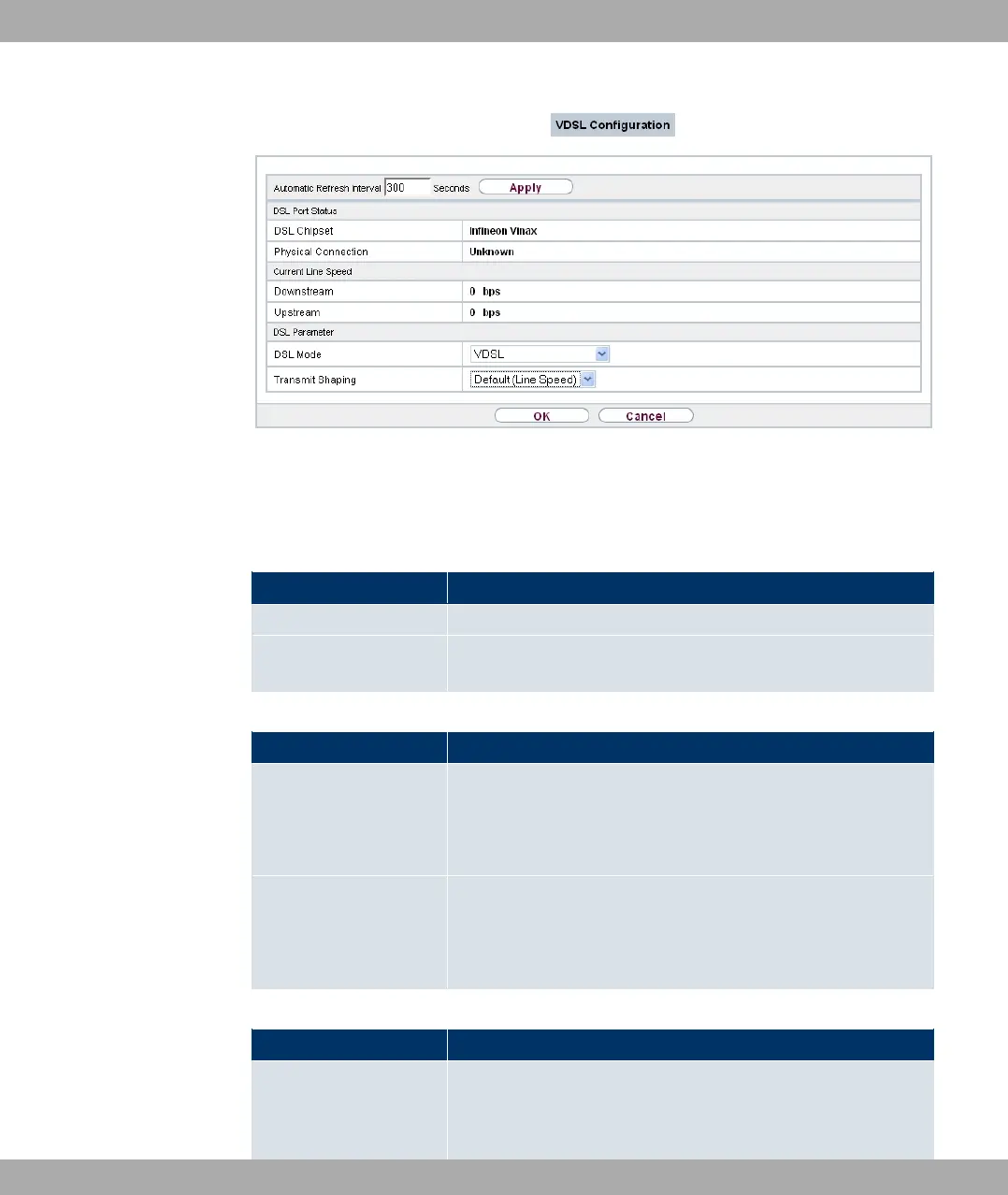
Fig. 55: Physical Interfaces->VDSL Modem->VDSL Configuration
The menu Physical Interfaces->VDSL Modem->VDSL Configuration consists of the fol-
lowing fields:
Fields in the DSL Port Status menu
Field Description
DSL Chipset Shows the key of the installed chipset.
Physical Connection
Shows the current VDSL operation mode. The value cannot be
changed.
Fields in the Current Line Speed menu
Field Description
Downstream
Displays the data rate in the receive direction (direction from
CO/DSLAM to CPE/router) in bits per second.
The value cannot be changed.
Upstream Displays the data rate in the send direction (direction from CPE/
router to CO/DSLAM) in bits per second.
The value cannot be changed.
Fields in the DSL Parameter menu
Field Description
DSL Mode
Select the DSL Mode.
Possible values:
11 Physical Interfaces Funkwerk Enterprise Communications GmbH
146 bintec Rxxx2/RTxxx2



 To Next Page