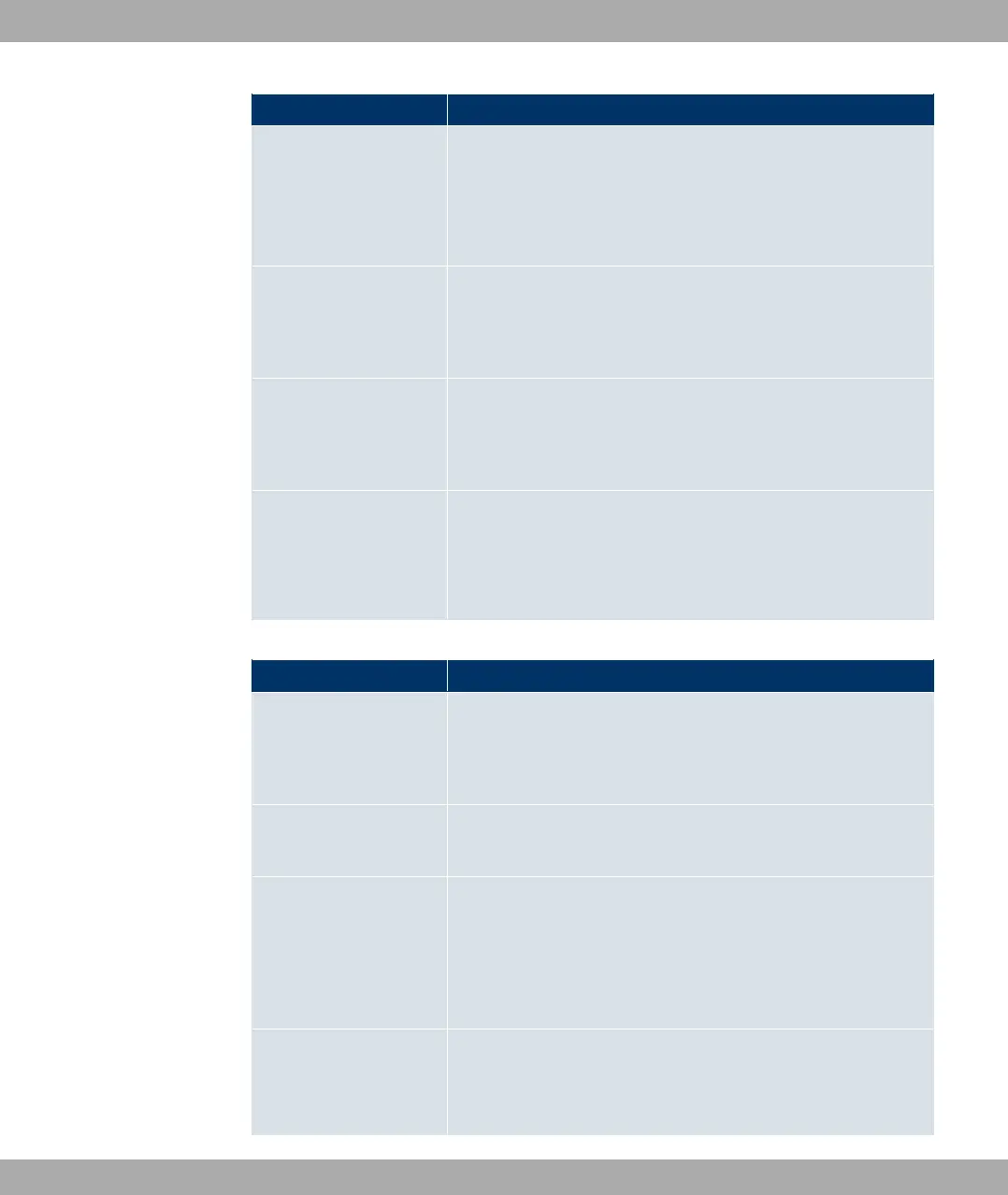
Field Description
• in the WAN: You define a route without a transit network.
• %:
• in the LAN: You define a gateway route.
• in the WAN: You define a route with a transit network.
Local IP Address Only for Network Type = 1%
Enter the IP address of the gateway to which your device is to
forward the IP packets.
Gateway Only for Network Type = %
Enter the IP address of the host to which your device is to for-
ward the IP packets.
Metric Select the priority of the route.
The lower the value, the higher the priority of the route.
Value range from to , The default value is .
Fields in the Extended Route Parameters menu
Field Description
Source Interface Select the interface over which the data packets are to reach
the device.
The default value is *.
New Source IP Ad-
dress/Netmask
Enter the IP address and netmask of the source host or source
network.
Layer 4 Protocol Select a protocol.
Possible values: 4( , +4 , 31 , ; , - , 0@ , ?-5 ,
2+, 0) .
The default value is 0).
Source Port Only for Layer 4 Protocol = +4 or 31.
Enter the source port.
Funkwerk Enterprise Communications GmbH
14 Networking
bintec Rxxx2/RTxxx2 187



 To Next Page