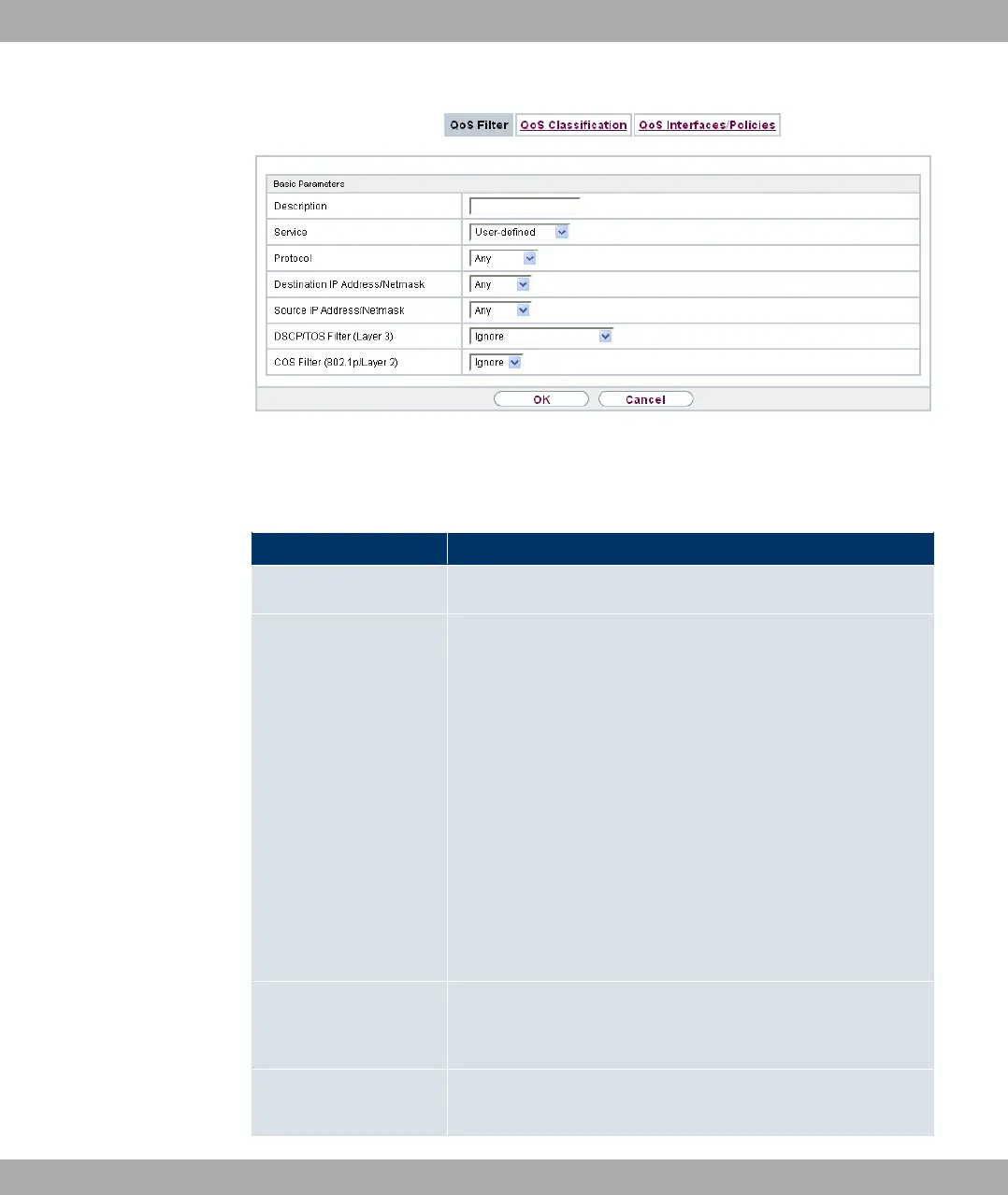
Fig. 80: Networking->QoS->QoS Filter->New
The Networking->QoS->QoS Filter->New menu consists of the following fields:
Fields in the Basic Parameters menu
Field Description
Description Enter the name of the filter.
Service
Select one of the preconfigured services. The extensive range
of services configured ex works includes the following:
• %)
• ,,/!F
•
• %$
• %/&H
• )
• %,
• &%
The default value is 3& .
Protocol Select a protocol.
The 0) option (default value) matches any protocol.
Type Only for Protocol = 4(
14 Networking Funkwerk Enterprise Communications GmbH
206 bintec Rxxx2/RTxxx2



 To Next Page