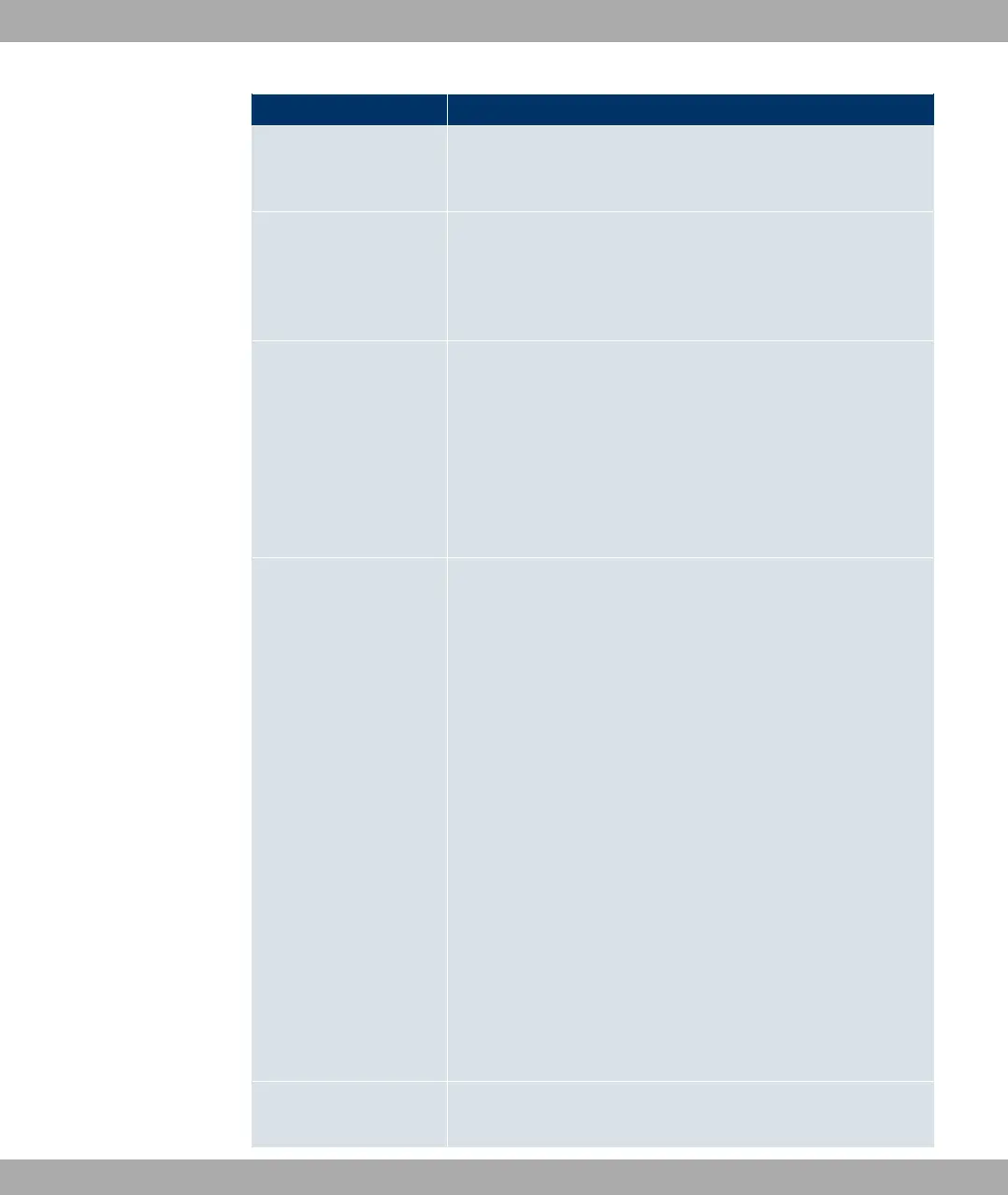
Field Description
• 1&#/ (default value): QoS is deactivated on the inter-
face. The existing configuration is not deleted, but can be ac-
tivated again if required.
Traffic shaping Activate or deactivate data rate limiting in the send direction.
The function is enabled with #/.
The function is disabled by default.
Maximum Upload
Speed
Only for Traffic shaping enabled.
Enter a maximum data rate for the queue in the send direction
in kbits.
Possible values are to .
The default value is , i.e. no limits are set, the queue can oc-
cupy the maximum bandwidth.
Protocol Header Size
below Layer 3
Choose the interface type to include the size of the respective
overheads of a datagram when calculating the bandwidth.
Possible values:
• 3& (value in bytes; possible values are to .)
• Undefined (Protocol Header Offset=0) (default value)
Can only be selected for Ethernet interfaces
•
• 820*
•
• 820*
Can only be selected for IPSec interfaces:
• -%
• -% 820*
• -%
• -% 820*
Encryption Method Can only be selected if a peer is dialled as the interface.
Funkwerk Enterprise Communications GmbH
14 Networking
bintec Rxxx2/RTxxx2 213



 To Next Page