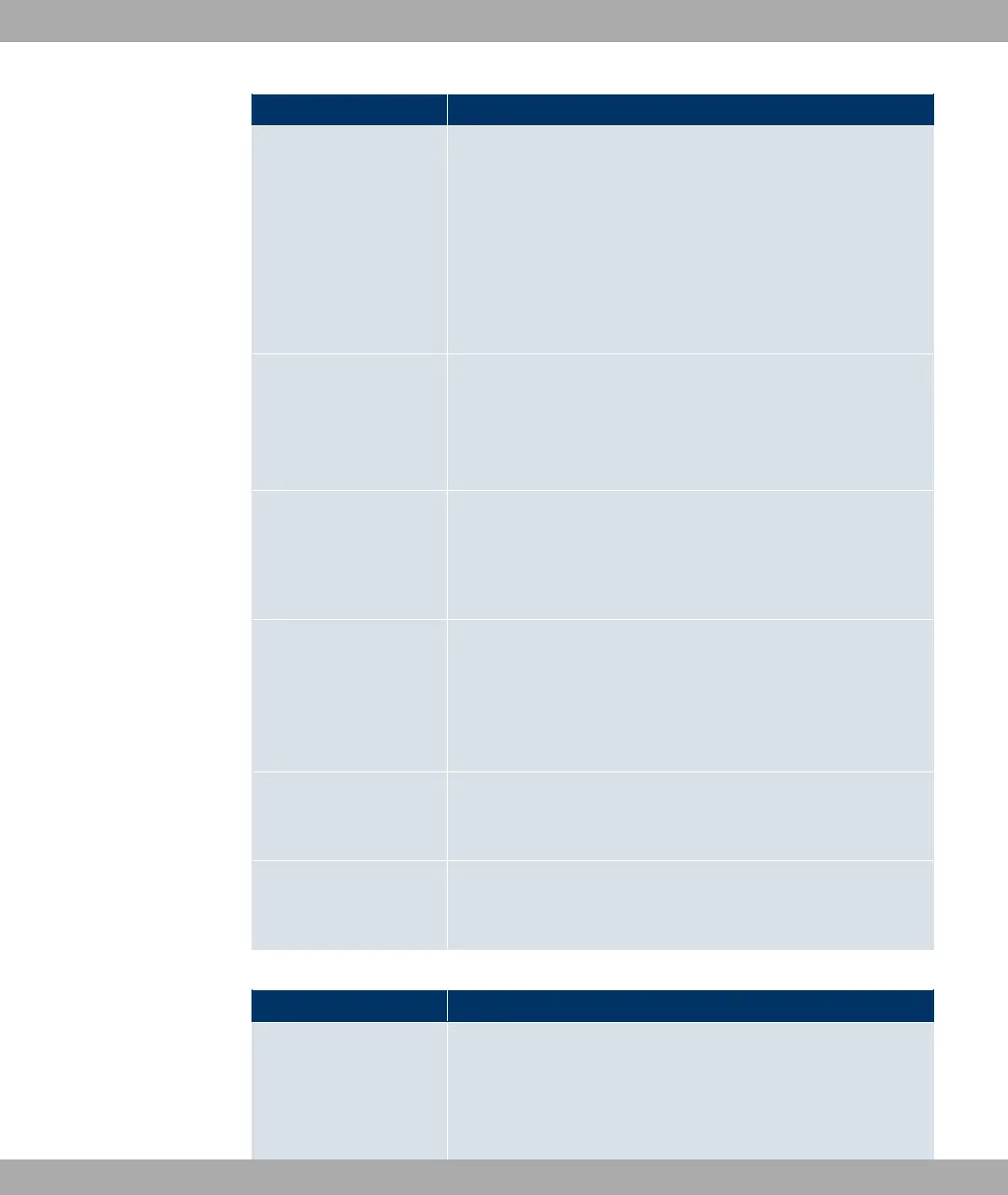
Field Description
Enter an IP address to be used as sender address for the ping
test.
Possible values:
• 0% (default value): The IP address of the interface
over which the ping is sent is automatically entered as sender
address.
• -,%%: Enter the desired IP address in the input field.
Status
Only for Event Type $ +&
Select whether Destination IP Address ;%#/ must be
(default value) or 3%#/ in order to initiate the opera-
tion.
Interval
Only for Event Type $ +&
Enter the time in Seconds after which a ping must be resent.
The default value is seconds.
Trials
Only for Event Type $ +&
Enter the number of ping tests to be performed until Destina-
tion IP Address as 3%#/ applies.
The default value is '.
Monitored Certificate
Only for Event Type 4% 2
Select the certificate whose validity should be checked.
Remaining Validity
Only for Event Type 4% 2
Indicate the remaining validity of the certificate in percentage.
Fields in the Select time interval menu
Field Description
Time Condition For Event Type + only
First select the type of time entry in Condition Type.
Possible values:
21 Local Services Funkwerk Enterprise Communications GmbH
446 bintec Rxxx2/RTxxx2



 To Next Page