21.7.2.1 New
Choose the New button to configure additional operations.
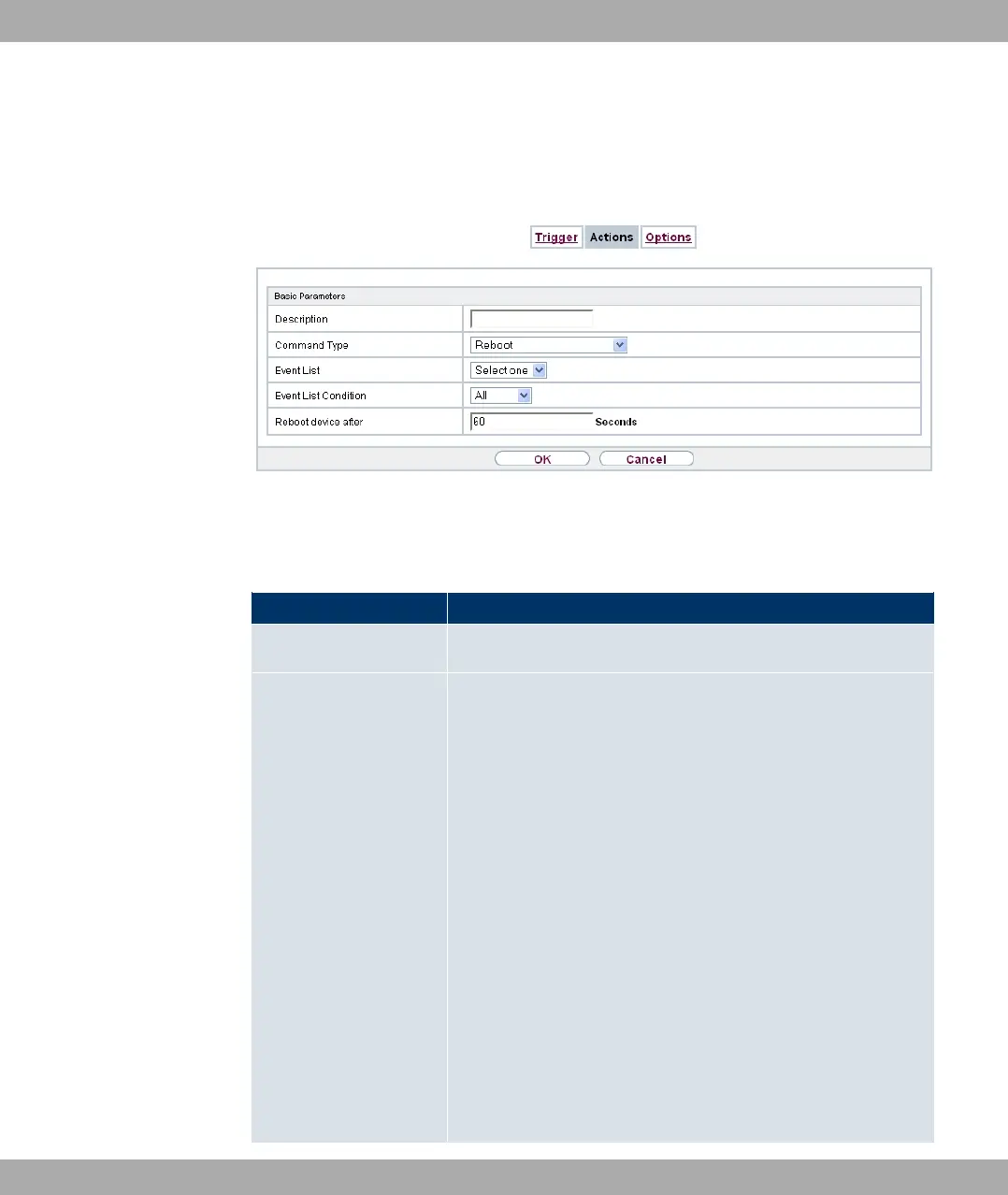
Fig. 177: Local Services->Scheduling->Actions->New
The menu Local Services->Scheduling->Actions->New consists of the following fields:
Fields in the Basic Parameters menu
Field Description
Description
Enter your chosen designation for the action.
Command Type
Select the desired action.
Possible values:
• ;# (default value): Your device is rebooted.
• (>7-*(: The desired value is entered for a MIB variable.
• % -&: The status of an interface is modified.
• - 3,: A software update is initiated.
• 4$ ($: A configuration file is loaded
onto your device or backed up by your device.
• $ +&: Accessibility of an IP address is checked.
• 4% ($: A certificate is to be renewed,
deleted or entered.
• :246 * *$# -%: A Neighbor Scan is initiated in
a WLAN network controlled by the WLAN controller.
• :246 8-- -: The status of a wireless network is modi-
fied.
21 Local Services Funkwerk Enterprise Communications GmbH
448 bintec Rxxx2/RTxxx2



 To Next Page