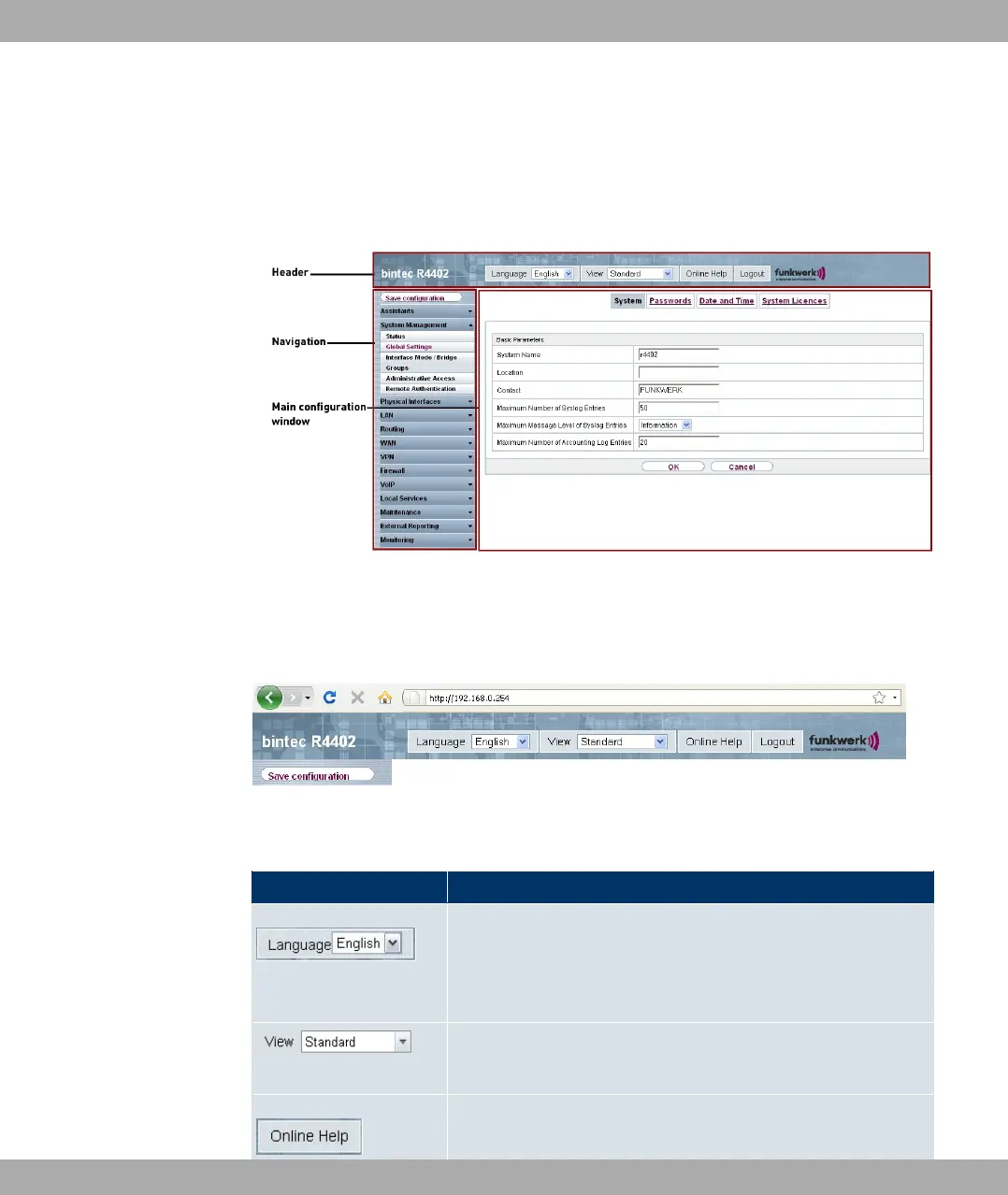
The Funkwerk Configuration Interface window is divided into three areas:
• The header
• The navigation bar
• The main configuration window
Fig. 21: Areas of the Funkwerk Configuration Interface
Header
Fig. 22: Funkwerk Configuration Interface header
Funkwerk Configuration Interface header
Menu Function
Language: In the dropdown menu, choose the language in
which you want to display theFunkwerk Configuration Inter-
face. Here you can choose the language in which you perform
the configuration. German and English are available.
View: Select the desired view from the dropdown menu. Stand-
ard and SNMP browsers can be selected.
Online Help: Click this button if you want help with the menu
Funkwerk Enterprise Communications GmbH
8 Access and configuration
bintec Rxxx2/RTxxx2 59



 To Next Page