Icon Function
Displays the previous page in a list.
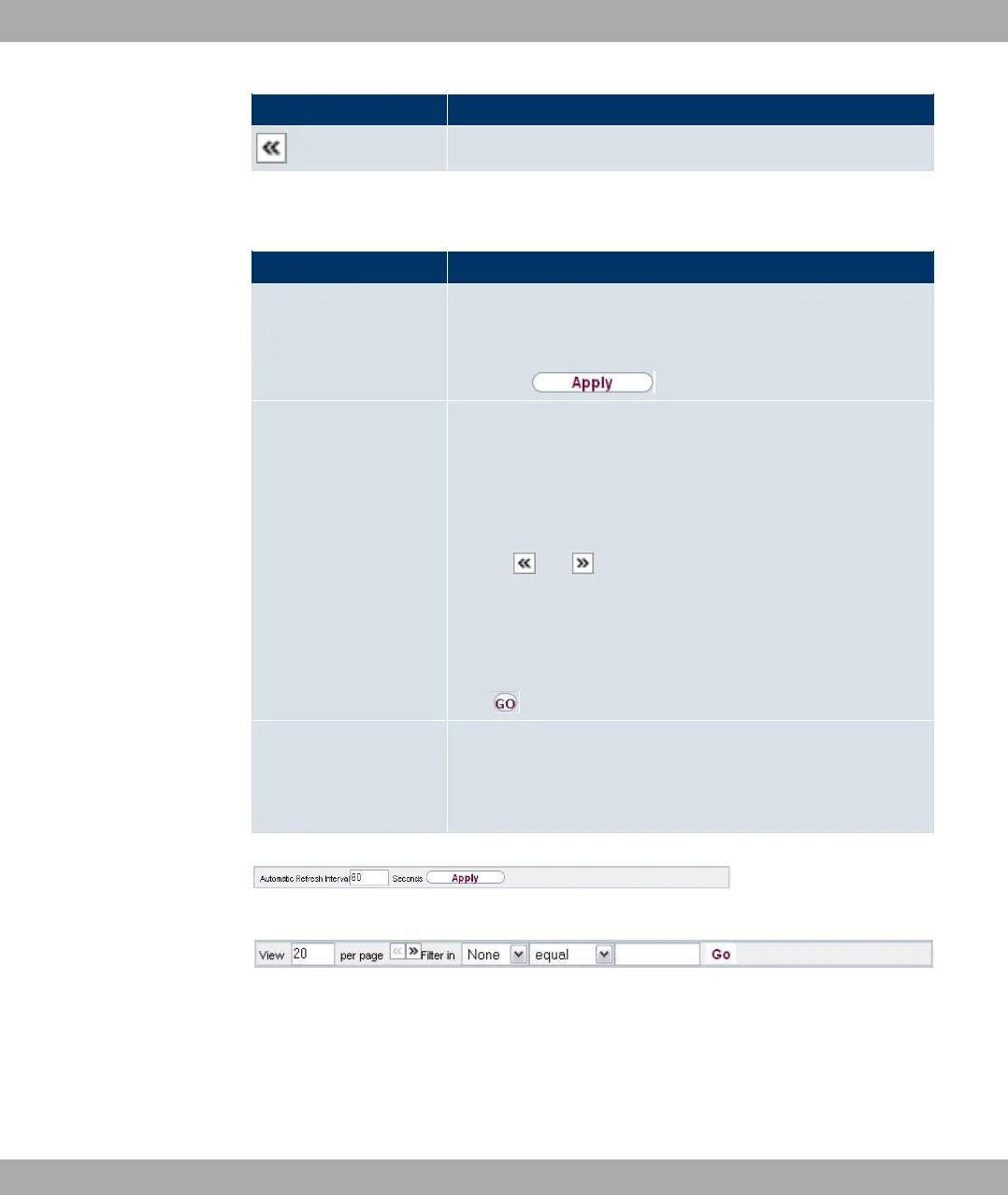
You can select the following operating functions in the list view:
Funkwerk Configuration Interface list options
Menu Function
Update Interval Here you can set the interval in which the view is to be updated.
To do this, enter a period in seconds in the input field and con-
firm it with .
Filter You can have the list entries filtered and displayed according to
certain criteria.
You can determine the number of entries displayed per page by
entering the required number in Viewxper page.
Use the and buttons to scroll one page forward and one
page back.
You can filter according to certain keywords within the configur-
ation parameters by selecting the filter rule you want under Fil-
ter inx <Option> y and entering the search word in the input
field. launches filter operation.
Configuration elements Some lists contain configuration elements.
You can therefore change the configuration of the correspond-
ing list entry directly in the list.
Fig. 25: Configuration of the update interval
Fig. 26: Filter list
Structure of the Funkwerk Configuration Interface configuration menus
The menus of the Funkwerk Configuration Interface contain the following basic struc-
tures:
8 Access and configuration Funkwerk Enterprise Communications GmbH
64 bintec Rxxx2/RTxxx2



 To Next Page