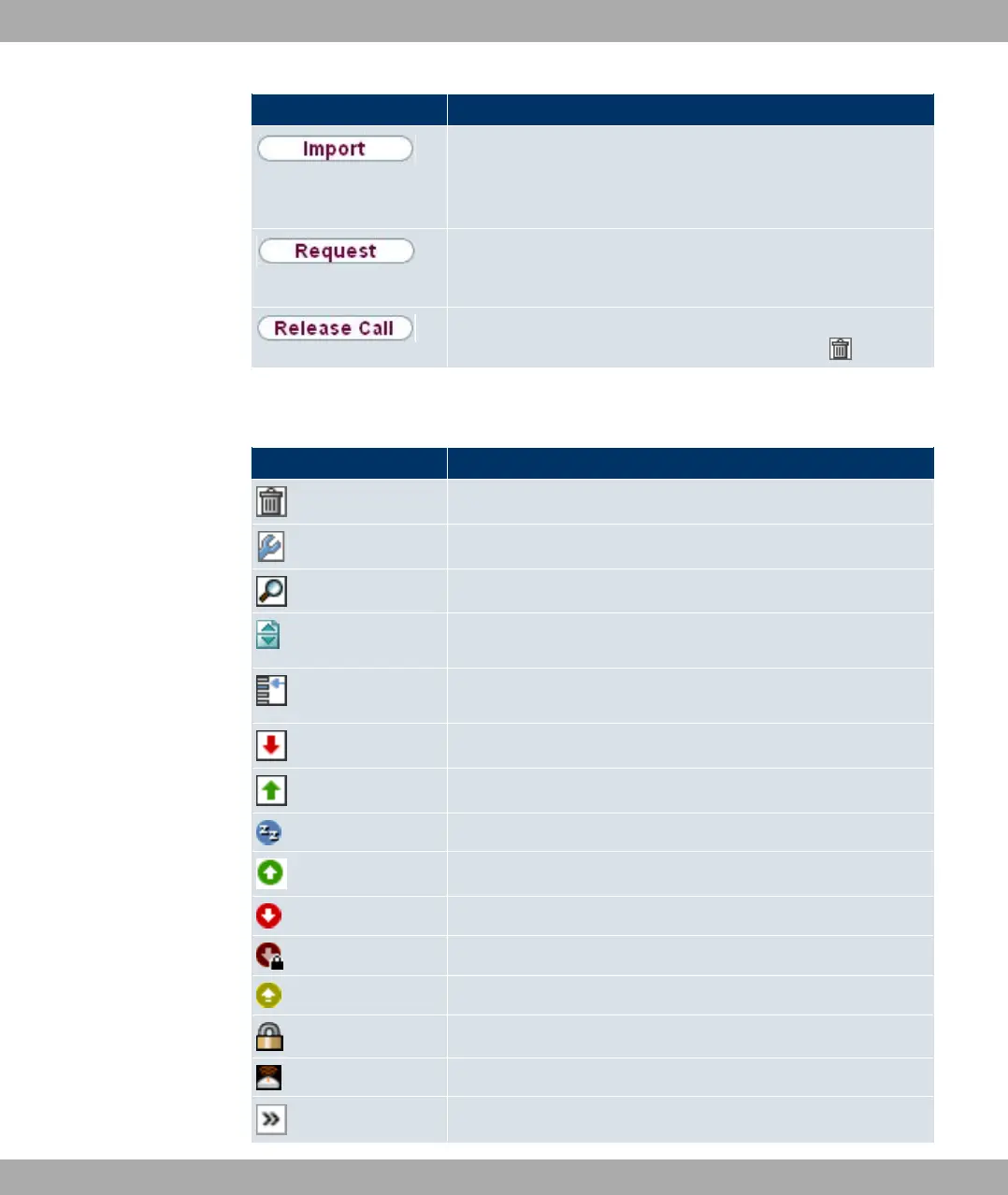
Button Function
In the System Management->Certificates->Certificate List
menu and the System Management->Certificates->CRLs
menu, this button activates the sub-menus for configuration of
the certificate or CRL imports.
In the System Management->Certificates->Certificate List
menu, this button activates the sub-menu for the configuration
of the certificate request.
In the Monitoring->ISDN/Modem->Current Calls menu, press-
ing this button ends the active calls selected in the column.
Various icons indicate the following possible actions or statuses:
Funkwerk Configuration Interface icons
Icon Function
Deletes the list entry.
Displays the menu for changing the settings of an entry.
Displays the details for an entry.
Moves an entry. A combo box opens in which you can choose
the list entry that selected entry is to be placed in front of/after.
Creates another list entry first and opens the configuration
menu.
Sets the status of the entry to % .
Sets the status of the entry to 0%.
Indicates "Dormant" status for an interface or connection.
Indicates "Up" status for an interface or connection.
Indicates "Down" status for an interface or connection.
Indicates "Blocked" status for an interface or connection.
Indicates "Going up" status for an interface or connection.
Indicates that data traffic is encrypted.
Triggers a WLAN bandscan.
Displays the next page in a list.
Funkwerk Enterprise Communications GmbH
8 Access and configuration
bintec Rxxx2/RTxxx2 63



 To Next Page