DigiDevice
50
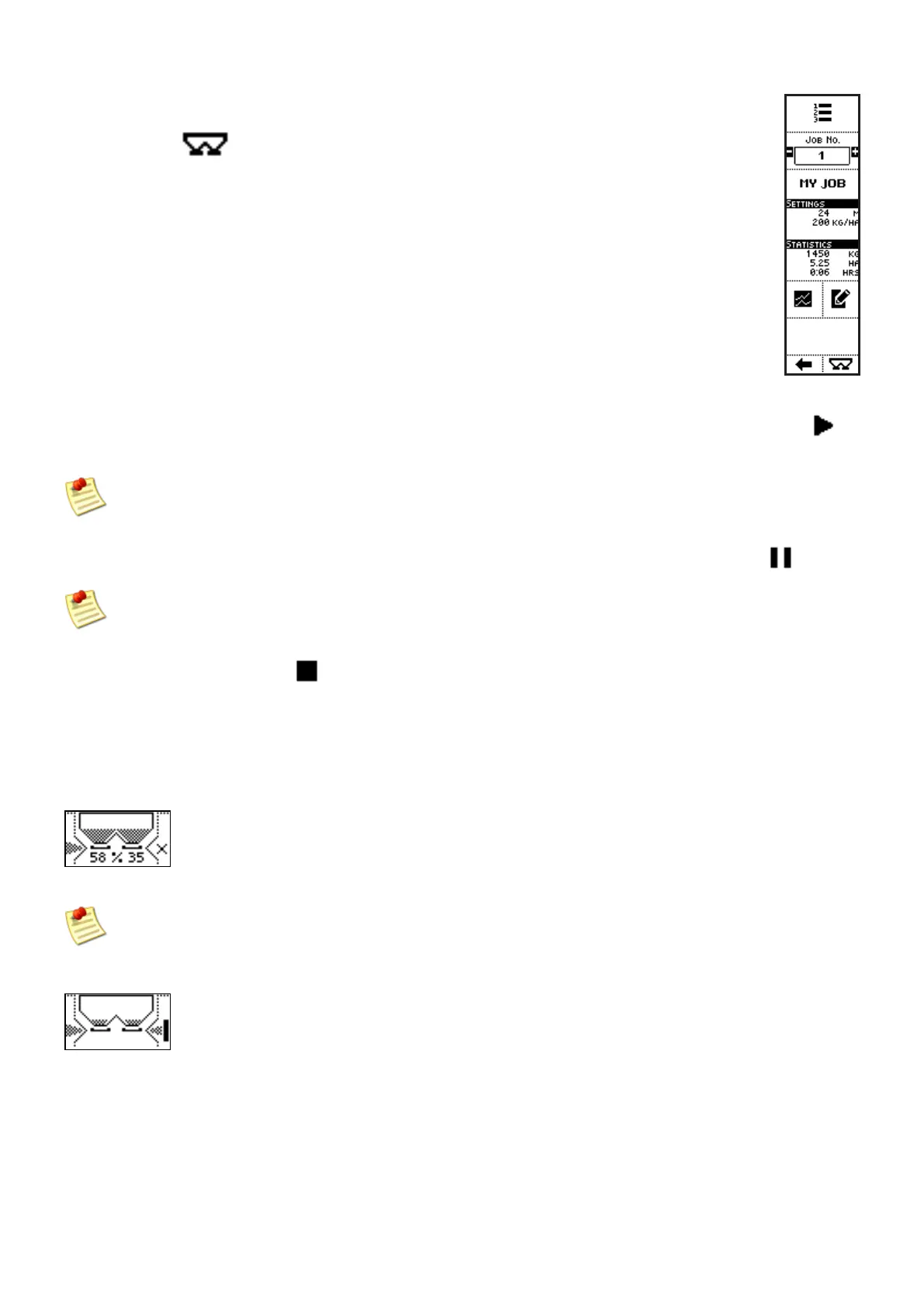
From the job selection screen, directly access the operating mode, by pressing the key
below the icon
.
Now the operating mode is selected and it is only necessary to press the side key near the icon
to
start working based on set configuration.
In manual mode, set first the percentage of shutters opening (see description of the Manual
mode
Once started the job, the work session can be paused pressing the side key near the icon
The pause command drives the shutters to close, but not the update of statistics and evaluations
referring the job
The side key near to the icon
commands spreading stop, with consequent end of the work session,
shutters closure and update of statistics and evaluations referring the job.
In order to fertilize the soil on the filed’s borders or, in any case, to stop spreading on a side of the
machine, press the left or right key near to the graphic visualization of the machine.
EXAMPLE: RIGHT SHUTTER CLOSED
When the border kit is installed, in the working modes SPEED, SEMI and AUTO, the keys near
to the graphic visualization of the machine command, besides closure (and open) of shutters,
also the activation of the function “border”
EXAMPLE: BORDER FUNCTION ACTIVATED ON THE RIGHT



 To Next Page